1
Understand what happens in the background
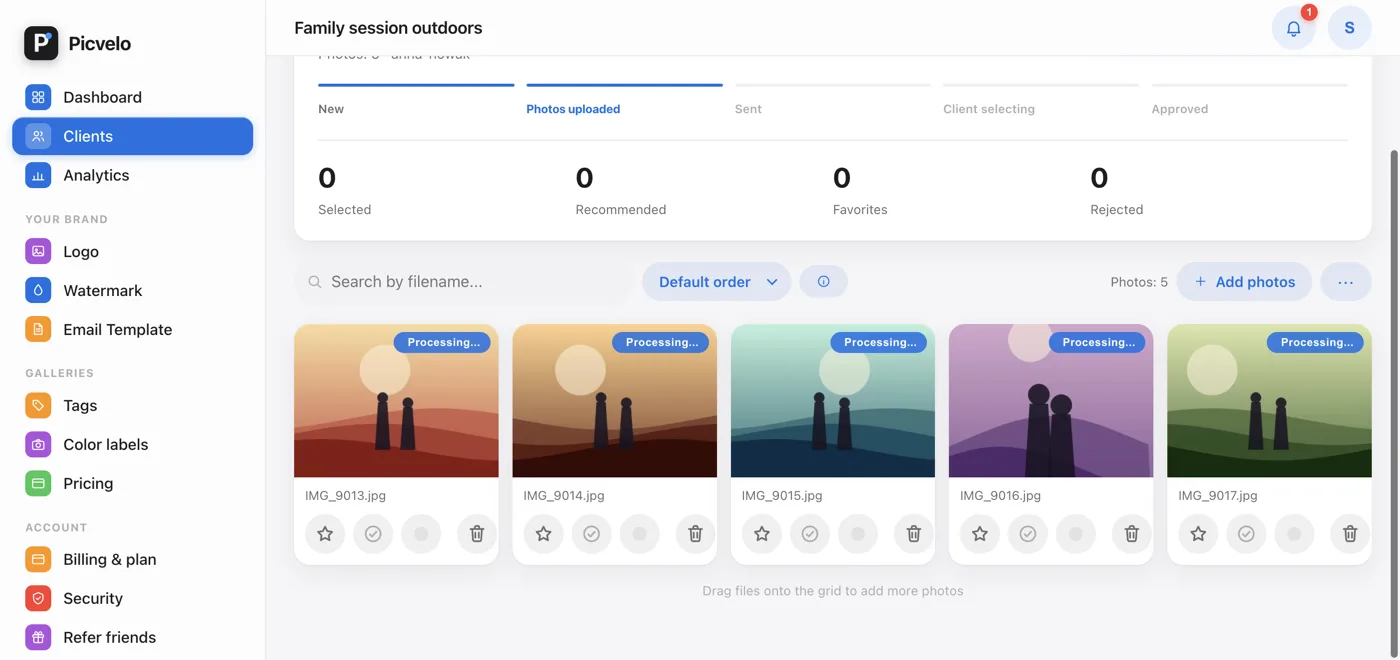
The upload finishes right away, but the processing runs separately: making the working copy, adding the watermark, creating the thumbnail and the preview. That way you don't have to keep your browser open.
2
Refresh the page after a moment
For single photos it takes seconds, for batches of several hundred photos a few minutes. The badge doesn't go away by itself, so refresh the gallery to see the current state.
3
Wait for the automatic retry
Jobs stuck for more than 15 minutes are picked up again by the system. You don't need to upload anything again, uploading the same file a second time only takes up extra storage.
4
Report it if nothing changes
If the photo is still processing after an hour, write to us through the contact form with the gallery name and roughly when you uploaded. We'll check the queue on our side.