How a client opens the gallery
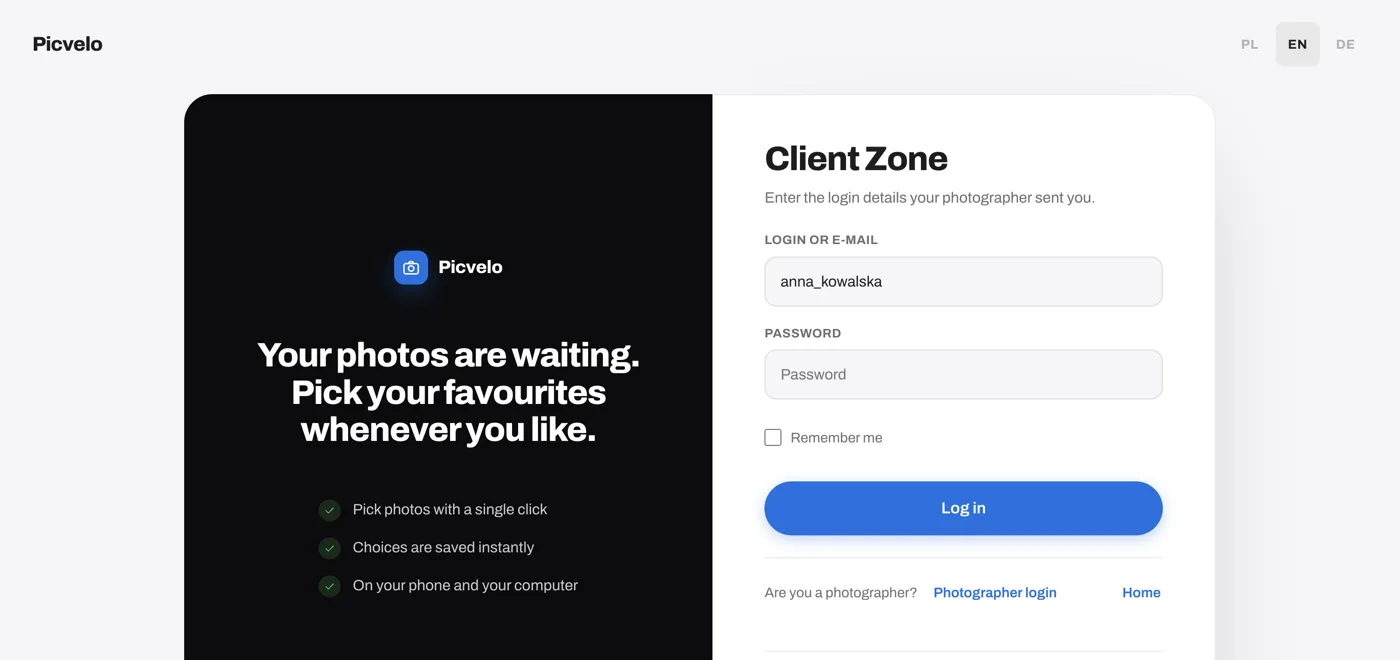
A Picvelo gallery is not a link anyone can pass on. Your client signs in at picvelo.com/login with the login and password you set, and sees only the galleries assigned to them.
- In the Clients tab, click Add client and set a login (at least 6 characters) and a password. Generate password fills in a random one.
- Create a gallery for that client and upload the photos.
- Click Send the gallery to your client. The email carries the sign-in link, the login and the password. The client needs an email address on file.
Decide who can see it and for how long
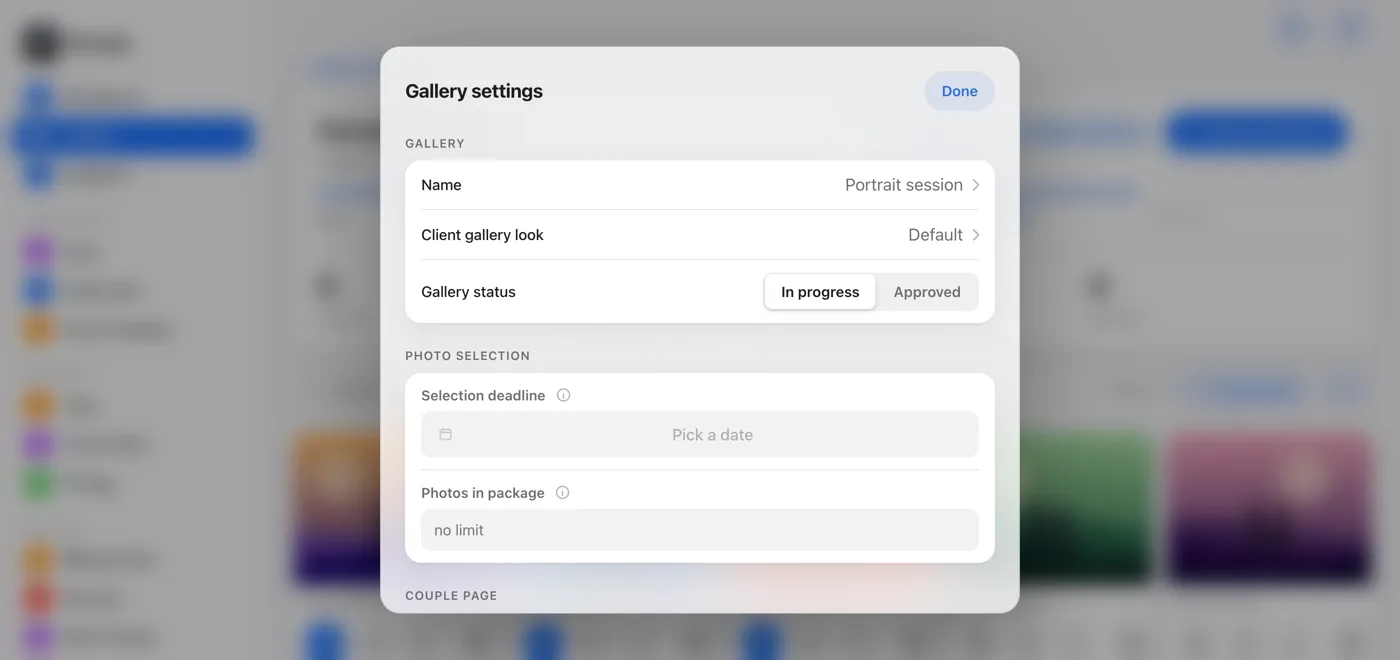
On the gallery page, click Gallery settings to control when the gallery is open for picking.
- Set the Selection deadline. Your client sees it at the top of the gallery, and you get a reminder on your dashboard when it gets close.
- Switch Gallery status to Approved when the selection is final. That closes the selection and keeps the picks made so far.
- To cut off access, change the password on the client's page (Edit, then Change password) and send the gallery again.
Protect the photos as well as the gallery
The password decides who gets in. These settings decide what the previews are good for.
- Selection galleries show watermarked previews. The originals stay with you.
- Turn on Enhanced protection in the gallery settings: previews are cut to 900 px and compressed hard, fine on screen and useless for print.
- Galleries sit behind a sign-in, so a search engine sees at most the sign-in form.

After the client has chosen
Once the client confirms the selection, you download a Lightroom list (TXT) with the file names or a ZIP of the selected photos. The finished files go out in a separate gallery, see how to deliver photos to clients.
Frequently asked questions
Is this the same as a private link?
No. A Picvelo gallery has no public link that opens it. The client signs in with a login and password you set, and sees only the galleries assigned to them.
Does my client need to create an account?
No. You create the login and password and email them with the gallery link. The client does not register and does not pay.
Can I change or remove a client's access?
Yes. On the client's page click Edit, use Show password to see the current one, and type a new password in Change password. After you change it, send the gallery again so the email carries the new details.
Can search engines find a gallery?
No. Galleries sit behind a sign-in, so a search engine sees at most the sign-in form. Only Picvelo's own pages are public.
Photo proofing · Deliver photos to clients · Help: how access to a gallery is protected · Pricing · Blog: online password protected photo galleries