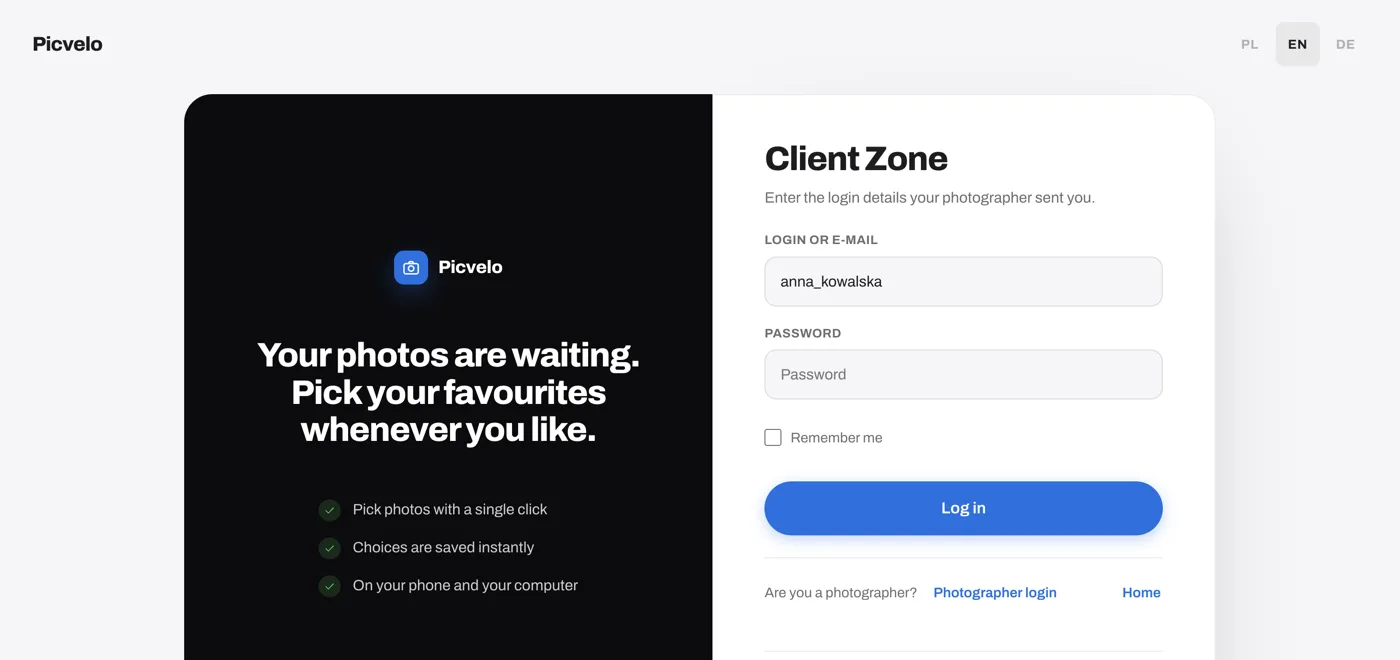
Access only after signing in
There's no public link that opens a gallery. Your client signs in at /login with the details you send them by email, and sees only their own galleries. Without those details, nobody else can see the photos.
Set the status: In progress or Approved
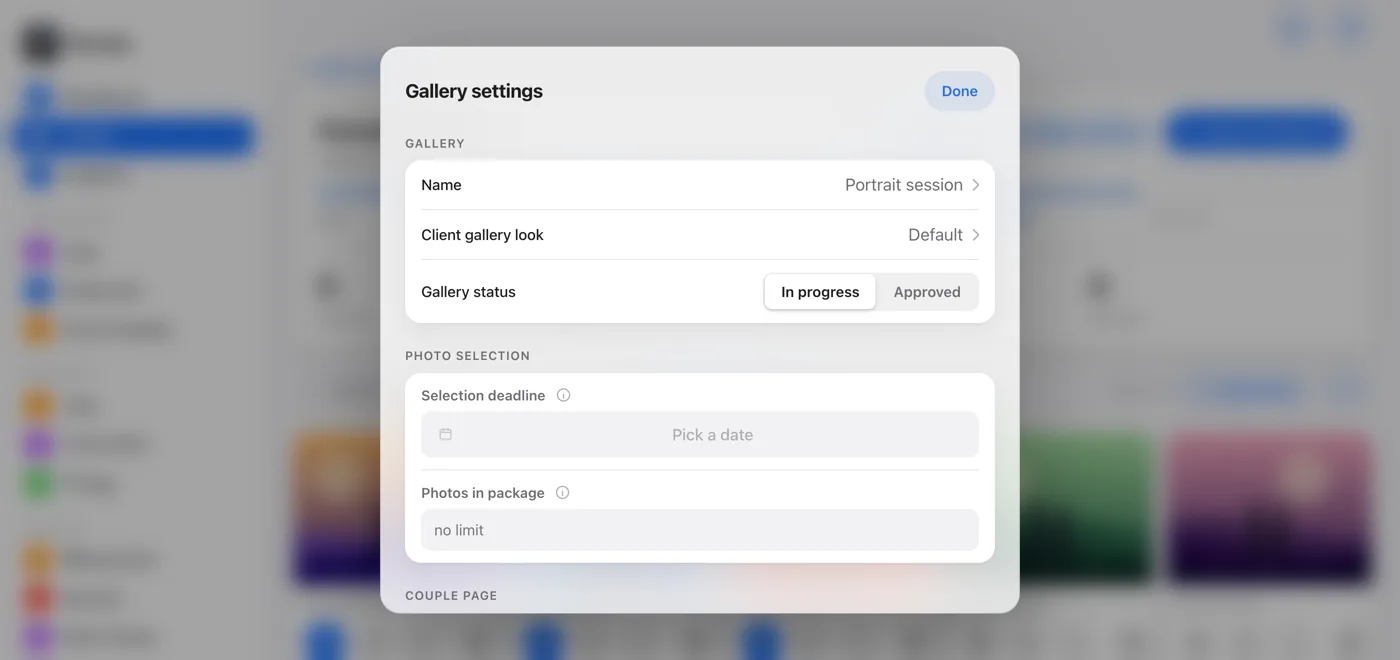
On the gallery page, click Gallery settings. The Gallery status switch has two options. In progress lets your client pick photos, and Approved closes the selection and keeps the picks made so far.
Set a selection deadline
In the same window, the Selection deadline field sets the date your client should decide by. Your client sees it at the top of their gallery, and you get a reminder on your dashboard when the deadline gets close.
Change your client's password if needed
On the client's page, click Edit. In the Edit client window, the Show password button reveals the current password, and you can type a new one in the Change password field. Leave the field blank to keep the current password.