Everything you need after the session
A password-protected gallery, client photo selection, watermarks and stats. See how each part of Picvelo works.
From upload to a finished selection list.
Online Photo Gallery for Photographers
Upload photos, organize into galleries and share with clients, all from one panel.
- Gallery behind a login and password, no files sent by email
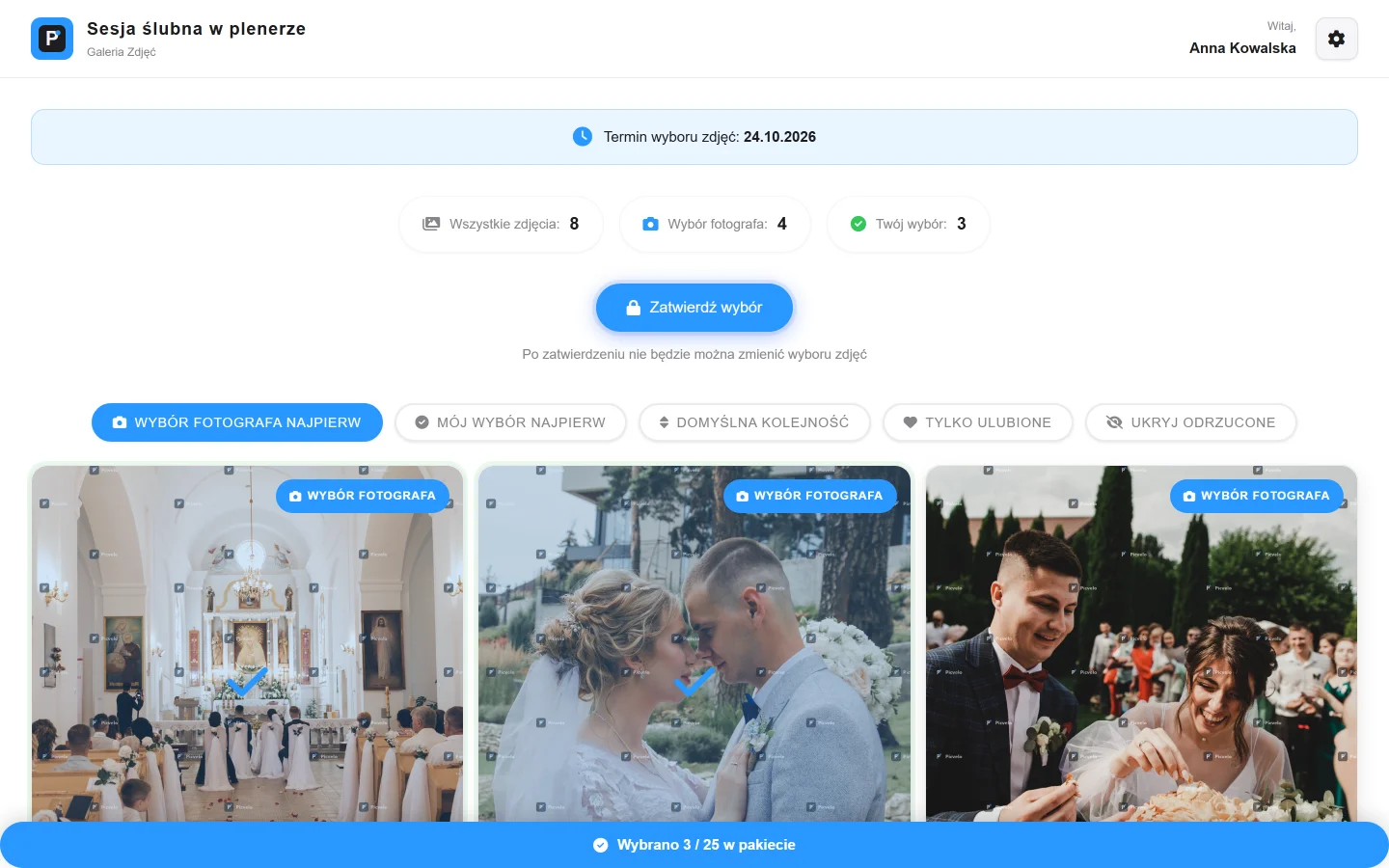
- Selection deadline shown to the client, with a reminder
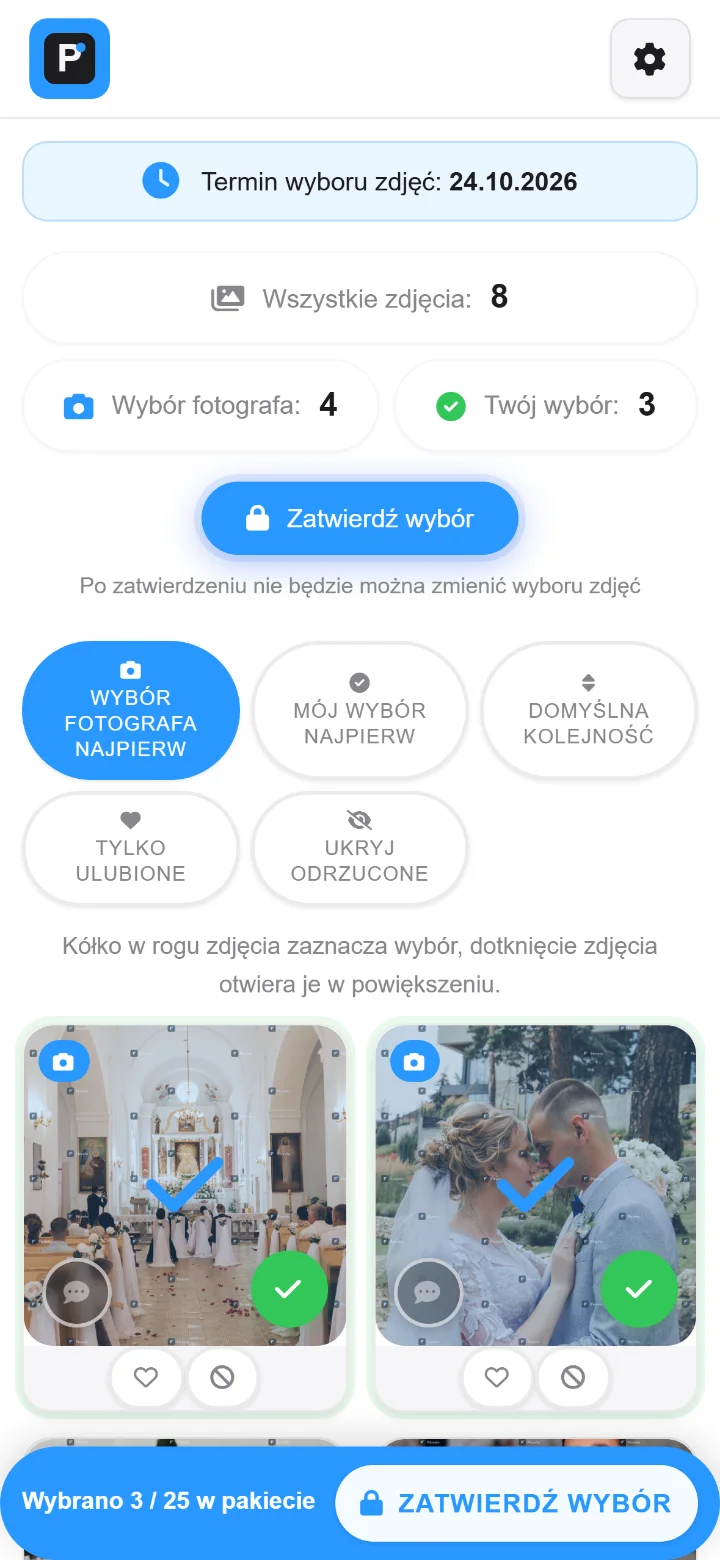
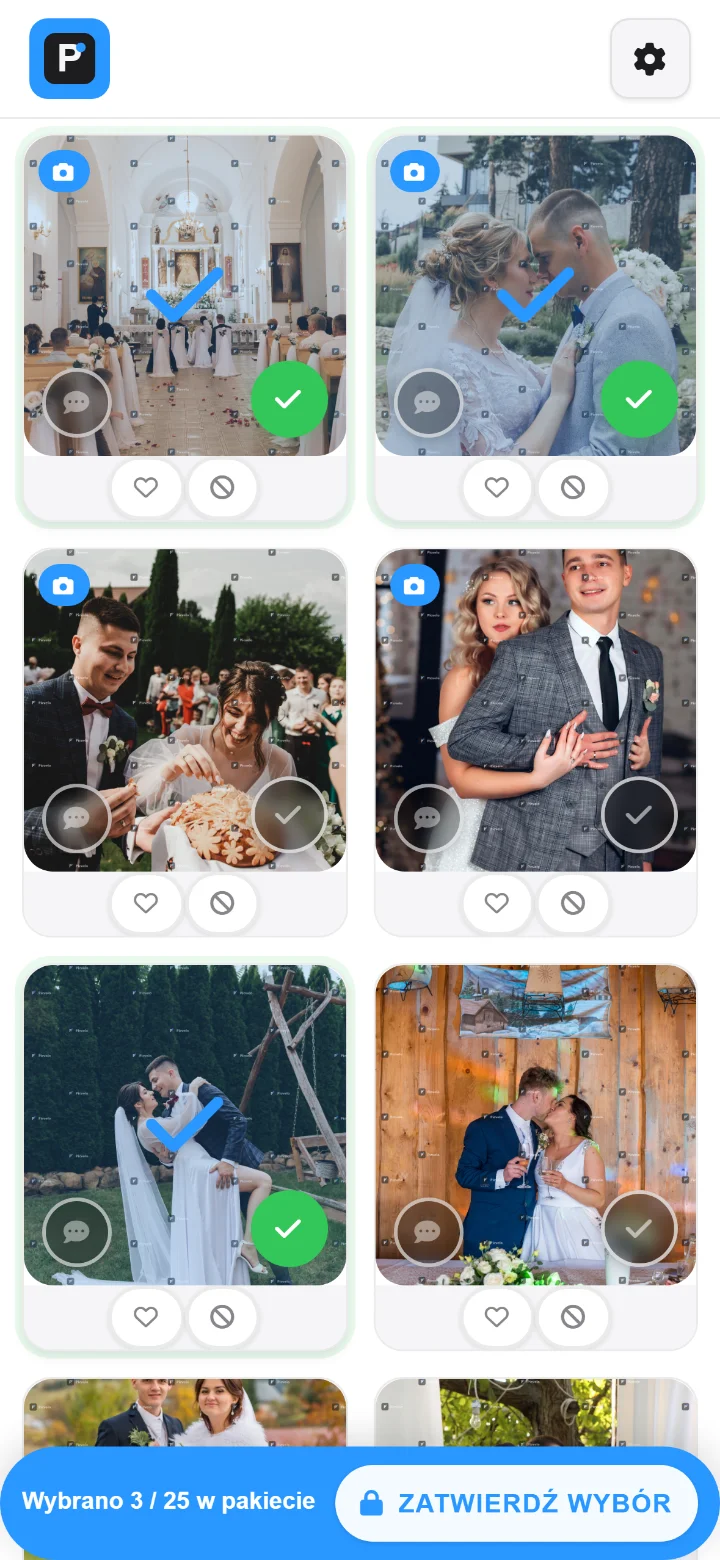
- A "3 of 25 in the package" counter stays on screen
Organize galleries and photos online
Create clients, add galleries, upload photos. The client logs in, browses and selects. No emails or drives.
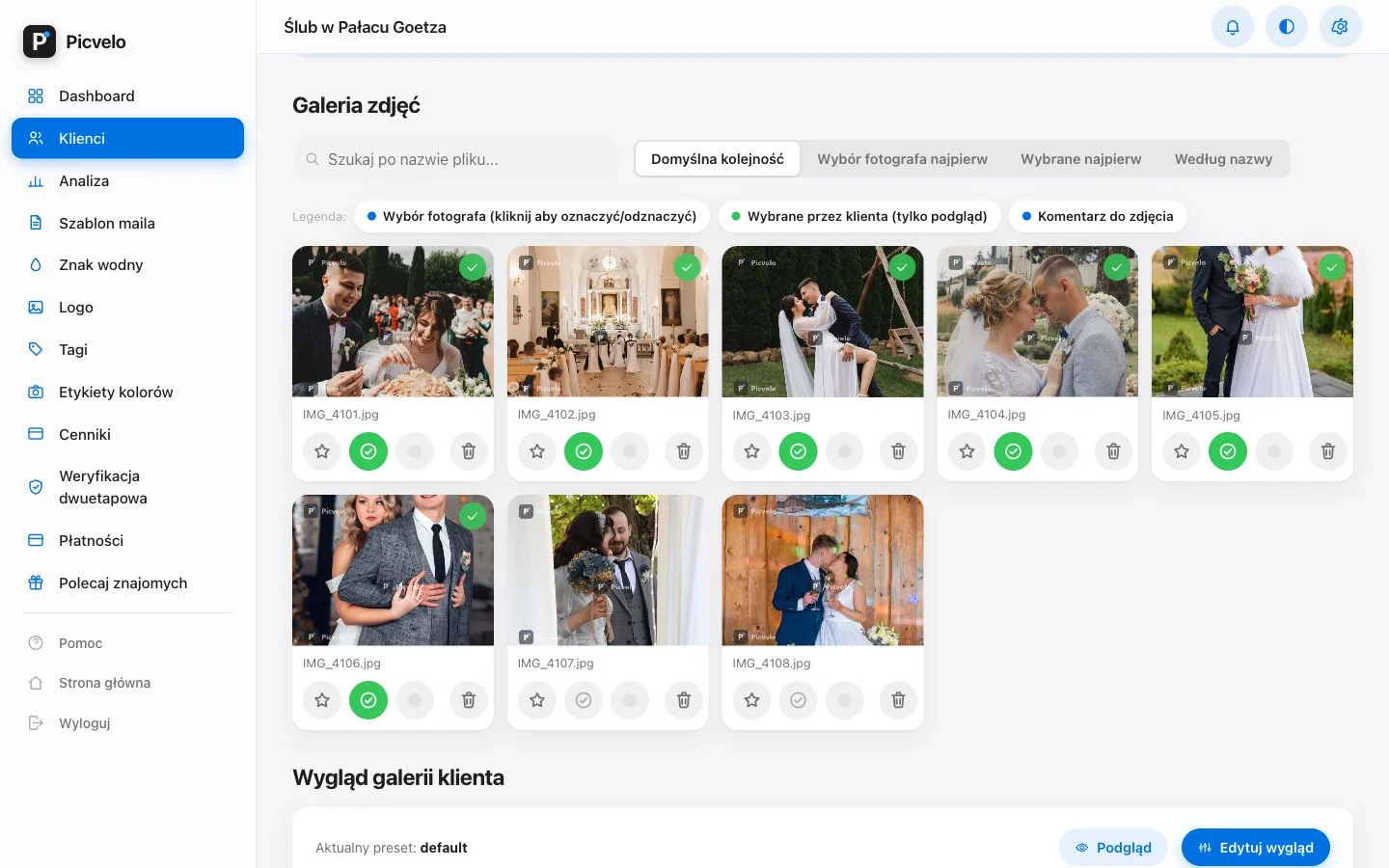
- Sorting: photographer picks, client picks, file name
- Stars, colour labels and gallery tags
- Download the selection as a ZIP or a Lightroom list
Client zone for photographers
One place for all your clients, their galleries and photo selections.
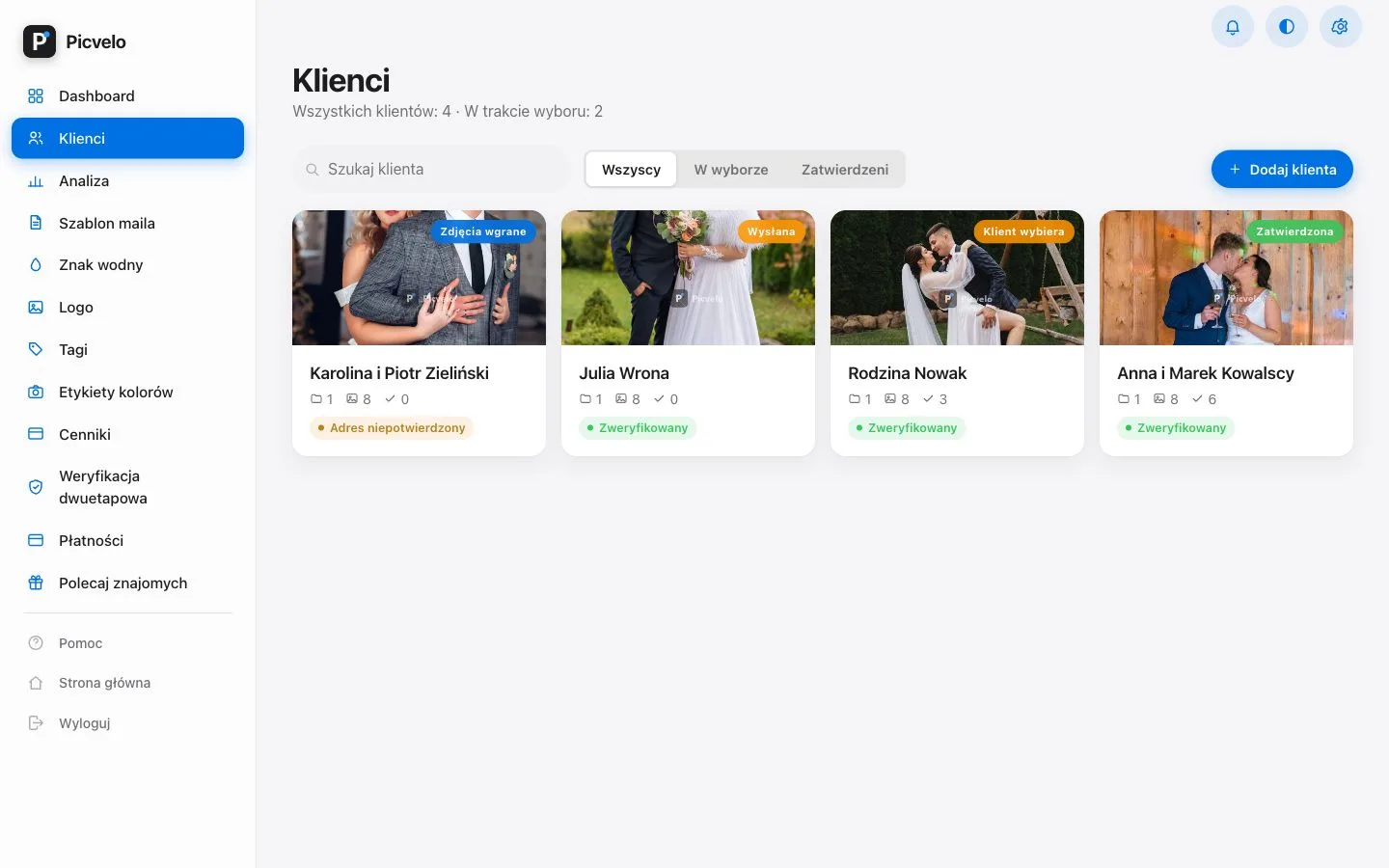
- Gallery states: uploaded, sent, client selecting, approved
- The client note stays attached to that one photo
- You can see whether the client email is confirmed
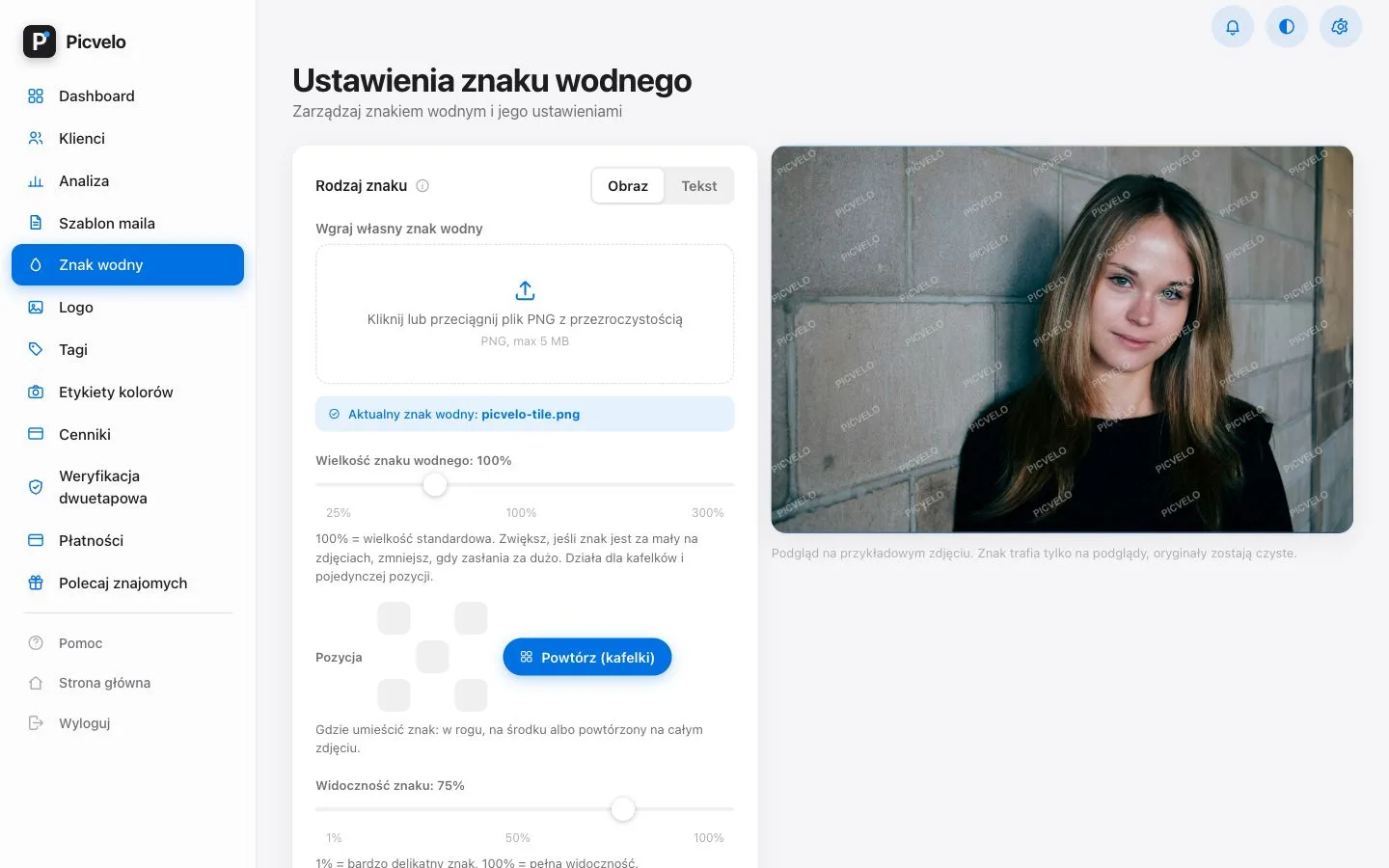
Automatic watermark in your client photo gallery
Your own watermark on previews - the client sees the photos, you protect the originals.
- Watermark from text or from your own PNG file
- Tiled across the photo or a single mark in the corner
- Opacity and size on a slider, preview updates at once
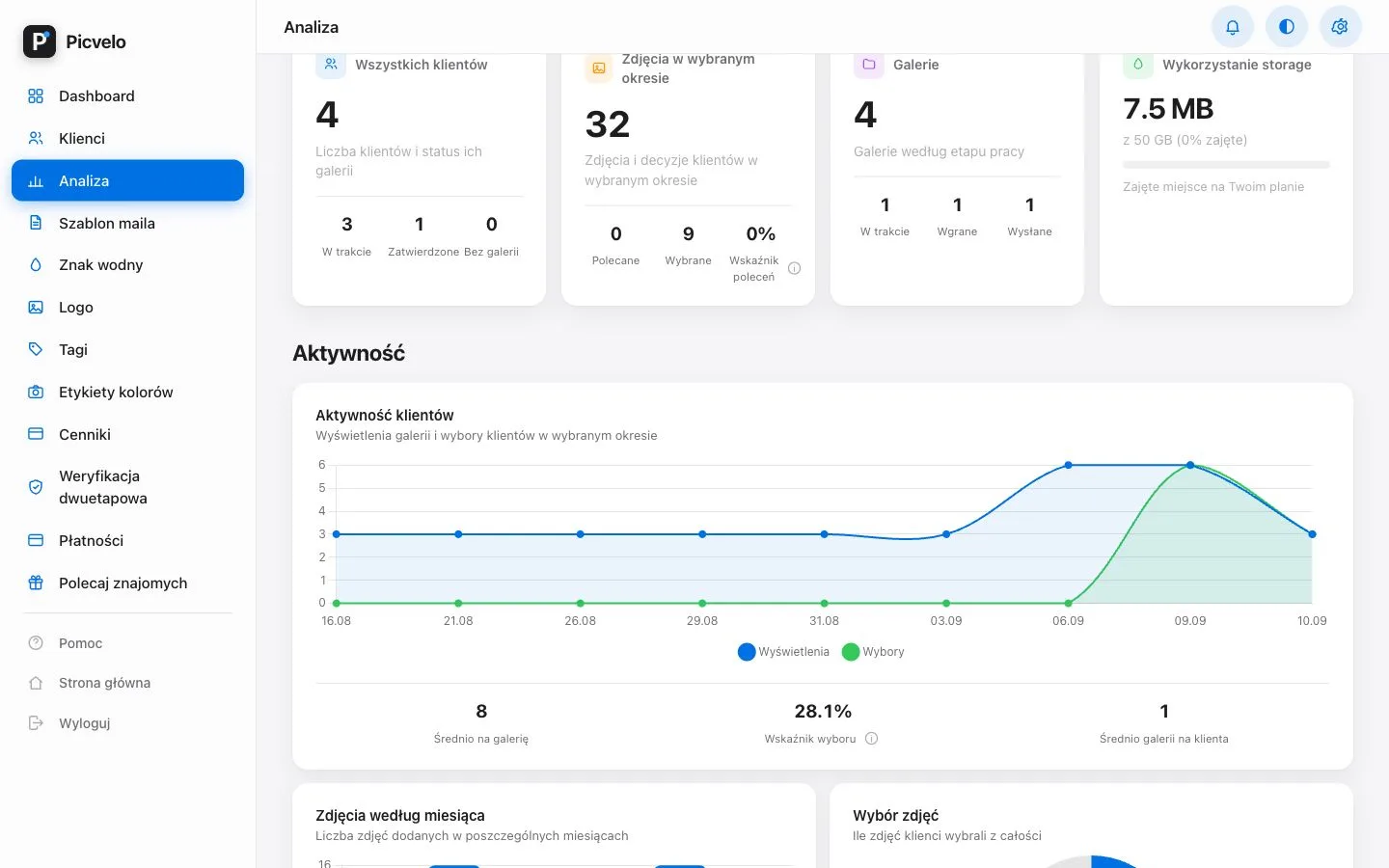
Photo gallery analytics
See who opened the gallery and how many photos they have picked so far.
- Gallery views and client picks over time
- Ranges: today, 7 days, 30 days, a year or your own
- Storage used on your plan
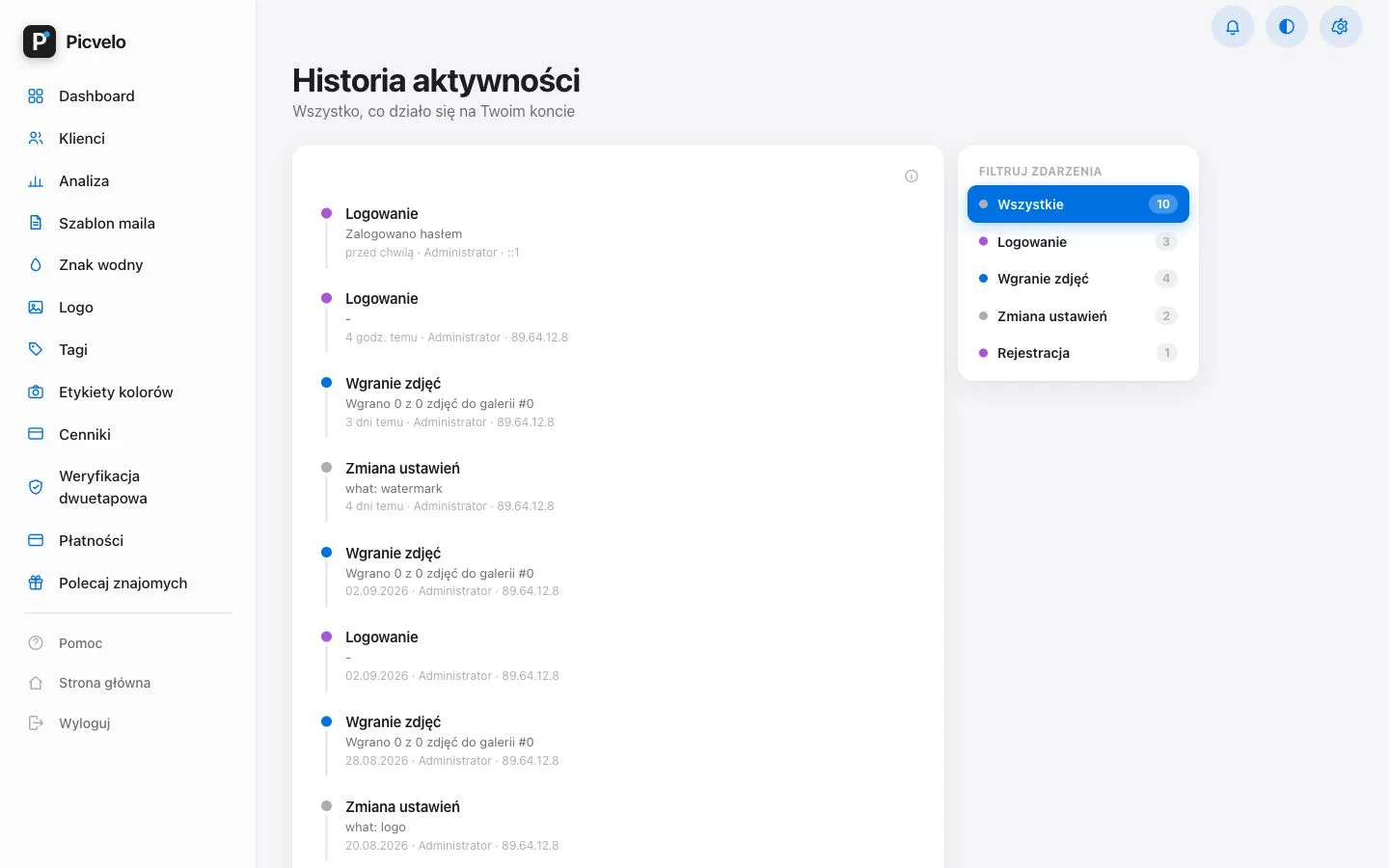
Photo security in the client gallery
The client browses and selects photos, but the originals stay with you. Every preview carries a watermark with the client's name, so a screenshot is useless.
- Downloading originals is blocked, the client works on previews
- Account history: logins, uploads, settings changes
- Two-step login with Google Authenticator

Try Picvelo on your own shoot
Are you a photographer's client?
Looking for your session photos? Enter the client zone and log in with the details from your photographer.
Enter the client zone