Create the delivery gallery
A delivery gallery is the second gallery type: no watermark, no selection, full-resolution files.
- After the selection is approved, click Deliver final photos below the stage bar. Picvelo creates a delivery gallery for the same client.
- You can also create a new gallery and pick the Final photo delivery type.
- The old selection gallery stays as a record of your client's choices.
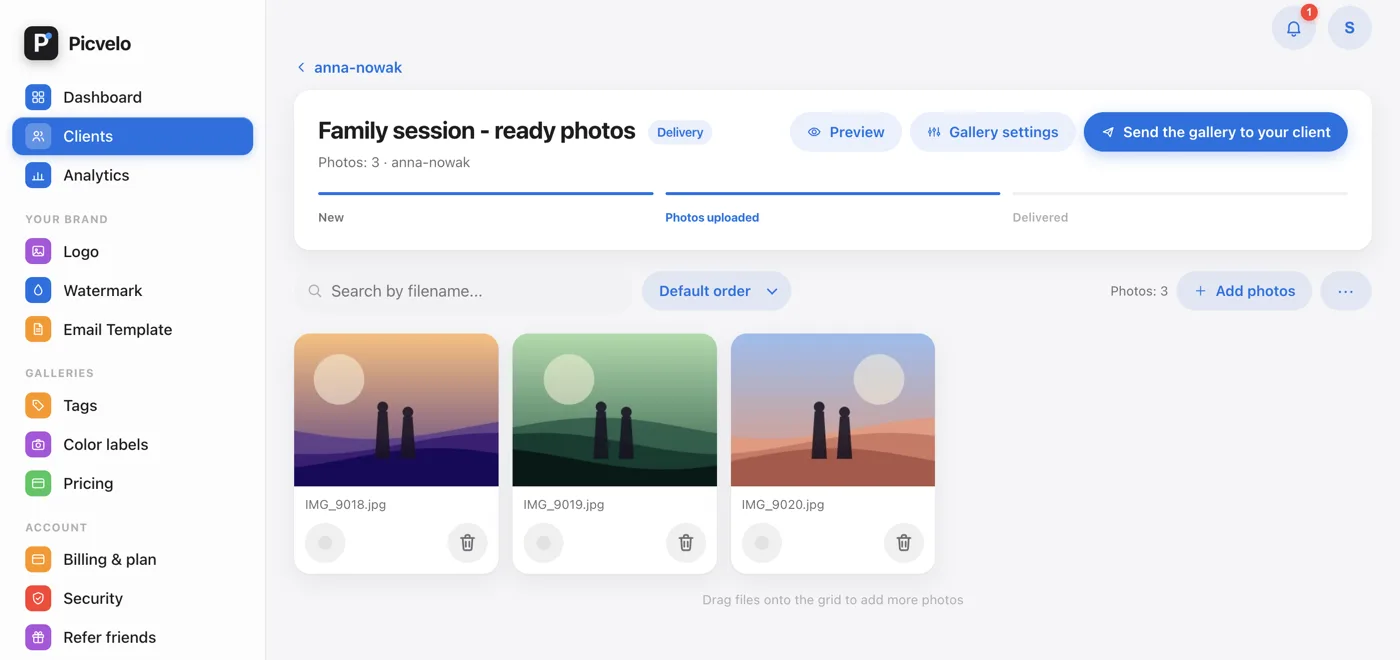
Upload the final files
Upload works the same way as in a selection gallery, with two differences.
- Drag the edited JPG, PNG or WEBP files onto the upload area.
- In this gallery type Picvelo does not resize your files. They keep the resolution you exported, with no watermark.
- Keep the 50 MB per file limit and your plan's storage in mind. Full-resolution files weigh much more than previews.
Send it to your client
Sending works like it does for a selection gallery.
- Click Send the gallery to your client in the gallery header.
- Your client gets an email with the sign-in link and the same login and password as before. A delivery gallery has no selection buttons and no deadline.
- If the client has no email address on file, add one on their page first, or pass the details on yourself.
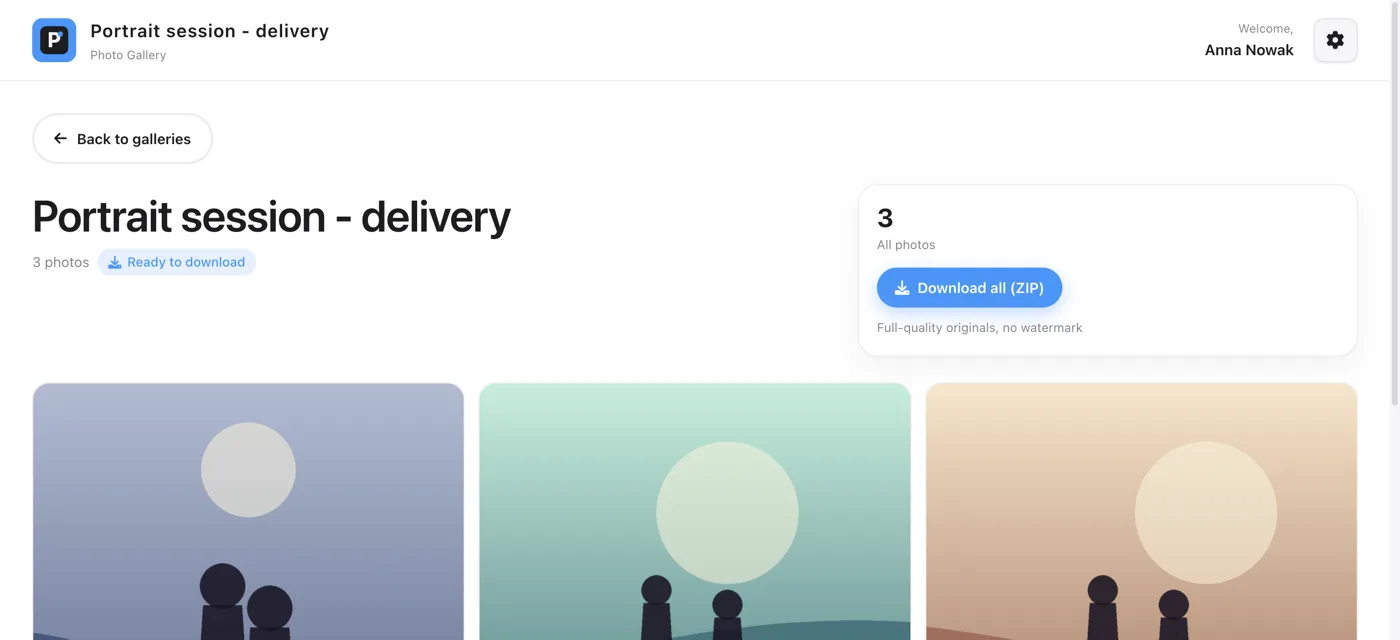
What your client sees
Your client does not register or install anything.
- They sign in with the login and password they already have.
- In their list of galleries, the delivery gallery has a Ready to download badge.
- One Download all (ZIP) button downloads the full-quality originals without a watermark. You can download the same ZIP from your panel.
Frequently asked questions
How is this different from sending files with WeTransfer?
A transfer link hands over a folder and expires. A delivery gallery stays in your client's account next to the selection gallery, so they open it with the same login whenever they need the files again.
Are the delivered files compressed or watermarked?
No. A delivery gallery keeps the files at the resolution you uploaded, and the watermark never applies to it, even if you have it turned on for your account.
How much can I deliver?
The limits are 50 MB per file and the storage in your plan: Free 2 GB, Pro 50 GB, Studio 200 GB. For a large session, tell your client the ZIP may be several gigabytes.
Does my client need an account to download?
No new account. They use the login and password they already received for the selection gallery. Without a sign-in nobody can open the gallery.
WeTransfer alternative · Password protected photo gallery · Help: deliver the final photos · Pricing