Check that the gallery was sent
Until you click Send the gallery to your client, your client hasn't received any sign-in details. When the gallery went out but your client hasn't opened it, you'll see them on the dashboard under Needs attention, marked "gallery still unopened".
Your client gets an email with a login link plus their own username and password for the gallery.
Check the username and password
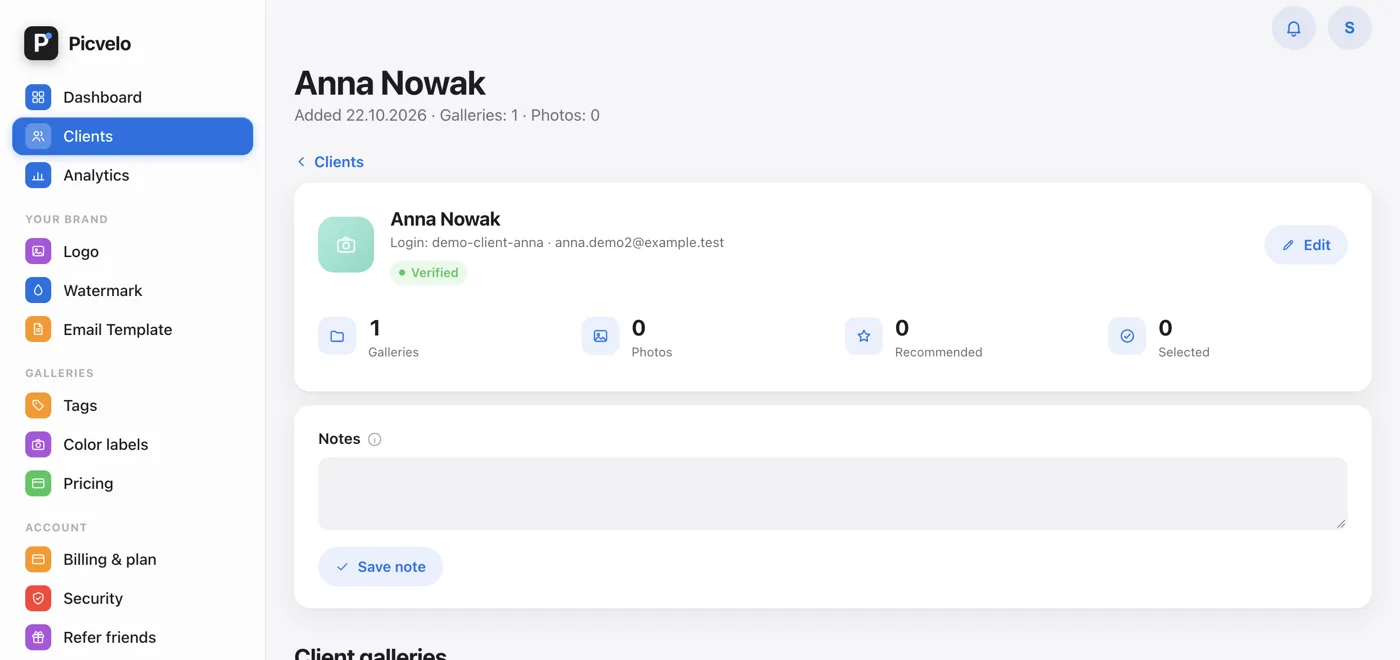
On the client's page, click Edit, then Show password, and compare the details with what your client types. Upper and lower case matter, and it's easy to copy a space at the end.
Check the status and the selection deadline
A gallery with the Approved status, or past its selection deadline, no longer lets your client pick photos, and clients often report that as "it doesn't work". Open Gallery settings, switch the status to In progress and extend the Selection deadline.
Ask for an up-to-date browser
The gallery needs a current version of Chrome, Firefox, Safari or Edge. Very old browsers and aggressive blockers may not show the photo grid.