Stages 1 and 2: the client and the selection gallery
You add the client, create a Photo selection gallery for them and upload your shots after a first cull. Picvelo adds the watermark and shows only previews; the originals stay with you.
Stage 3: the client picks and confirms
Your client signs in with their details, marks the shots they want, can leave a comment on a photo, and at the end clicks Confirm selection. The gallery status changes to Approved and the selection is closed.
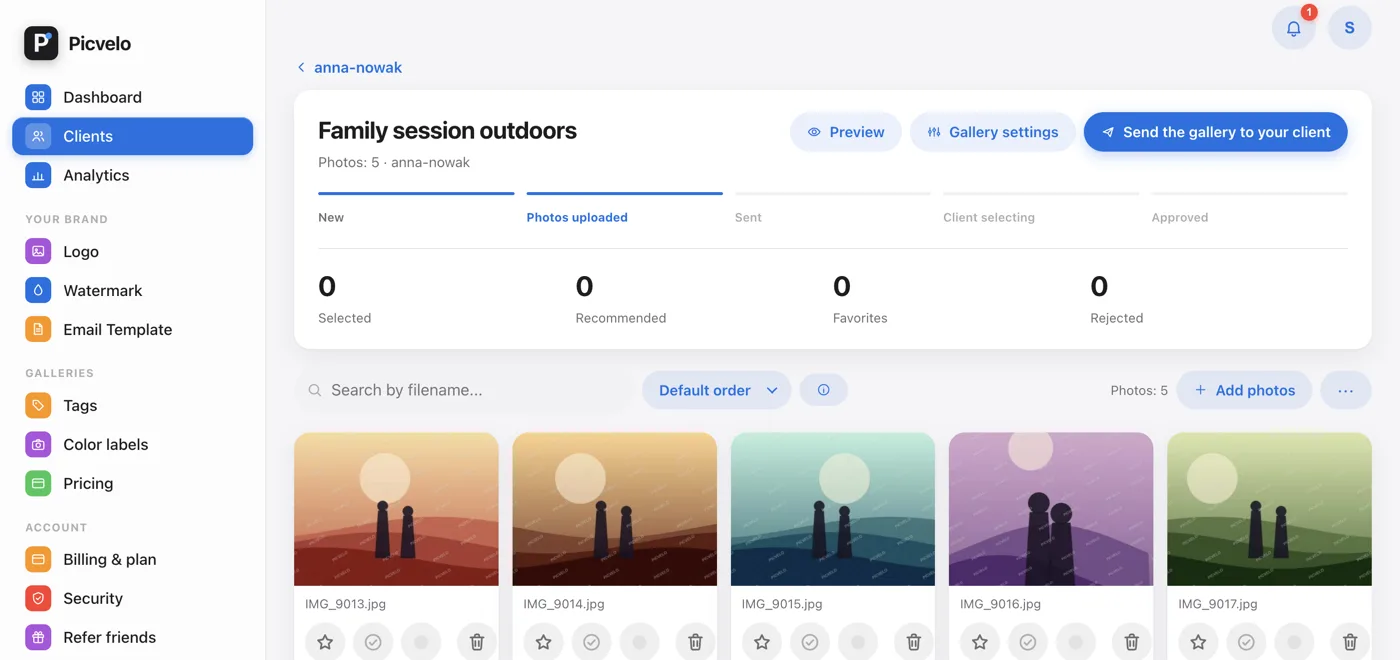
Stage 4: you get the selection and edit
Once the gallery is Approved, the main button in the header is Download selected photos (ZIP), and below the stage bar there's the Lightroom list (TXT) with the names of the selected files. You do the editing on your side, on your own RAW files.
Stage 5: you deliver the final photos
Click Deliver final photos below the stage bar. That creates a delivery gallery for the same client. You upload the final files to it (they stay at full resolution, with no watermark), and your client downloads them with the Download all (ZIP) button.