See both fields at once
Both are in the Gallery settings window, close to each other. In the Photo selection group, below the selection deadline, there's Photos in package, and further down, under Additional gallery photos, the Photos included field.
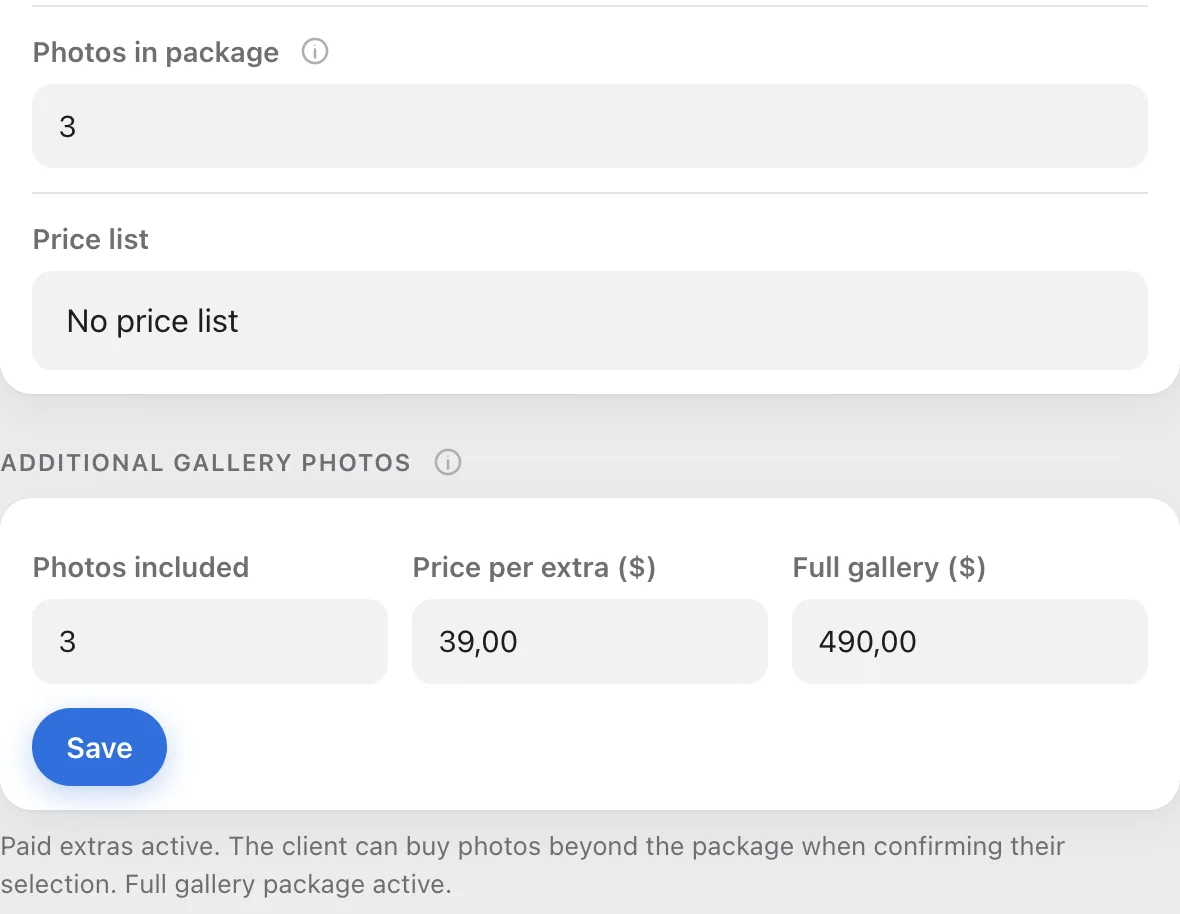
Photos in package: just the counter
This is soft guidance for your client. It sets the text on the selection counter ("Selected 5 / 3 in package, +2 extra") and the package bar at the top of the gallery ("+2 over package"), and highlights the extras. Your client can pick more without any problem, nothing stops them, and Picvelo doesn't charge anything for it.

Photos included: the basis of the bill
This field decides the money. Picvelo uses it to work out how many photos your client pays extra for, and the download lock is based on it. The counter your client sees has nothing to do with it.
When it makes sense to set them differently
Rarely, but it happens. If you only want to suggest how many photos to pick and don't plan to sell anything, set only Photos in package and leave the sales section empty. The counter will show the extras, but nobody pays anything and nothing gets locked.