Open the sign-in page
The address is always the same: picvelo.com/login. You can also click the link in your photographer's message, which takes you to the same place. The page is called Client Zone.
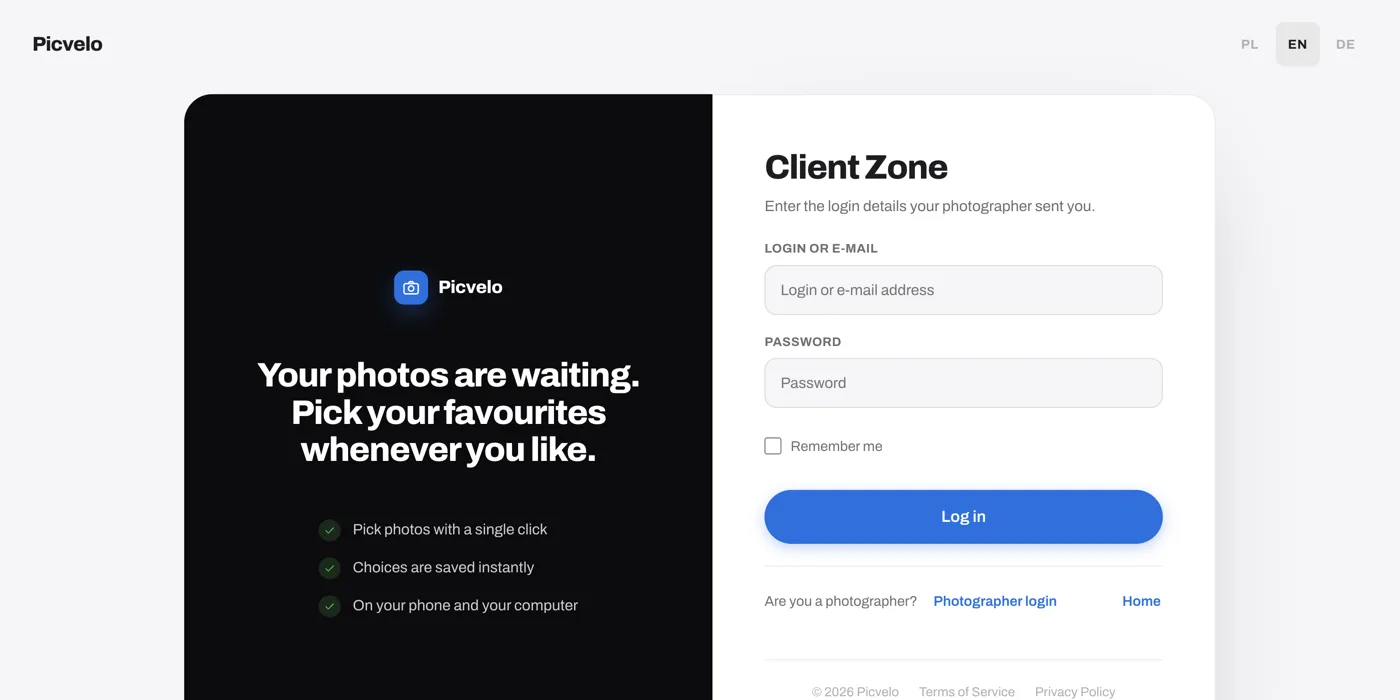
Enter the details from your photographer
In the Login or e-mail field, type the login from the message or your email address. Both open the same gallery. Type the password exactly as it appears in the message.
Stay signed in longer
The Remember me box is ticked by default. Your browser then remembers you for 30 days, so you can come back without typing the password. On a shared or someone else's computer, untick it before you sign in.
Language and signing out
The gear icon in the top right corner opens a short menu: language (Polish, English, German) and Logout. That's all there is to set. Your photographer sets how the gallery looks, and you can't change it.