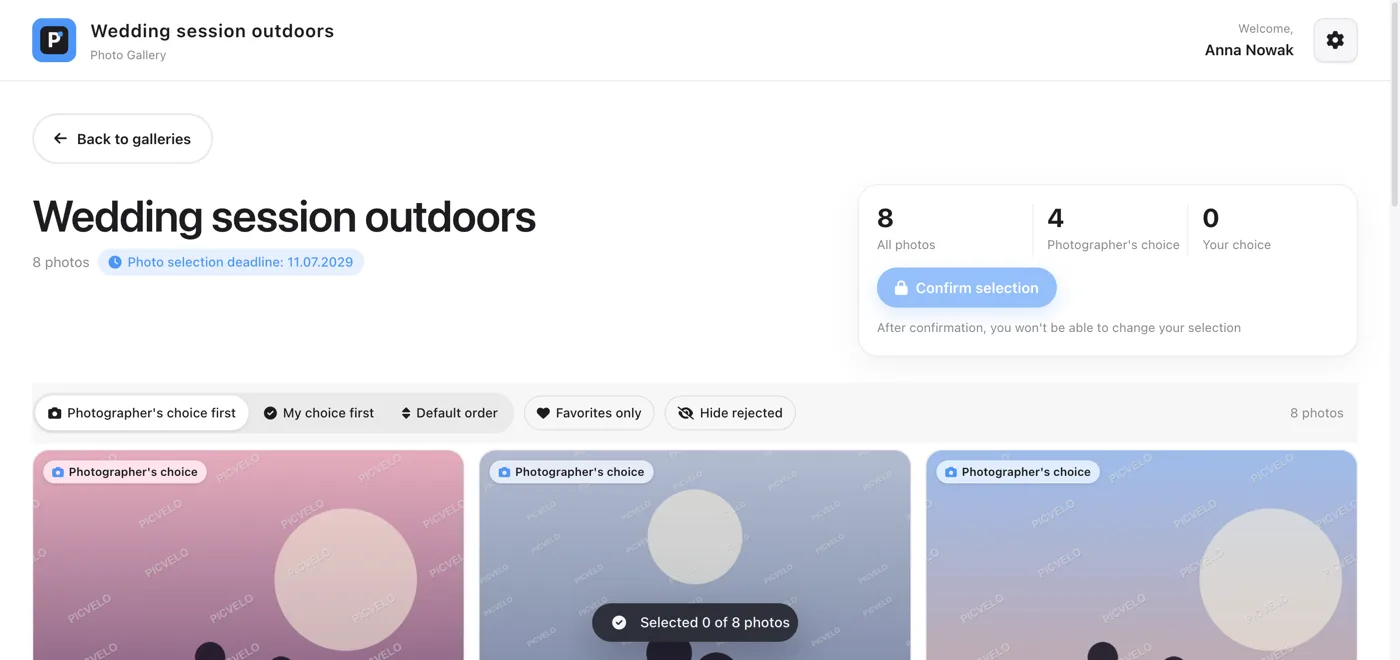
Encrypted HTTPS connection
Every connection to Picvelo, including photo uploads and client sign-in, goes over HTTPS. Unencrypted traffic is redirected to the secure version.
Passwords and email addresses
We never store passwords in plain text; the database holds only cryptographic hashes. Email addresses are also encrypted, so a copy of the database alone doesn't reveal your contact list.
Form and sign-in protection
Every form is protected with a CSRF token, and sign-in attempts are rate-limited, which stops password guessing. You can also secure your account with two-factor authentication.
1. Open your authenticator app
2. Scan the QR code on the left
3. Enter the code it shows below
JBSWY3DPEHPK3PXPPhotos shown as previews
The watermark is on by default, so in a selection gallery your client only gets watermarked previews, never the originals (unless you turn off the watermark yourself in the Watermark tab). Previews also don't carry the EXIF metadata or GPS data from your originals.