You: full access through the panel
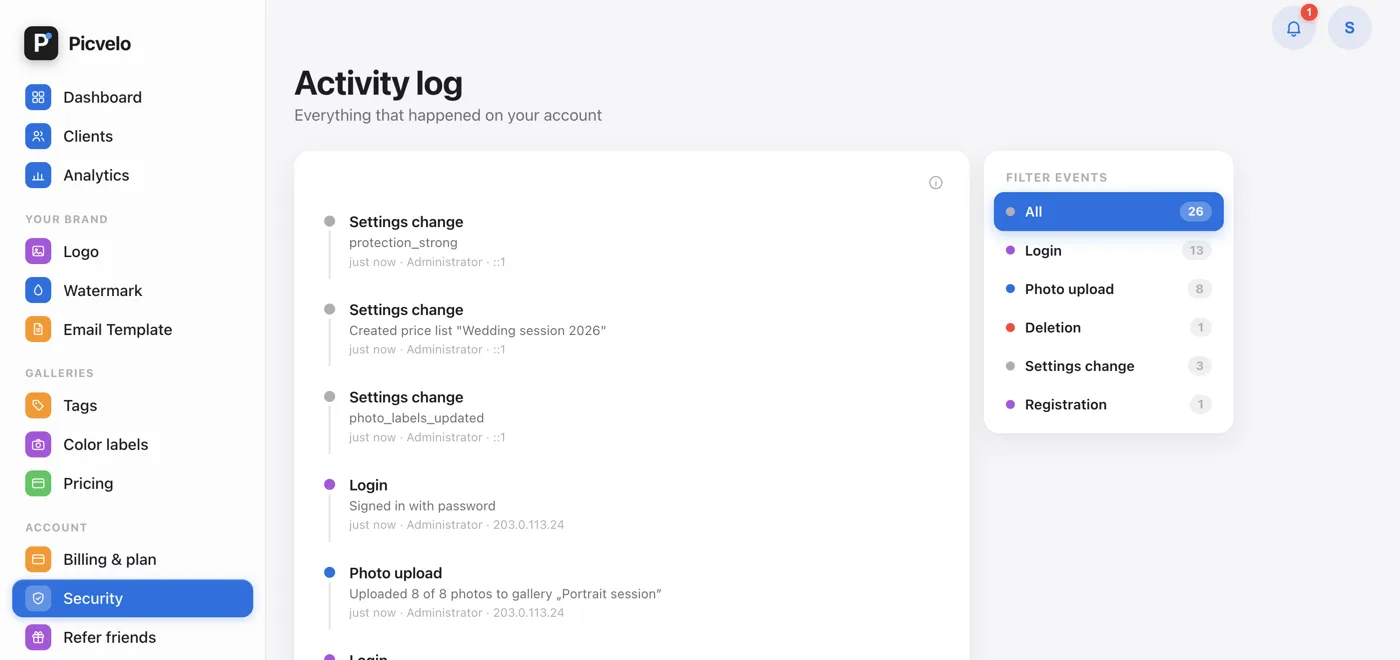
You sign in with your password, optionally with 2FA. All important actions go into the Activity log, so you can see who did what and when.
Team: access limited by permissions
A team member sees your clients and galleries, but only the parts of the panel you allow. Billing and referrals stay with the account owner only.
Client: only their own galleries
A client signs in with their own login and password and sees only the galleries assigned to them. There's no way to get from one client's account into another client's gallery.
Support: only with your consent
In the Security tab, in the Technical support section, there's a Technical support: Administrator access switch. It's off by default. Turn it on when you report a problem, and turn it off once it's solved.
Technical support needs to look into the gallery “Anna’s Wedding” for 24 h. Every action is logged.