Open the activity log
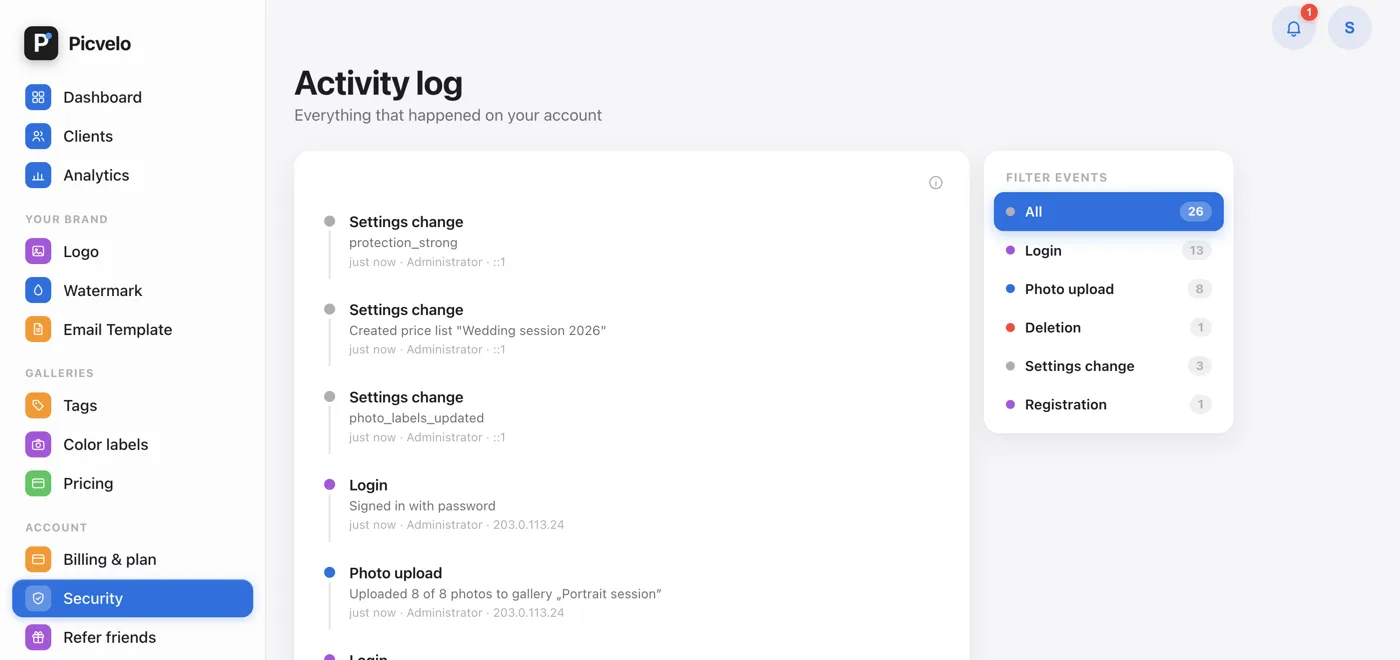
In the side menu, click Security, then Activity log on that page. There's also a shortcut on the dashboard: Full activity history under the list of recent client events.
Events appear on a timeline, newest first, 50 per page.
Filter by event type
The Filter events card next to the timeline narrows the list to one kind of event, for example only sign-ins or only gallery sends. The filter works on the whole log, not just the current page.
On Studio, filter by person too
The owner of a Studio account gets an extra User list in the filter card and can narrow the log to one team member. It's the simplest way to answer "who changed this gallery's settings?".
Follow notifications as they happen
The bell in the top right corner of the panel collects fresh events, for example a client approving their selection. The Read all button marks them all as read.