Read the privacy policy
The document at /privacy explains what data we collect, why we process it, who we share it with to run the service (including Stripe and email providers) and how long we keep it.
Privacy Policy
Picvelo processes the personal data of its users in line with the GDPR and applicable data protection law…
1. Data controller
2. What data we collect
3. Purposes of processing
Download your data export
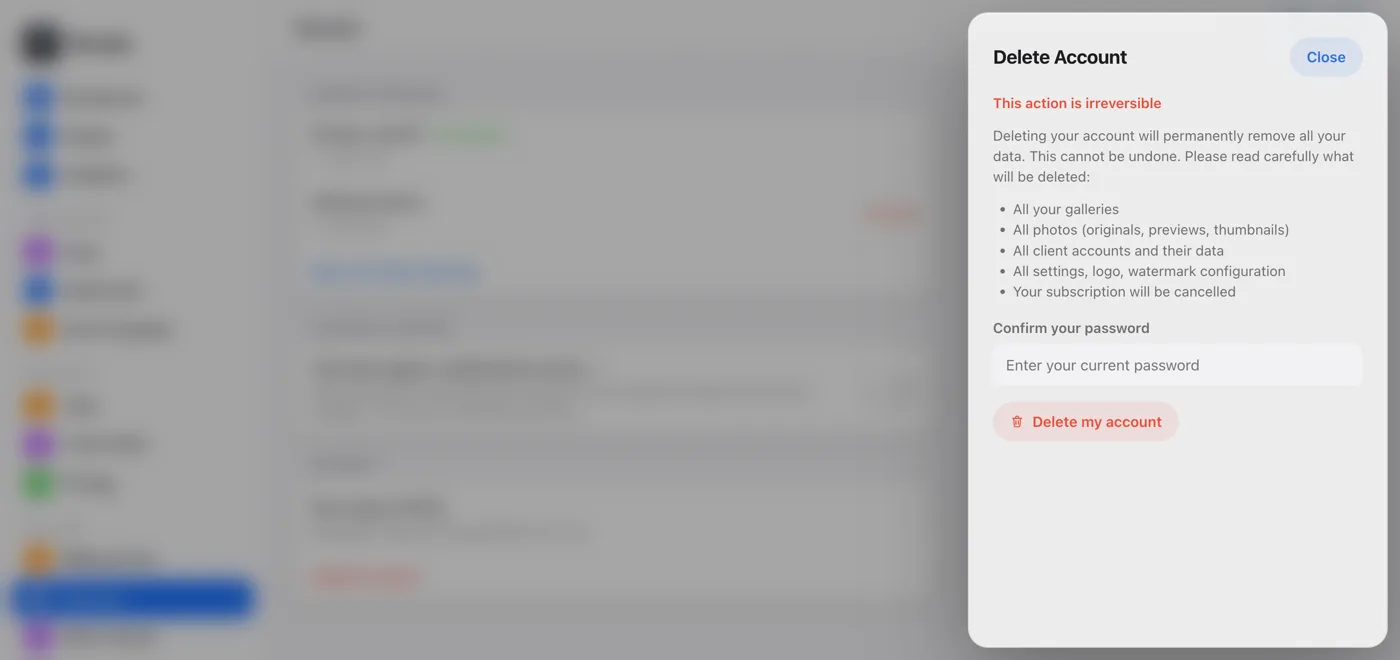
In the side menu, click Security, then in the Account section choose Data export (GDPR). Confirm with your password and click Export Data. You get a JSON file with your account, client, gallery and photo data, in a machine-readable format.
Know your rights
Under the GDPR you have the right to access your data, correct it, delete it, restrict its processing and take it with you, and to lodge a complaint with your data protection authority. You can exercise some of these rights yourself in the panel.
Remember your duties to your own clients
For your clients' data, you are the controller. Picvelo processes it on your behalf, and you're responsible for the legal basis and for informing your clients.