Open the section in the album
In the album, click Gallery settings. In the panel, under Email to client, below the Send email button, there's a collapsed Customize content block. Inside are seven fields filled with the current text of the selected template, with a preview of the email below them.
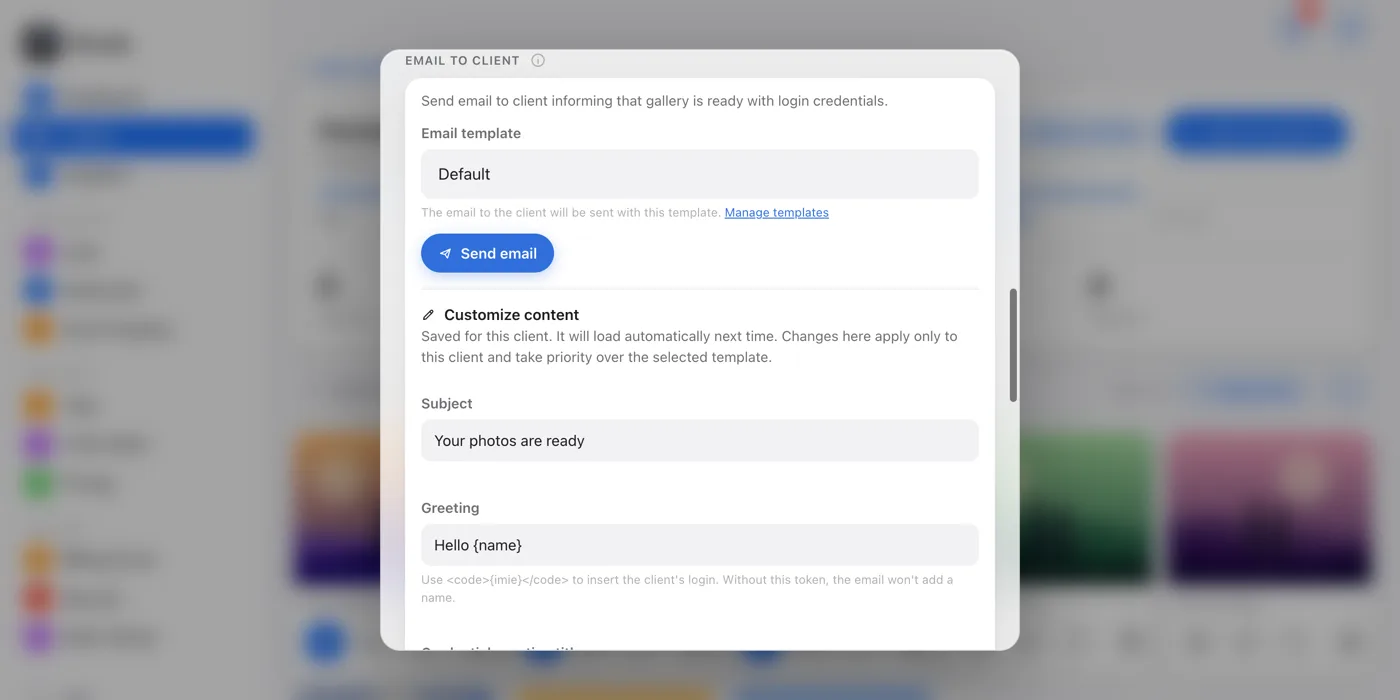
One-time change
If you just edit the fields and click Send email, the change applies to this one email. Nothing is saved, and next time the fields go back to the template text.
Saved change
The Save for this client button stores the texts with the client for good. They load by themselves the next time you send to this client, and the section shows a Custom saved badge.
Back to the standard text
Restore default in this section deletes this client's saved texts after a confirmation. From then on, the client gets the text from the selected template again.