Open the sign-up page
Go to /register or click Start for free in the top right corner of the home page.
Fill in your account details
Enter:
- Business / photography brand name (optional): it appears in emails and in the header of your client's gallery,
- Email: you'll use it to sign in,
- Password: at least 8 characters, typed twice (the Repeat password field).
Accept the terms and privacy policy, then click Register. You can also skip the form and use a button above it, for example Sign up with Google (Facebook and Apple work too).
Confirm your email address
We send an activation link that works for 24 hours. Until you click it, the account stays inactive, and signing in shows a message that it isn't activated yet.
[email protected]
Your Picvelo account needs one more step: confirm your email address. Click the button below to open the panel.
Sign in and get started
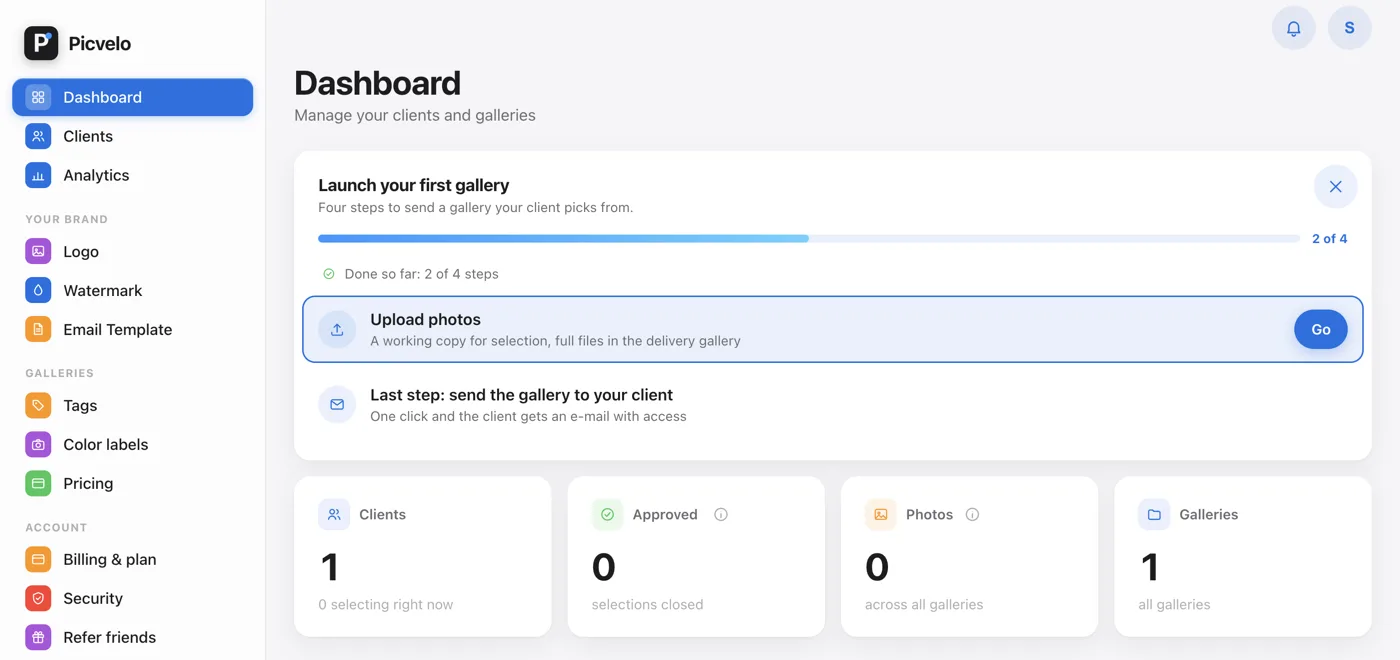
After activation, go back to the sign-in page and enter your email address and password. A four-step setup wizard is waiting: add a client, create a gallery, upload photos, send the gallery. You can skip it with Skip the wizard, and the same steps stay as a checklist on your dashboard.