1
Find the button in your gallery
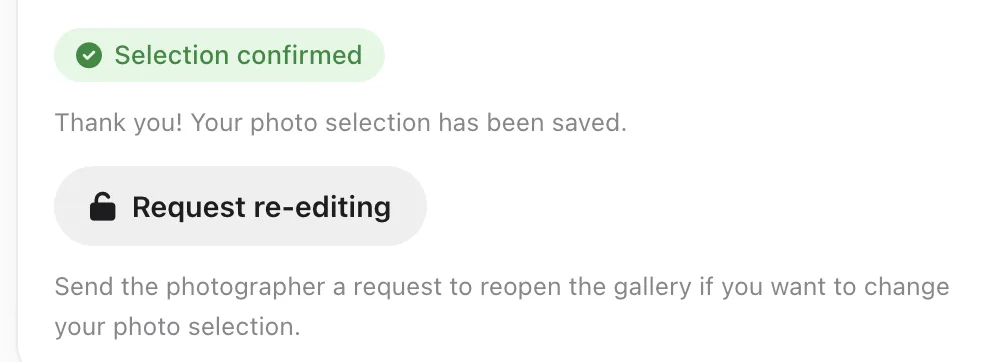
Open your gallery as usual. Under the Selection confirmed badge there's a Request re-editing button and a sentence explaining what it does.
2
Send the request
Clicking the button opens a confirmation question. Once you confirm, your photographer gets an email and a notification, and you see a message that your request was sent.
3
Wait for your photographer
Unlocking the gallery is your photographer's decision, and they do it by hand in their panel. The app doesn't reopen the gallery by itself, and there's no timer. If it's urgent, send them a regular email as well.
4
When the gallery opens again
You'll see it as before: with the selection buttons, comments and the counter. Your earlier picks stay in place, so you only change what you wanted to change and confirm again.