Before you click
Go through the whole gallery and check the counter at the bottom. This is your last chance to add a photo, unselect one or write a comment.
Click "Confirm selection"
The button is in two places: in the card next to the gallery name, and in the bar at the bottom of the screen, where it appears once you select your first photo. Both do the same thing, and you can't confirm until you've selected at least one photo. A window asks if you're sure, and only your confirmation closes the gallery.

When your selection goes beyond the package
Instead of simply closing the gallery, one of two things happens, depending on how your photographer takes payments:
- online payment: you go to a secure payment page, where you see the amount for the extra photos for the first time. The gallery closes once you've paid,
- payment to your photographer: a window tells you the order goes to your photographer and you'll arrange payment with them directly. The gallery closes right away.
What a confirmed gallery looks like
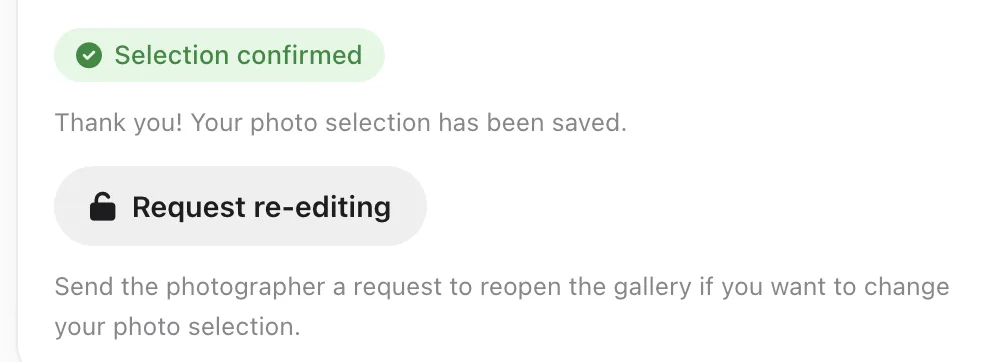
Instead of the button you see a Selection confirmed badge and a thank-you note. Your photos stay visible, but they're dimmed and no longer open in the enlarged view. The photos you selected have a small Selected label in the corner, and your comments stay on the photos as read-only text.
What your photographer does
They get an email and a notification in their panel with your name, the gallery name and the number of selected photos. If your selection goes beyond the package, the notification shows the extra photos too. From there they work outside the gallery: they edit your photos and get in touch when they're ready.