1
Your client asks for re-editing
In a confirmed gallery, your client has a Request re-editing button. After clicking it, they see a message that the request is waiting for your decision.
2
You'll see a banner in the gallery
On the gallery page, under the card with the stages, a Client requests to re-select photos banner appears with an Unlock selection button. You also get an email and a notification on the bell.
3
Unlock the selection
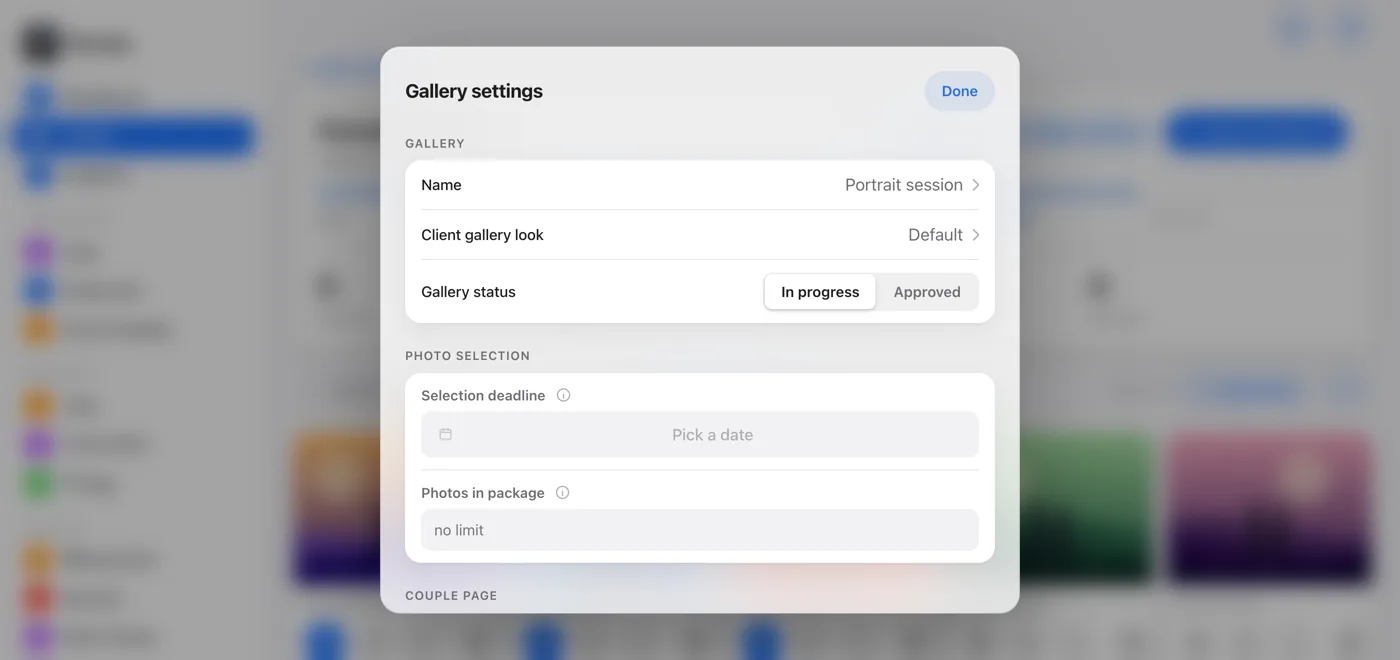
Click Unlock selection, or open Gallery settings and switch Gallery status from Approved to In progress. Both do the same thing: your client can select and unselect photos again.
4
Close the selection again
When your client is done, they click Confirm selection themselves. You can also close the selection on your own: click Approve selection at the top of the gallery, or switch the status to Approved.