The storage bar in the panel
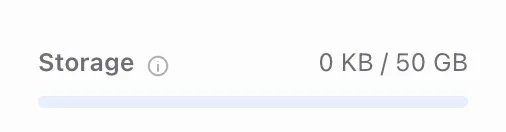
In the side menu, below the list of tabs, there's a Storage bar with your used space and your plan's limit. It's the same counter that blocks uploads once you reach the limit.
What exactly counts
What counts is the size of the file when it reaches our server. Your browser shrinks photos larger than 2560 px before sending them, so the smaller version is what goes toward your limit. Any compression we do on the server later doesn't add to or subtract from that number.
There's one exception to resizing: if the scaled copy would end up heavier than the original, your browser sends the original. That happens with files that are already heavily compressed.
Plan limits
- Free: 2 GB,
- Pro: 50 GB,
- Studio: 200 GB,
- you can add +50 GB storage packs in the Billing & plan tab.
How to free up space
Deleting photos or whole galleries you no longer need frees up space. Old sessions you've already delivered usually take the most, because they keep full-quality files. Before you delete anything, make sure you have your own copy.