2
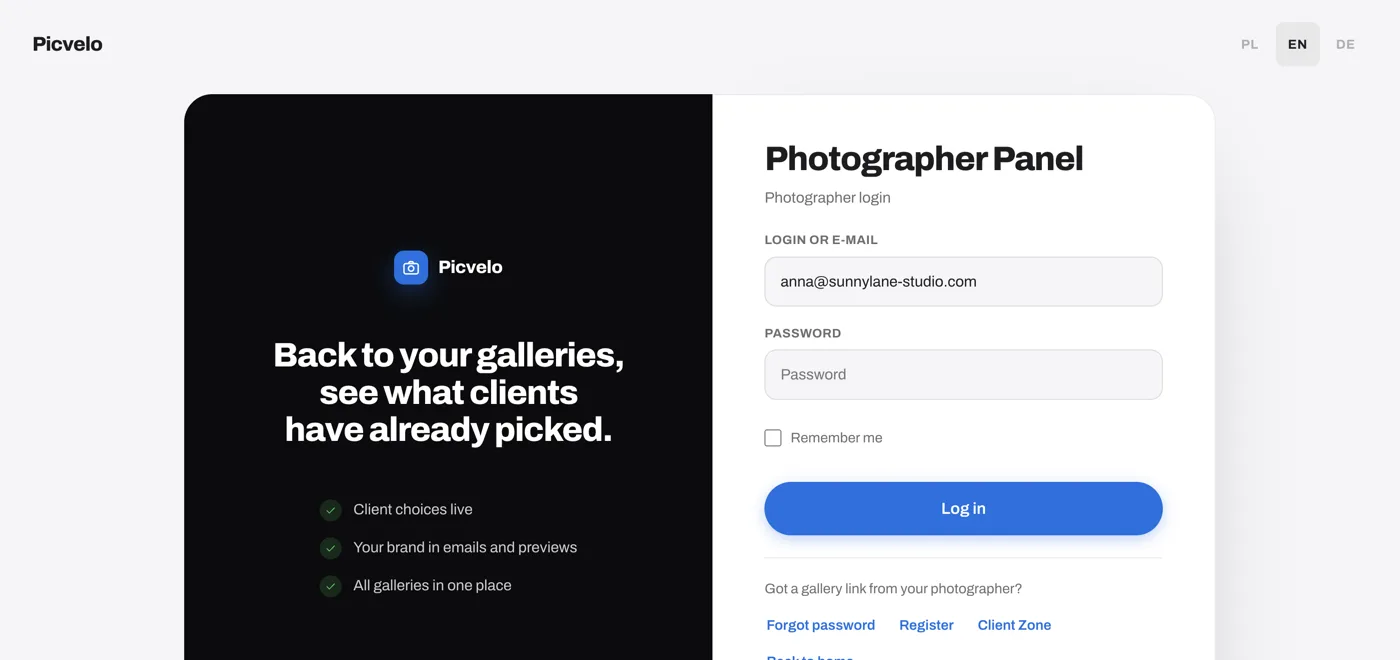
Click "Forgot password"
You'll find the link below the Log in button. It opens a small password reset window.
Sign in
3
Enter the email on your account
Type the email address you registered with (older accounts can enter their login). If it's in our system, we send a reset link. If several accounts share the address, each of them gets a link. We accept up to 3 reset requests per hour.
Forgot password
Photographer login[email protected]
4
Click the link in the email and create a new password
The link works for 60 minutes and only once. When you click it, you see the new password form (at least 8 characters, typed twice) with a Save new password button. The change signs you out on your other devices.
P
Picvelo
[email protected]
[email protected]
New password for your Picvelo account
We received a request to change the password for your Picvelo account. Click the button below to set a new password.