Step 1: the file reaches the server
Your browser sends the photo, and the server checks its type and dimensions, saves it and makes a quick thumbnail right away. That's why you see the tile in the grid in the same second, before anything else is processed.
Step 2: the queue makes the preview
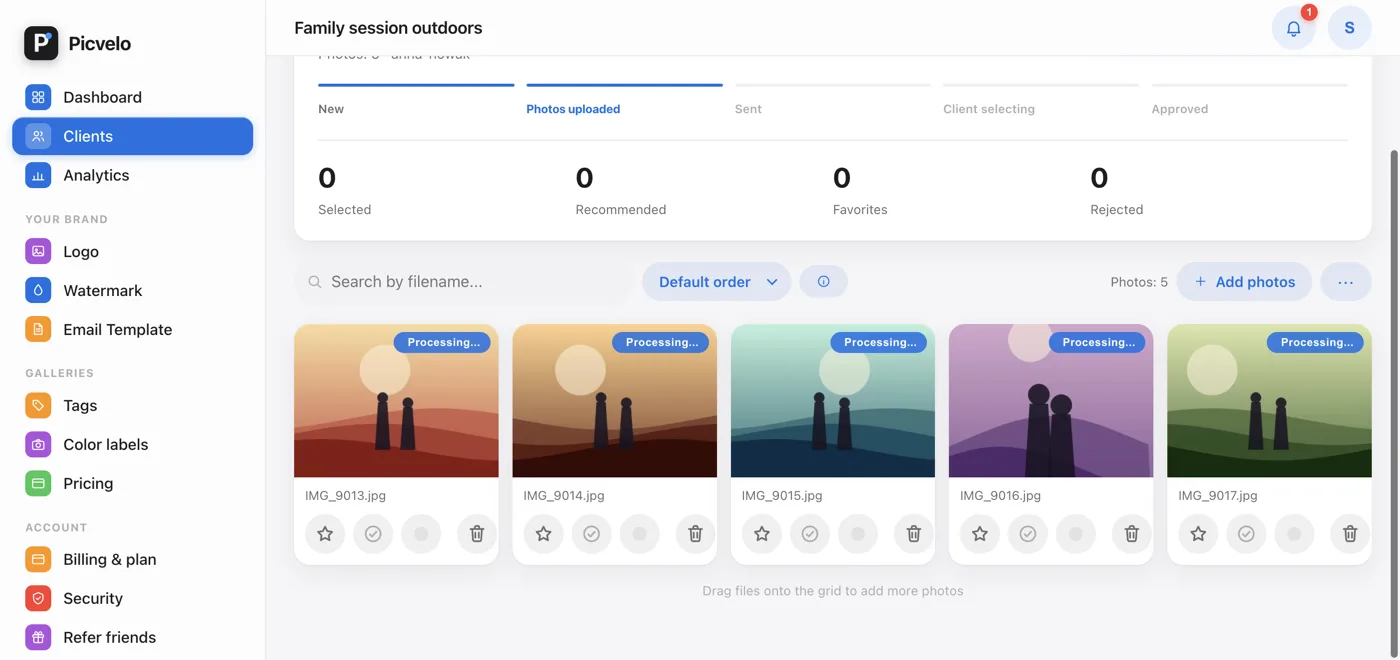
A queue runs in the background. It adds the watermark and creates the preview and the final thumbnail. Until then, the tile is labeled Processing, and the photo isn't in your client's gallery.
Step 3: a copy in the cloud
Finished files move to remote storage, and we delete the local original. Nothing changes for you: photos keep loading without a break, first from the server, then from the cloud.
What your client sees
Only finished, watermarked previews. If your client says there are fewer photos than you uploaded, it almost always means the rest are still in the processing queue.