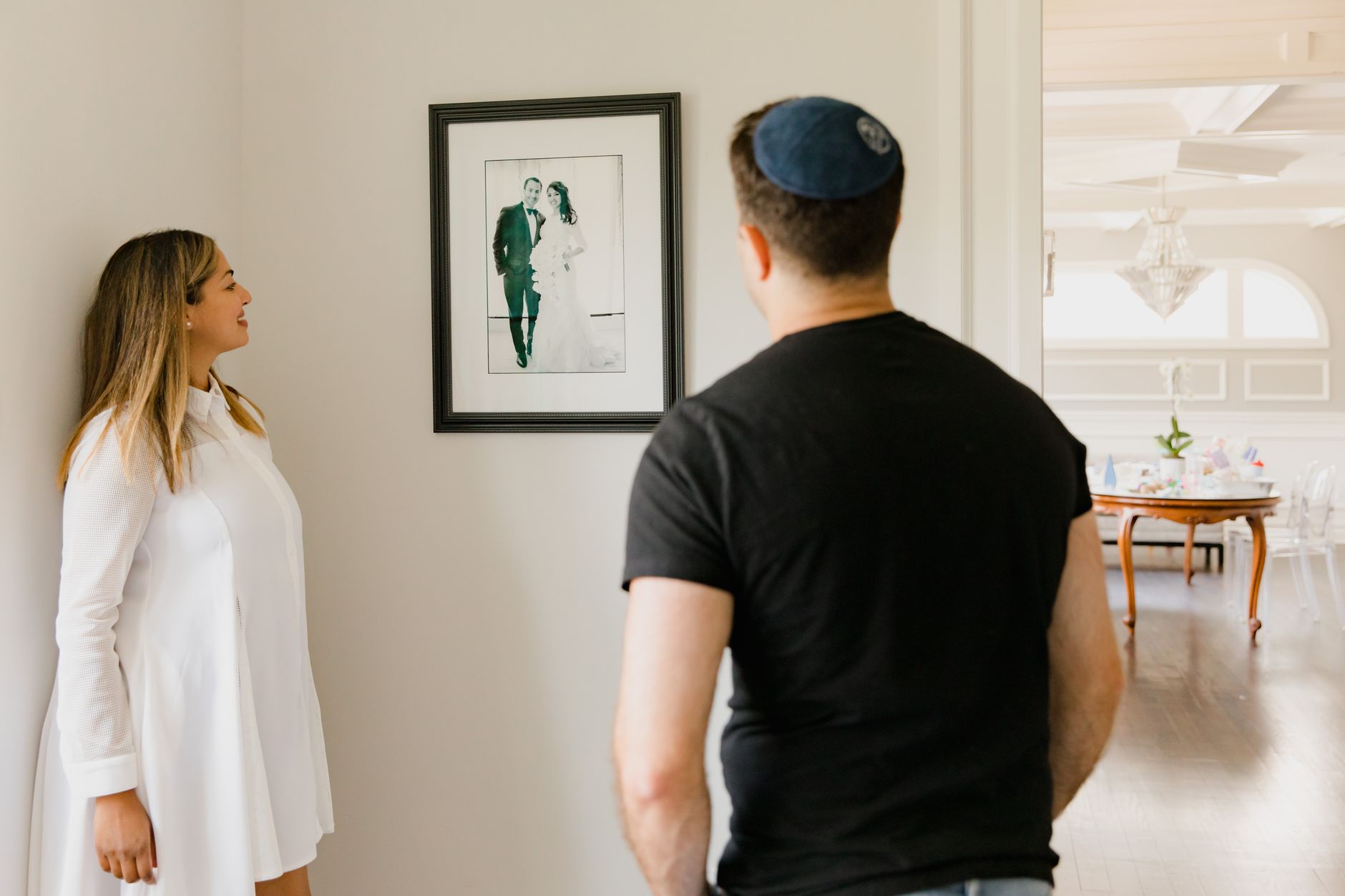
Wedding photo delivery works best in four steps: a sneak peek within 24-72 hours, the full edited gallery in 4-6 weeks off-season or 8-12 weeks in peak season, an album selection round, and the final files once the couple signs off. Treat those ranges as common practice; your contract sets the real number. The exact figure matters less than the couple knowing every date before the wedding day.
Most delivery headaches come from blurred phases. The couple downloads everything, drops it into a family group chat, then goes quiet for six months when you ask for album picks. Or the link lands in an old inbox and nobody notices for weeks. Below you will find each phase in order, how to handle 100+ guests, how long to keep the gallery online, and a timeline template for your contract.
Here is the position this guide takes: open full-resolution downloads only after the album selection is locked, because handing over everything at once is the most common reason a wedding job drags on for months.
The sneak peek: 5-20 frames within three days
Photographers who publish their workflows commonly quote 5-20 images delivered 24-72 hours after the wedding. That window exists for a reason. The couple is still glowing, relatives are asking for pictures, and a small set buys you weeks of patience for the full edit.
Pick frames that cover the whole day. A good spread is one portrait of the two of them, a getting-ready detail, the ceremony moment (rings or the first kiss), one family group and one dance floor shot. Edit them to final quality. If the sneak peek looks different from the finished gallery, couples notice and ask why.
Send it in the same place the full gallery will live. JPEGs attached to a text message train the couple to expect files in their inbox. A small collection inside their gallery account teaches them where to log in, confirms that their email address works, and lets you see whether they opened it. Around 2048 px on the long edge is plenty for social posts.
In the same message, tell them when the full gallery arrives. Give a date, never "soon".
The full gallery: setting a turnaround you can keep
Across published photographer workflows, the full gallery usually lands 4-6 weeks after the wedding off-season and 8-12 weeks in peak season. Use that same split in your contract: one figure for weddings outside your busy months, a longer one for the months when you shoot every weekend. Whatever you write, hit it.
Build the date from real capacity. Count the weddings you shoot in your busiest month, multiply by your culling and editing hours per wedding (often 15-30 hours for 600-900 delivered frames), and compare that with the hours you actually have. If the math says ten weeks, promise ten. Delivering late after promising four weeks burns the trust you built on the wedding day.
Structure the gallery in chapters the couple can follow: preparation, ceremony, portraits, family, reception, party. Remove near-duplicates before upload, because three almost identical frames of the same kiss slow down the album selection. Put the strongest 30-50 images in a highlights set at the top for relatives who will never scroll through 800 photos.
Lock the album selection before downloads open
This is where most delivery workflows go wrong. Once a couple has the full-resolution ZIP on their laptop, the album becomes a project for "later". Later turns into half a year, the design slot you reserved goes to someone else, and the final invoice stays open.
The fix is order. Publish the full gallery for viewing with watermarked previews, switch on favorites, set a photo limit that matches the album package, and give a selection deadline of 2-3 weeks. Send a reminder a few days before it. When the couple approves the selection, enable the full-resolution download. Running this through online photo proofing with a built-in deadline also takes you out of the role of the vendor who keeps nagging.
Couples rarely object when you explain it upfront: "You will see every photo right away. Downloads open the day your album picks are in, usually within three weeks." Put that sentence in the contract and the delivery email.
If you sell albums or prints, quote another 2-8 weeks after approval for design, lab work and shipping as a separate deadline.
What a couple actually needs from the gallery
Strip away the design and a wedding gallery has three jobs.
First, downloading the whole set in one go. Couples expect high-resolution files without watermarks, and they expect them without clicking 700 separate buttons. One ZIP for the full gallery, or one per chapter for very large sets, covers it. Tell them to download to a computer, then keep a second copy on an external drive or in cloud storage.
Second, marking favorites. The favorites list feeds the album and tells you which images matter to them if wall art comes up later. Let them comment on a specific frame for retouching requests, such as a stray hair or an exit sign behind the altar, so you never have to decode "the third one near the cake" from an email.
Third, sharing with family without handing over the originals. Parents want to see the photos. They rarely need full-resolution files with camera metadata attached. A curated page or a preview-only link keeps the complete set with the couple and stops your best frames from circulating at full size with the location data still inside.
Sharing with 100+ guests: one link or individual access
Guests want their photos fast, and the couple usually wants to decide what goes out. Two models cover nearly every wedding.
A single shared link is simple. The couple forwards it to the guest list or posts it in the family chat, everyone sees the same curated set, and you manage nothing. The cost is control: you cannot tell who opened it, anyone can pass it on, and if it points at the full gallery, every guest sees every frame, including the mother of the bride mid-sneeze. Use it for a highlights set of 50-150 images, previews only.
Individual access, where each guest logs in or the couple invites specific people, suits weddings where privacy matters: public figures, ceremonies with photography restrictions, or families where not every relative should see every room. It takes more setup, and guests forget logins, so expect a handful of support emails.
Most photographers we see combine the two. The couple gets the private full gallery with downloads. Guests get one link to a selected set sized for screens. Anyone who wants a specific full-resolution file asks the couple.
How long to keep the gallery online, and who holds the backup
Some photographers close galleries after 30 days, others keep them up for years. Thirty days is too short for a wedding. Couples are on honeymoon, moving house or simply exhausted, and a link that dies before they download creates an angry email and a free re-upload.
A workable default: keep the gallery online for 6-12 months after final delivery, send a reminder 30 days before it closes, then archive the originals offline. State in the contract how long you keep that archive (many photographers say 1-3 years) and that the couple is responsible for their own copies once the gallery closes. Offer a paid restore for anyone who loses everything later.
Then plan for the scenario nobody likes to think about. Imagine you are hospitalized two weeks after a June wedding: if nobody else can log in to your gallery account or reach the backup drive, the couple waits indefinitely for files they have already paid for. Name a backup contact who can reach your archive and gallery account, add an emergency handover clause to your photography contract template, and keep two copies of every wedding, one off-site.

Three delivery mistakes that cost the most
Releasing full-resolution files before the balance is paid. Many contracts put the final payment due on delivery, and many photographers open downloads the same day out of goodwill. Then the couple has everything they wanted, and your invoice drops to the bottom of their list. You end up sending polite reminders for weeks, with no leverage left. Keep previews watermarked and downloads closed until the balance clears, and say so in the contract and the delivery email.
No expiry, or an expiry nobody announced. A gallery that stays online forever sounds generous until your storage fills with weddings from five years ago and couples treat your account as their only backup. If the gallery does close, the couple should hear about it at least twice: in the delivery email and in a reminder before the date.
A link sent to the wrong email. It happens more often than anyone admits: a typo in the booking form, a work address the couple no longer uses, a planner's email copied from an old thread. Confirm the address with the sneak peek. If the couple logged in to see those first images, the address works.
If a link does reach the wrong person, revoke or delete that access right away so the old link stops working, check the activity log to see whether the gallery was opened, and tell the couple plainly what happened.
A wedding photo delivery timeline template
Copy this into your contract and your first delivery email, then adjust the ranges to your own editing capacity. Confirm the delivery email address at booking, before any of it starts.
| Phase | Common timing | What you send | What the couple does |
|---|---|---|---|
| Sneak peek | 24-72 hours after | 5-20 edited images in their gallery | Logs in, shares a few |
| Full gallery | 4-6 weeks (8-12 in peak season) | All edits, watermarked previews, favorites on | Views, marks album picks |
| Album selection | 2-3 weeks after gallery | Reminder before the deadline | Approves picks, comments on retouches |
| Final files | After approval and final payment | Full-resolution ZIP, guest highlights link | Downloads, makes a backup |
| Albums and prints | 2-8 weeks after approval | Design proof, then finished product | Approves the design |
| Gallery closes | 6-12 months after final files | Reminder 30 days before | Confirms they have their copy |
Put actual calendar dates next to each phase in the email, for example: sneak peek by June 16, 2026, full gallery by July 28, 2026. Couples plan around dates far better than around week counts.
How This Looks in Picvelo
In Picvelo, the couple logs in to a private wedding client gallery, marks favorites up to the photo limit you set for the album package, and gets automatic reminders before the selection deadline you choose. Once the picks are approved, they download the finished set as one ZIP file from the client gallery. Activity history shows when they opened the gallery and approved the selection, so you know who is holding up the album. On Pro and Studio plans, a couple page shows selected photos to guests without exposing the full gallery.
What to check before the next shoot
Start with your next booked wedding. Open the contract and write in four dates: sneak peek, full gallery, album selection deadline, and how long the gallery stays online, plus the name of your backup contact. Add a line asking the couple to confirm the email address the gallery will go to, and another saying downloads open after approval and final payment. Draft one delivery email explaining that order and save it as a template. Finally, check your archive: two copies of every wedding from the past year, one stored away from your studio.
FAQ
What should I do if I'm going to miss the promised delivery date?
Warn the couple at least a week before the deadline, never on the day itself. Send something in the meantime, such as a finished ceremony or portrait chapter of 30-50 images, so they see progress. Then give one specific new date with a few days of buffer: "Your full gallery will be ready by August 14. The ceremony chapter is in your gallery now." Avoid long excuses and keep the new date.
Should wedding photos be delivered with a watermark?
The final files should be clean. Couples pay for high-resolution images they can print and share, and a watermark on those reads as distrust. Watermarks belong on gallery previews, especially while the album selection is open and the balance is unpaid. Once the couple approves their picks and pays, release clean full-resolution downloads. A guest highlights link can keep watermarked previews if you prefer.
What if a couple asks for photos after the gallery has closed?
Confirm the request comes from the email address on the contract, pull the wedding from your offline archive, and upload the finished JPEGs to a new gallery that stays open for about 30 days. A turnaround of 3-7 working days is reasonable. Word the clause simply: "After the gallery closes, the photographer keeps an archive for two years. Restoring files is a paid service, delivered within seven working days."
How do I choose the guest highlights set for a wedding?
Aim for 50-150 frames that tell the day: ceremony moments, couple portraits, every family group, toasts, the first dance and wide dance floor shots where many guests appear. Leave out getting-ready images, relatives mid-bite or mid-blink, and anything the couple might find too private. You draft the set, the couple approves it before the link goes out, because they know family sensitivities you do not.
Can I deliver wedding photos with WeTransfer?
You can, but a transfer link expires quickly and gives the couple a folder of files with no favorites, comments or album selection, and nothing curated for guests. For several hundred wedding images, a client gallery fits the couple's needs and your workflow much better. Look at the comparison with WeTransfer before deciding which way to send your next full set.
A photo selection gallery for photographers. Send clients a link and let them pick their favourite shots.
Start for free

Comments (0)
No comments yet. Be the first!