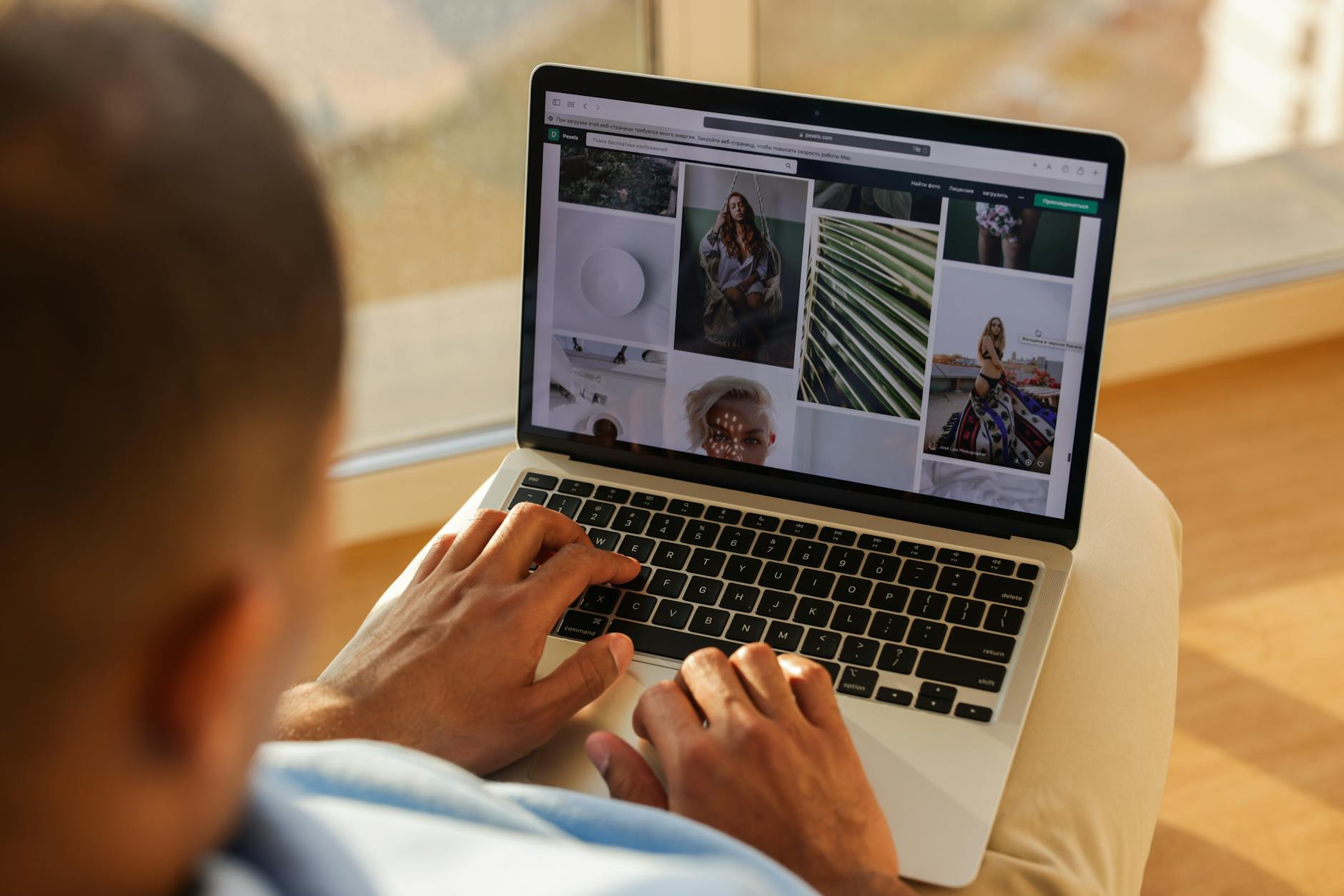
Online password protected photo galleries are private web pages where a client must enter a password, or sign in, before a single thumbnail loads. They are how most working photographers deliver weddings, family sessions and commercial jobs without putting the images on the open web. Set one up well and the client gets a clean viewing and download experience. Set it up badly and the gallery only looks private, while the files sit one forwarded message away from a stranger.
You can build one for free with a WordPress page password, or use a dedicated client gallery platform with download controls, expiry dates and email-based access. Both routes put a lock on the front door. Only one of them checks who walks through it.
Our position after years of deliveries: password strength barely matters, because leaks almost always come from shared links and open file URLs, so an invite tied to an email address plus an expiry date protects clients better than any clever password.
What the password actually guards
A gallery password protects one thing: the page that lists your images. It decides who sees the grid of thumbnails and the download button. On its own, it does not control what happens to a file once someone has it, and it has no idea who typed it.
That gap explains most real-world leaks. A shared password works for anyone holding it, so the bride, her aunt and the aunt's coworker all look identical to the server. On some setups the image files also live at predictable addresses, and anyone who copies a direct file URL can open it without ever seeing the password prompt.
Treat the password as the minimum layer. It keeps casual visitors and search engines away from the gallery page, which is worth a lot. For sessions with any sensitivity (boudoir, children, unreleased product shots) you need controls that sit behind the page too, the kind covered in our guide to photo security for client galleries: watermarked previews, gated downloads, previews stripped of location data and access that expires.
The free WordPress method and its limits
If your portfolio already runs on WordPress, you can lock a page without a plugin. In the block editor, open Settings > Status, pick "Password protected" and type a password. Put your gallery block on that page and publish.
It works, with caveats you should know before a client relies on it. You get one shared password per page, and it never expires. WordPress remembers a correct password entry for 10 days by default, and changing that requires editing code. Other admins and editors on your site can open the page without the password.
The biggest catch is the files. Your images still sit in /wp-content/uploads, and anyone with a direct file URL can open them with no prompt at all. Right-click, copy image address, paste into a group chat, done.
So the WordPress lock suits low-stakes jobs, like a corporate headshot batch the client will post publicly anyway. For a wedding or a newborn session, those open file paths are a real exposure, and a dedicated gallery tool closes them.
Four layers and what each one stops
Solid private delivery stacks four controls, and each catches something the others miss.
The gallery password keeps strangers and crawlers off the page. A separate download PIN, usually a 4-digit code on platforms that offer one, lets relatives browse a shared wedding gallery while only the couple can save full-resolution files. An email request before entry records who came in, so a forwarded link leaves a name behind instead of an anonymous visit. An expiry date closes the gallery when the job is done, which shrinks the window in which an old link can travel.
Download settings deserve a second look every time. On several platforms free downloads are switched off by default. Photographers publish, send the link, then get a confused message from a client who can view everything and save nothing.
Decide per gallery: preview only during proofing, full downloads after final payment, and web-size files for guests if you allow guests at all. A family session with two parents rarely needs more than the password and an expiry date, while a 200-guest wedding benefits from all four layers at once.

Passwords clients can type on a phone
Most clients open their gallery on a phone, often in a parked car or during a work break. A password like "x7#Qp!2m" gets mistyped three times and then texted back to you in frustration. Guessing attacks on client galleries are rare. Mistyped passwords happen every week.
A good pattern is two or three plain words plus a number: "maple-harbor-48" or "lemon tide 61". These are long enough to resist guessing, need no shifted symbols on a mobile keyboard and survive being read aloud over the phone. Avoid the couple's names, the wedding date and the venue, since everyone who received the invitation knows all three.
Use a different password for every client. Reusing one "studio password" means a single forwarded message opens every gallery you have ever delivered. Keep passwords in a password manager or your client records, never in the gallery title or the URL.
Keeping private galleries out of Google
A password prompt stops search engines from reading the gallery page, and that is the most reliable way to keep a client gallery out of results, because the crawler only ever sees the login form. Other tools help less than most photographers assume. A noindex tag asks search engines to drop a page, but it does not guarantee the page stays out. A robots.txt block stops crawling, yet a blocked URL can still appear in results if other sites link to it.
Timing causes the classic slip. If you publish a gallery without a password "just for a minute" to check the layout, a crawler may index it, and adding the password later will not remove the listing straight away. Lock the page before the first image goes up.
Two more habits help. Keep gallery URLs off your public menus and blog posts, and leave client names out of the URL slug. If an old gallery does turn up in search, protect or delete it first, then request removal through Google Search Console.
How to set up and test a gallery before you send it
Run this routine on every delivery. It takes a few minutes and catches nearly every embarrassing mistake.
- Create the gallery and set the password or invite list before you upload a single image.
- Choose download rules (off during proofing, on for the final set) and reopen the settings to confirm the toggle saved.
- Set an expiry date that matches your contract, for example 60 or 90 days after delivery.
- Open the link in a private browser window. Skip the dashboard preview, since it uses your logged-in access and hides problems.
- Check that the password prompt appears before any thumbnail or cover image loads.
- Type a wrong password once and confirm the gallery stays locked.
- Repeat the test on a phone, including one download if downloads are on.
- Send the link by email and the password by text message or Signal, never in the same message.
Keep the email short: "Hi Anna, your gallery is ready at [link]. I'm texting you the password separately. Favorites are open until May 30, 2026, and the gallery closes on August 30, 2026." The text message then holds only the password and your name.
Forwarded links, group chats and sensitive sessions
The most common leak we hear about follows the same script. A couple drops their gallery link and password into the family group chat, a cousin downloads unwatermarked images and posts them before the couple has chosen what they want public. Nobody hacked anything. A shared password simply cannot tell people apart.
Invites tied to an email address fix that. Each person signs in as themselves, a forwarded link is useless without the matching account, and your activity log shows who viewed what. For a wedding gallery with dozens of guests, this is the cleanest way to share widely and still know who is inside.
Boudoir sessions and photos of minors raise the stakes. Privacy rules differ between the US, the UK, Canada and the EU, but the practical baseline looks similar everywhere: written consent stating where images may appear, access limited to named people, watermarked previews (the free watermark generator handles one-off sets) and no GPS data in shared files. GDPR principles of minimal access and limited retention make a sensible default even where nobody requires them.
Lost passwords, expiry and reopening old galleries
Clients lose passwords constantly, usually months after delivery. Never send it to a new email address or phone number just because someone asks. Reply to the contact details already in your records, or ask a question only the client can answer, such as the package they booked. If you suspect the password has spread, change it, send the new one to the original contact and note the date in your client file.
Expiry needs a plan as well. Send a reminder one or two weeks before the gallery closes, telling the client to download their files now. After it closes, keep the originals in your own archive for the period your contract states, often a year or more, instead of paying for platform storage indefinitely.
When a client comes back for a lost download, reopen the gallery for a short window, such as 14 days, with a fresh password. Many photographers charge a small reactivation fee for this. Put the fee in the contract up front so the request never turns into a negotiation.
Where Picvelo Cuts This Work Short
A Picvelo client gallery opens only after the client logs in, so access belongs to a person instead of a password that can travel through a group chat. Every preview gets a watermark automatically and is re-encoded without EXIF or GPS data, which matters for boudoir and family work. The activity history shows when the client opened the gallery, what they marked and whether they approved the selection. When a job ends, you delete the gallery and the old link stops working, so nothing lingers online.
Where to start
Pick your next scheduled delivery and run the eight-step test on it from start to finish, in a private window and on your phone. Then open your contract and check three lines: how long the gallery stays online, when downloads open and whether you charge to reopen an expired gallery. Add whichever is missing before your next booking. Finally, go through your last five delivered galleries. Change any reused password, close the ones past their date and search Google for your gallery domain to confirm nothing private is listed.
FAQ
Can people who get a forwarded link see my client's photos?
Yes, if the password traveled with the link. Once a forward has happened, change the password and send the new one only to your client's original contact. Check the activity log for visits you cannot match to known people. Replace full-resolution downloads of exposed frames with watermarked previews, then tell the couple exactly which images were visible, so they can decide whether to ask anyone to delete copies.
How do I keep a private gallery out of Google?
Start by checking whether anything is already listed. Run a site: search on your gallery domain together with the client's surname, then repeat it in Google Images. Look closely at cover images and social preview thumbnails: they can get indexed even when the page itself is locked, because they load before the password prompt or sit in link previews shared on social networks. Remove or replace any cover that turns up.
How long should a gallery stay online?
For most client work, 60 to 90 days after final delivery gives enough time to download and share. Wedding galleries often stay open longer because relatives keep asking for files. Whatever you choose, write it into the contract, send a reminder before the closing date and keep your own archive of the originals, so you can reopen the gallery if a client loses their downloads.
Can I password protect a gallery without paying for another service?
Yes, WordPress pages can be locked for free, but plan for its quirks. On a shared family tablet, the remembered password lapses after 10 days, so a grandparent suddenly sees a password form again and calls you. To reduce exposure, upload web-size files only, keep originals off the site and delete the images from the media library once the download window closes, since deleting the page alone leaves the files online.
How do clients pick favorites in a password protected gallery?
In a proofing gallery the client signs in or enters the password, then marks favorites on each frame with a heart or flag. You set a selection limit that matches the package and a deadline for finishing. When they are done, you export the list of chosen file names and filter your editing catalog by it, which replaces long email threads full of screenshots and file numbers.
A photo selection gallery for photographers. Send clients a link and let them pick their favourite shots.
Start for free

Comments (0)
No comments yet. Be the first!