
If you are figuring out how to deliver photos to clients, the answer is an online gallery with a private link, not email attachments, a shared cloud folder or a USB stick. A gallery shows the photos the way you edited them, gives the client one clear download button and lets you decide who sees the images and for how long.
Tools like WeTransfer, Google Drive or Dropbox are fine for handing files to a retoucher. For a paying client they feel like a pile of files with no context. Below you will find five delivery methods compared, the file sizes to export, the message to send with every delivery and a way to put the timing into your booking confirmation.
One opinion up front: most complaints about "blurry" or "small" photos come from how the client downloaded them, so the short note you send with the link does more for image quality than any export setting.
Why a private gallery should be your default
Think about the moment the client opens your delivery. With a gallery they see a cover image, a grid of previews in the order you chose and a download button. With a cloud folder they see a list of files called DSC_4821.jpg. Same pictures, very different first impression, and that impression is often what gets you a review or a referral.
A gallery also solves practical problems. The client can browse on a phone without downloading anything, share favorites with family and pull the full set later on a laptop. You decide whether downloads are open for every image or only for the ones in the package. You can set an expiry date, change it when someone asks for more time and see whether the client has actually opened the link.
That last point saves more emails than you might expect. When a client writes three weeks later asking "did you send them?", you can check the activity instead of searching your sent folder. If you want a deeper look at the options, our guide on delivering photos through a client gallery walks through the setup.
The exception: a commercial client with their own asset system may ask for a plain folder. Give them one, with the layout described further down.
Five delivery methods compared
Each method below works for something. The question is whether it works for a client who paid for a session and expects a finished product.
| Method | What the client sees | Main risk | Best use |
|---|---|---|---|
| Email attachments | Loose files in an inbox | Size cap, compression | One or two quick previews |
| Cloud folder link | A generic file list | Anyone with the link can open it | Sending files to a retoucher |
| Expiring transfer link | A download page, then nothing | Link dies before the client downloads | One-off handoff of a large set |
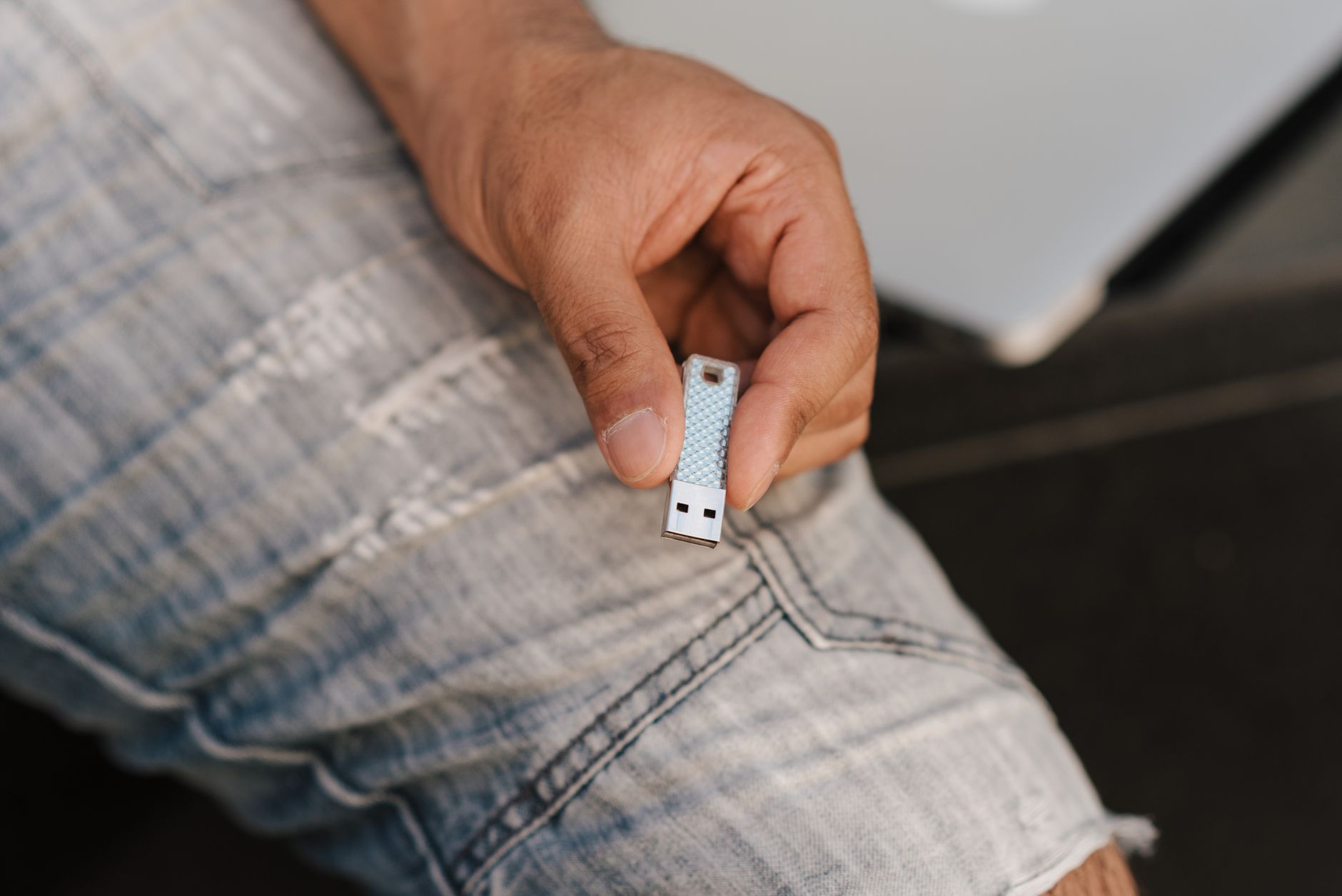
| USB drive | A physical package | Gets lost, many laptops lack the port | Keepsake add-on next to a gallery |
| Branded online gallery | Cover, previews, download button | Client saves a preview instead of the file | Every client delivery |
Email is the weakest option for full sets. In practice most email providers cap attachments at a few tens of megabytes, so a single full-resolution wedding JPEG of 15-40 MB can already bounce or get converted into a cloud link. Transfer services fix the size problem and create a new one: the link expires on a schedule the client never read. If you are weighing a gallery against a transfer service, our comparison with WeTransfer lays out the differences. A USB drive feels premium, but treat it as a gift alongside the online copy, never as the only copy.
What can go wrong after you press send
Compression is the quiet killer. Messaging apps and many email workflows shrink images without telling anyone, so the client forwards a photo to their mother through a chat app and it arrives soft and blocky. Some cloud album services do something worse: the pixel dimensions stay the same but the downloaded file is often a fraction of the original size. The client takes it to a print shop and hears "this isn't high-res." Guess who gets the angry email.
Test your own setup before a client does. Download one image from your gallery as if you were the client, then compare its file size with the exported original in Finder or Explorer. Matching dimensions with a much smaller file means something in the chain recompresses.
Expired links are the second problem. A client opens the transfer email on a phone, means to download it at home, forgets, and seven days later the link is dead. You end up re-uploading 600 files on a Sunday.
The third risk gets less attention. A cloud folder set to "anyone with the link" is open to whoever receives that link. A bride forwards it to the wedding party group, someone forwards it again, and now strangers can download every getting-ready shot. With a gallery that requires the client to log in, a forwarded link stops being an open door.
Watch for one more detail: files can carry GPS data from your camera. Check it with an online EXIF viewer before family photos leave your hands.

What every delivery should include
Send three things every time: full-resolution files, web-size files and a short message explaining how to download them. Skipping the third is the most common mistake we see.
Full resolution is for prints and albums. Web size is for Instagram, messaging apps and email, so the client never has to resize anything and cannot accidentally post a 30 MB file that the platform crunches. Label both clearly. "Print" and "Social" work better for most clients than "Full res" and "2048px."
The message should take a minute to read. Tell the client which button to press (Download, not long-press and save the preview), which version to use for what and how long the link stays active. Add phone instructions, because many clients will open the email on a phone first. On an iPhone, a ZIP file lands in the Files app, and tapping it unpacks a folder; from there the client selects images and saves them to Photos. On Android, the ZIP goes to Downloads and most file managers extract it with one tap. Suggest downloading the full set on a computer when one is available.
Finish the message with a direct request: "Please save a copy on your computer and one more place, such as an external drive or cloud backup." Clients rarely think of this on their own.
File sizes, formats and a folder layout
For full resolution, export the native file: usually 5000 px or more on the long edge, sRGB, JPEG quality 90 or higher. That lands most images in the 15-40 MB range. For web size, about 2048 px on the long edge is a safe standard for social platforms.
Some photographers use a middle option: 2400-3000 px on the long edge, which covers an 8x10 print at 300 dpi, with full resolution sent on request. It works, but only if the contract says so before the shoot. A client who discovers the limit after the wedding feels short-changed. If you are unsure what a given pixel size prints at, run the numbers in a DPI calculator.
Stick to sRGB JPEGs for clients. TIFF files are huge, most phones and print kiosks handle them badly, and the visual gain at quality 90+ is invisible to a client. Don't send RAW files unless the contract explicitly includes them.
When a client wants a folder (commercial work, a design agency), use a layout like this: 01_FINALS_FULLRES, 02_WEB, 03_PRINT and a README.txt of up to five lines saying what each folder holds. In a gallery you can split permissions instead: web size for every image, full resolution only for the number of images the package includes.
When to promise delivery and how to put it in writing
Promise a date you can hit in your busiest month, then beat it in the quiet ones. Clients remember a late delivery far longer than an early one.
Three things belong in the contract or booking confirmation. First, when the clock starts: the session date, or the date the client finishes choosing favorites if you work with proofing. Second, whether peak season changes the timeline. Third, what counts as "delivered." Define it as the day you send the gallery link, so a client who opens it two weeks later cannot claim you were late.
A clause in your own words might read: "Edited images will be delivered via a private online gallery within 4 weeks of the session date, or within 6 weeks for sessions during my peak season (for example May-September in Europe or November-March in the southern hemisphere). Delivery is complete when the gallery link is sent to the email address provided at booking." List your own peak months by name in the contract, because "peak season" means nothing to a client who books you for the first time. Adjust the numbers to your real workload. Many portrait photographers work in weeks; wedding photographers usually need longer and say so.
If you do not have a contract yet, start from a photography contract template and add the delivery section before anything else. A sneak peek of 5-10 images within a few days buys goodwill while the full edit is in progress.
Expiry, archives and a checklist to copy
Decide what happens after the link expires before the first client asks. Most clients assume you keep their photos forever. You probably don't, and you shouldn't have to promise it.
Write three things down: how long the gallery stays online, how long you keep the files in your own archive and what re-delivery costs after expiry. In practice, portrait and family galleries typically stay online 1-3 months, while wedding galleries stay 6-12 months, since couples share them with relatives and put albums together later. Event and commercial galleries often close after a few weeks, because the client pulls the files into their own system. For your own archive, one to a few years is a common promise; put the exact period in the contract. Re-delivery after expiry is usually charged as a flat fee that covers finding the files and uploading them again. The common mistake: promising "forever" in a sales call and having no files three years later when a drive fails.
Repeat the expiry date in the delivery message and send a reminder about a week before. A client who lost a hard drive two years later will be upset, but far less so if they were told twice to back up.
Here is a checklist you can paste into your workflow notes. Before you send: confirm every image is exported in sRGB at JPEG quality 90+; check the full-resolution and web-size sets are both uploaded and labelled; open the gallery on your phone and test one download; set the expiry date and note it in your calendar. In the message: name the download button, explain which version to use for prints and which for social, give the iPhone and Android ZIP steps, state the expiry date and ask the client to keep two copies. After sending: check the gallery activity within three days and follow up if nobody has opened it.
What Picvelo Handles Here
Picvelo replaces the transfer link with a client gallery the client logs into, so a forwarded link does not hand your photos to strangers. Clients browse previews on any device. Every preview carries an automatic watermark, so a screenshot is not a usable copy, while the clean files come only in the ZIP download (see the watermark feature). Previews are re-encoded from the original, so they carry no EXIF or GPS data. Activity history shows when the client opened the gallery, so you know whether to send a reminder before anything expires.
Your first step after reading this
Start with your next delivery, not your whole back catalog. Export one recent session in two sizes: full resolution at JPEG quality 90+ in sRGB, and a 2048 px web set. Write a five-sentence delivery message covering the download button, phone steps, the expiry date and the backup request, then save it as a template. Open your contract and add a delivery clause that says when the clock starts, which months are your peak season and what counts as delivered. Finally, upload the session to a gallery, test a download on your own phone, compare file sizes and send it.
FAQ
Why are my client's downloaded photos smaller or blurry?
Ask the client for the file size and pixel dimensions of the downloaded image (right-click and open Info or Properties). Compare them with your export: 5000+ px on the long edge and 15-40 MB. Small dimensions point to a saved preview, so reply with the button to press. Correct dimensions with a tiny file point to chat-app or cloud album compression, so ask them to download again from the gallery and share the web set instead.
Can I send full-resolution and web-size files in the same link?
Yes, and it is the cleaner option for most clients. In a gallery, offer both versions with clear labels such as "Print" and "Social," or set web size for every image and full resolution only for the images the package includes. In a plain folder, use separate subfolders with numbered names and a short README file explaining what sits in each one, so nobody guesses.
What if the ZIP will not open or the phone runs out of space midway?
Storage is the usual cause. Ask the client to compare free space on the phone with the gallery size: a full-resolution wedding set can take several gigabytes, and unpacking the ZIP needs roughly the same again. If space is short, suggest deleting the broken partial file, then downloading in smaller batches or a few favorites at a time. For the complete set, a laptop or desktop computer is the safer choice.
What do I say when a client asks for RAW or TIFF files?
A typical reply: "I deliver edited high-resolution JPEGs, which print beautifully at any normal size. RAW files are unfinished working files and are not part of the package." Then pick a contract option: decline RAW outright, offer it for an extra fee with no editing support, or deliver TIFF only for named commercial uses such as magazine print. Write your choice into the contract before the shoot.
How long should a photo delivery link stay active?
Long enough for a busy client to download everything without rushing, which in practice means several weeks to a few months for a gallery. Short transfer links of about a week are risky because clients open them on a phone and forget. Whatever period you choose, state it in the contract and the delivery email, send a reminder before expiry and set a clear fee for re-delivery afterwards.
A photo selection gallery for photographers. Send clients a link and let them pick their favorite shots.
Start for free



Comments (0)
No comments yet. Be the first!