
Digital photography brings with it decisions regarding the format of saved images — RAW or JPEG? This choice impacts the quality of photos, the variety of editing options, and the technical requirements related to data storage. Each format has its advantages and disadvantages that should be considered before pressing the shutter release. Learn which one better suits your needs and working style. Let’s dive into the fascinating world of digital photography to uncover the benefits and limitations of both formats.
Basic Differences Between RAW and JPEG
RAW and JPEG are the most popular image formats in digital photography. The RAW format is an uncompressed record of data from the camera’s sensor, preserving the full quality of the image and allowing for significant flexibility during editing. Each color channel in RAW typically stores between 12 to 14 bits of information, providing high tonal dynamics. In contrast, JPEG is a compressed format that retains 8 bits per channel, resulting in smaller file sizes and faster write times, but with limited quality during post-processing.
File Size and Performance of RAW and JPEG
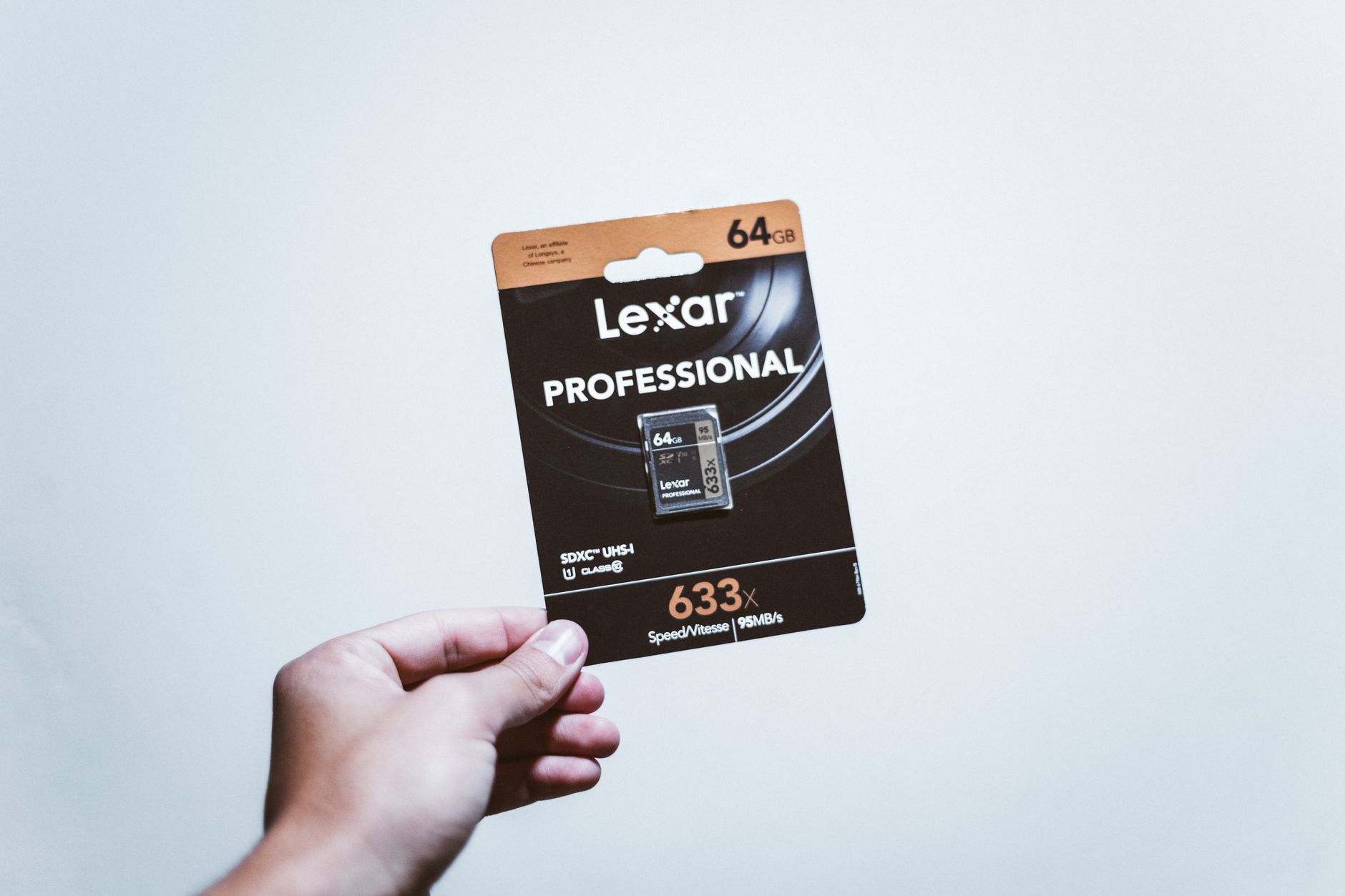
RAW files are generally larger—at 24 megapixels, a single file can take up around 25 MB, while a JPEG of the same size is about 6 MB. The larger RAW files mean greater demands on memory cards and longer write times, which affect burst shooting. On the other hand, JPEG allows for more images to be stored on one card and enables quicker processing, which is essential in action or documentary photography.
Impact of the Format on Photo Editing
During editing, the RAW format offers far greater capabilities for correcting exposure, recovering details in shadows and highlights, and adjusting the white balance. RAW processing in applications like Lightroom enables more precise tuning of the image to the photographer's vision. JPEG, due to its 8-bit compression, limits these possibilities as it does not contain as much information as RAW, potentially resulting in loss of details in extreme areas of the photograph.

Choosing the Right Format for Different Uses
Both RAW and JPEG have their place in photography depending on the application. JPEG is ideal for social media photos, documentation, or sports photography, where time is crucial. In contrast, RAW is indispensable for wedding, portrait, or landscape photography, where the highest quality and editing flexibility are priorities. It's important to consider your needs before deciding which format to choose.
A Compromise Solution: RAW+JPEG
Many modern cameras offer the option to simultaneously save images in both RAW and JPEG formats. This is an excellent compromise for photographers who need quickly accessible JPEG images for review or immediate publication, while also wanting a RAW copy for later editing. Although this requires more space on the memory card, it eliminates the dilemma of format choice at the shooting stage.
New Formats and the Future of Image Storage
In recent years, new formats such as HEIF and compressed RAW have emerged, which can serve as alternatives to traditional formats. HEIF offers better compression and quality than JPEG, while compressed RAW retains the advantages of full RAW at a smaller file size. These formats are becoming increasingly popular, especially among users of modern devices that support such technologies.
Archiving and Space Requirements for RAW Images
Managing large volumes of RAW images requires significant disk space and effective archiving methods. Especially in wedding photography, where a single session can take up to 80 GB, careful planning and organization of disk space is essential. Professionals often invest in high-capacity hard drives or cloud solutions to ensure the safety and accessibility of their work. Considering these aspects, photographers should also think about their long-term data storage needs.
Batch Processing and Workflow for Different Formats
During large sessions, such as sports events or festivals, batch processing workflow plays a key role. Processing multiple JPEG images is faster but offers fewer correction options. With RAW, although more time-consuming, you can gain a lot by fine-tuning photos to perfection in a single operation. It’s crucial to choose tools and methods that best suit the specifics of the work and expectations regarding the final results.
How Picvelo Can Help
Picvelo offers the perfect tool for managing images, supporting both RAW and JPEG formats. With a client gallery, you can conveniently select and deliver photographs. The platform supports adding watermarks and facilitates easy print sales, enhancing professionalism and customer service efficiency. Learn more at pricing.
Summary
Choosing between RAW and JPEG depends on the photographer's working style and needs. Both formats have their place in the photographic arsenal. When deciding on a format, it’s worth considering the applications, editing possibilities, and technical requirements. Regardless of the choice, Picvelo is the ideal partner for managing and sharing images. homepage
FAQ
How much space do RAW images take up?
RAW files for 24 MP cameras occupy about 25 MB per photo, which means they require more disk space compared to JPEG.
Is JPEG sufficient for wedding photography?
JPEG offers speed and smaller files, but for weddings, quality and editing flexibility are crucial, making RAW the better choice.
Can I save images in both RAW and JPEG at the same time?
Yes, many cameras offer the ability to save both formats simultaneously, which is useful for quick review and high-quality editing.
Why is it worth using RAW for landscape photography?
Landscape photography requires high tonal dynamics and detail, which only the RAW format provides, enabling better editing.
What new image formats could replace JPEG and RAW?
HEIF and compressed RAW offer better compression and quality, becoming alternatives to traditional formats in modern devices.
Is JPEG suitable for social media photos?
Yes, JPEG is ideal for quickly sharing images on social media due to fast saving times and smaller sizes.