
Have you noticed dark spots on your photos that appear in the same place? This likely indicates a dirty sensor. Camera owners often deal with this frustrating problem, especially when photographing bright, uniform surfaces. In this article, we'll discuss how to clean the sensor yourself using the right tools, and when it's best to seek the services of a professional.
How to Recognize a Dirty Sensor?
A dirty sensor shows up as dark spots that are visible in every photo, regardless of the lens used. They're easiest to spot against a bright background, such as the sky or a white wall, using a closed aperture of f/16-22. There's a simple test to diagnose a dirty sensor: just set the focus to infinity and take a picture of a uniform object, like an A4 sheet at f/22. You can then check the photo for any black spots that will appear in the same location on all images.
DIY Sensor Cleaning: Equipment and Preparation
Proper preparation is essential for cleaning the sensor yourself. First and foremost, you'll need a tripod to stabilize the camera and the sensor, as cleaning it 'handheld' risks damaging it. Ensure the camera's battery is fully charged to avoid problems when lifting the mirror. Go to the camera menu and select the 'Sensor Cleaning' option, then choose 'Manual Mode', which will lift the mirror in the camera.
Blower — Your First Line of Defense
The first step in cleaning is to use a blower. This simple yet effective method removes loose dust particles. Avoid using canned compressed air, as it may contain chemicals that can harm the sensor. Gently blow towards the sensor, avoiding direct contact. Often, this step is sufficient to eliminate minor contaminants. If spots remain visible, it's time to move on to more advanced methods.

Sensor Swabs: How to Use Them?
If the blower doesn't yield results, it's worth reaching for sensor swabs. Use them gently—insert the smooth end of the swab along the sensor in one steady motion without going back. It's essential to use a special cleaning fluid, like Eclipse Optic Cleaning Fluid, applying 1-2 drops onto the swab. This minimizes the risk of leaving streaks behind. After cleaning, check the condition of the sensor by taking a test shot.
When Should You Go to a Service Center?
Some contaminants, such as greasy spots from seawater or oils, can be challenging to remove with at-home methods. In such cases, as well as for the first cleaning of an expensive camera, it's advisable to seek professional service. The same applies if the sensor has mechanical damage, like scratches. The cost of cleaning at a service center typically ranges from 100 to 200 PLN, with a turnaround time of about 24-48 hours.
Prevention — How to Protect Your Sensor?
Proactive care of the sensor is key to avoiding frequent cleaning. When changing lenses, do so in a clean environment while pointing the camera down to minimize dust ingress. Do it quickly (within a second) and with the camera turned off, reducing static attraction of contaminants. Regularly clean the body and lens caps to keep them in pristine condition.
Why is Sensor Cleanliness Important?
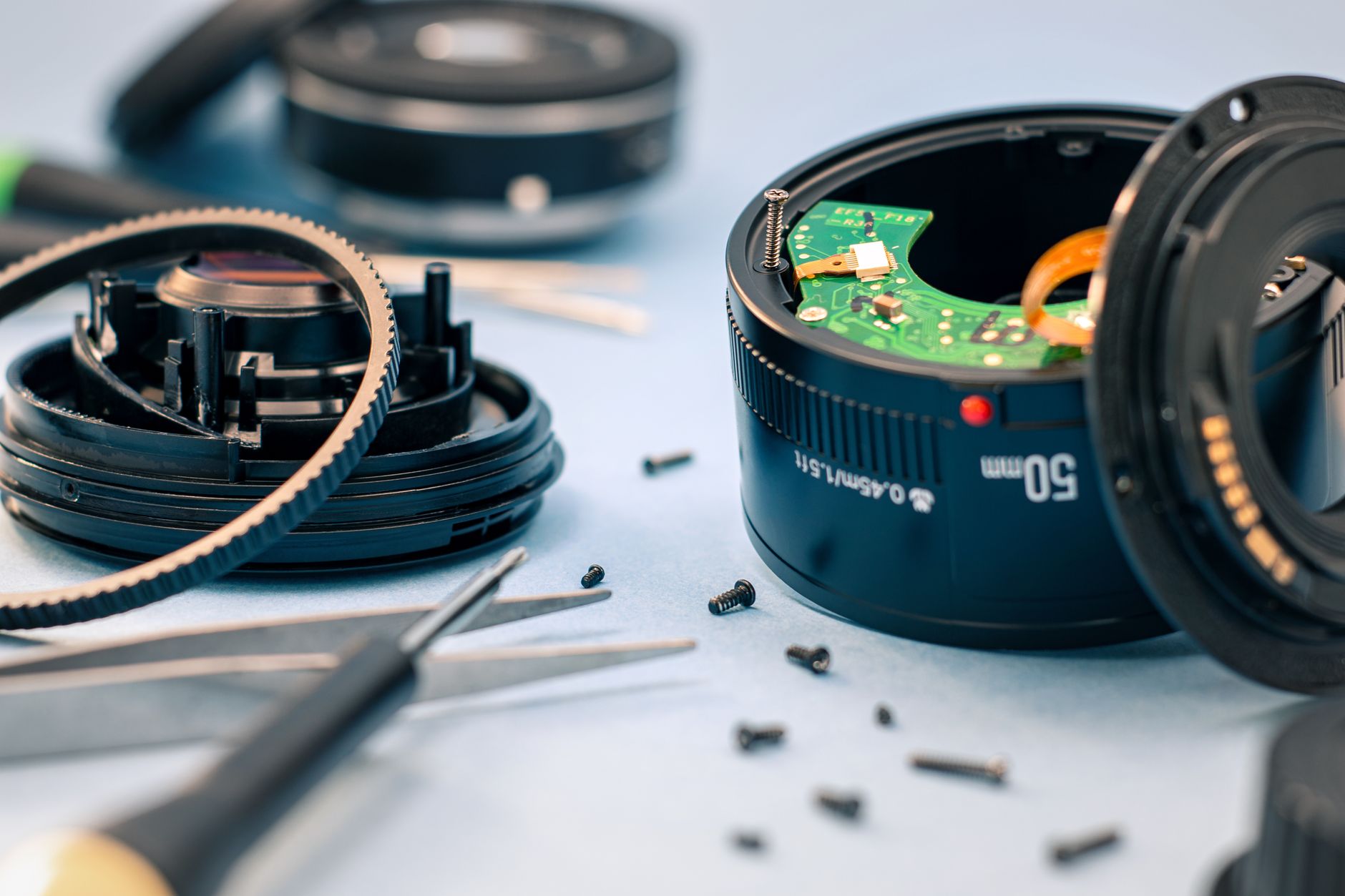
A clean sensor is fundamental to maintaining high-quality photos. When dust particles settle on the sensor, they manifest as unsightly spots that ruin the final effect of the photograph. Regularly caring for the sensor eliminates these issues and ensures your photos look professional, regardless of the shooting conditions. A neglected sensor can lead to long-term damage and financial losses. Taking care of your equipment translates to satisfaction with your work.
Summary: Conscious Actions Are Key to Success
Understanding when to clean the sensor yourself and when professional help is needed helps avoid unnecessary expenses and stress. Caring for photographic equipment requires consistency and caution, but it rewards you with perfect shots. Whether you're an amateur or a professional, knowing cleaning techniques and applying them regularly is an integral part of working with a camera.
How Picvelo Can Help
Picvelo enables photographers to quickly deliver images to clients via a client gallery instead of traditional transfers. Managing dispersed files is simpler, and photographs can be secured with watermarks. Additionally, Picvelo allows for direct print sales from the platform. Check our pricing and customize the options to fit your needs.
Summary
Regularly maintaining sensor cleanliness is an investment in the quality of your photos. It's important to know when you can take care of your equipment yourself and when a service visit is necessary. Clean your sensor wisely and enjoy perfect shots every day. Also, see how homepage can support your photographic endeavors.
FAQ
What symptoms indicate a dirty sensor?
The most common signs are dark spots in photos, especially visible on light backgrounds such as the sky, when using a closed aperture.
Can I clean the camera sensor myself?
Yes, you can use a blower and special swabs with cleaning fluid. However, it's crucial to follow precise instructions.
What are the costs of sensor cleaning at a service center?
The cost for sensor cleaning at a service center usually ranges between 100 and 200 PLN. The turnaround time is about 24-48 hours.
Can I use compressed air for sensor cleaning?
It's not recommended to use canned compressed air, as it contains chemicals that can damage the sensor.
How can I prevent sensor dust?
Change lenses in a clean environment, store the camera facing down, and turn off the electrostatic charge while working.
Does cleaning the sensor affect the camera warranty?
Typically, self-cleaning does not affect the warranty, but it's best to check the warranty conditions before proceeding.