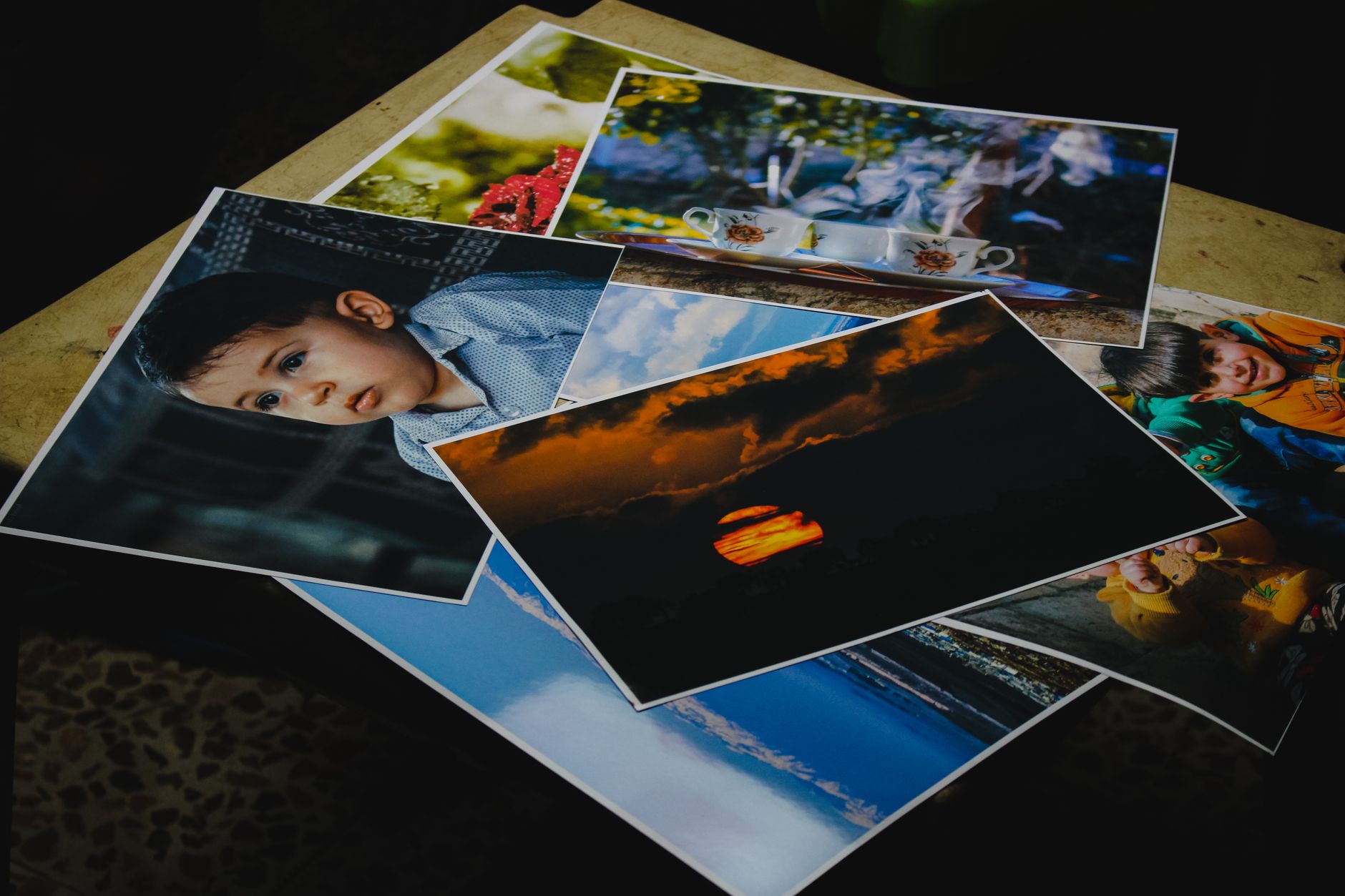
A client asks "can this photo be printed big on a wall?" and you want a concrete answer, not "probably". The key is DPI and the number of megapixels. This guide explains what DPI is, how megapixels translate into print size, and when 150 DPI is perfectly enough instead of 300.
What DPI (and PPI) is
DPI (dots per inch) is the number of dots a printer lays down per inch, while PPI (pixels per inch) is the pixel density in the file. In practice photographers use both terms interchangeably, because the question is the same: how many pixels fall on one inch of the print. The higher the DPI, the finer the detail, but also the smaller the maximum print you get from the same pixel count. The photo-quality standard is 300 DPI for prints viewed up close.
Megapixels and print size
Print size is simple to work out: divide the pixel count of a side by the DPI to get the size in inches. A 6000×4000 px photo (24 MP) at 300 DPI gives 20×13.3 inches, about 50×34 cm. The same photo at 150 DPI doubles in each direction. So the megapixel count sets the ceiling of quality, and the DPI you choose decides how large a print you pull from that ceiling. You can work out any variant in the DPI calculator.
Print size at 300 DPI
The table below shows the maximum photo-quality print (300 DPI) for typical sensor resolutions:
| Megapixels | Resolution (px) | Print at 300 DPI |
|---|---|---|
| 12 MP | 4000 × 3000 | ~34 × 25 cm (A4) |
| 24 MP | 6000 × 4000 | ~51 × 34 cm (A3) |
| 33 MP | 7008 × 4672 | ~59 × 40 cm |
| 45 MP | 8192 × 5464 | ~69 × 46 cm |
| 61 MP | 9504 × 6336 | ~80 × 54 cm |
Even 24 MP comfortably yields a large A3 print at full quality. For still bigger formats, higher resolution helps, or a deliberate drop in DPI.
When 150 DPI is enough
300 DPI makes sense for prints viewed from 30–40 cm: albums, portraits, portfolio prints. But a poster on a wall is viewed from 1–2 metres, and a billboard from many metres. At a distance the eye cannot resolve individual pixels, so 150 DPI (and even less for large formats) looks sharp while letting you print twice the size from the same file. The rule is simple: the further the viewer stands from the print, the lower the DPI you need.
Check your print
Instead of doing the maths in your head, enter your photo's resolution and target DPI into our DPI calculator. You will instantly see the maximum print size in centimetres and inches, and confirm whether the file can carry the format you promise the client.
Remember that size is not everything: the file format and whether you deliver the client a full-resolution file also matter. We cover this in our pieces on RAW vs JPEG and full resolution vs preview in the client gallery. Print quality also starts with the profile and paper, which we discuss in the guide to photographic printing.
FAQ
How many DPI do you need for a photo print?
For prints viewed up close the standard is 300 DPI. For larger formats viewed from a distance (posters, large-format prints) 150 DPI is enough, and for really big ones even less, with no visible loss of sharpness.
How many megapixels do I need for an A3 print?
An A3 print (about 30×42 cm) at 300 DPI needs around 18 MP. Popular 24 MP sensors deliver A3 with room to spare, and at 150 DPI the same file covers a format up to twice as large.
Does more megapixels always mean a better print?
Not in every case. Megapixels set the maximum size at a given DPI, but how a print reads also depends on the sharpness of the shot, lens quality, exposure, and the paper and colour profile. More pixels only help once the rest of the chain is in order.
Comments (0)
No comments yet. Be the first!