
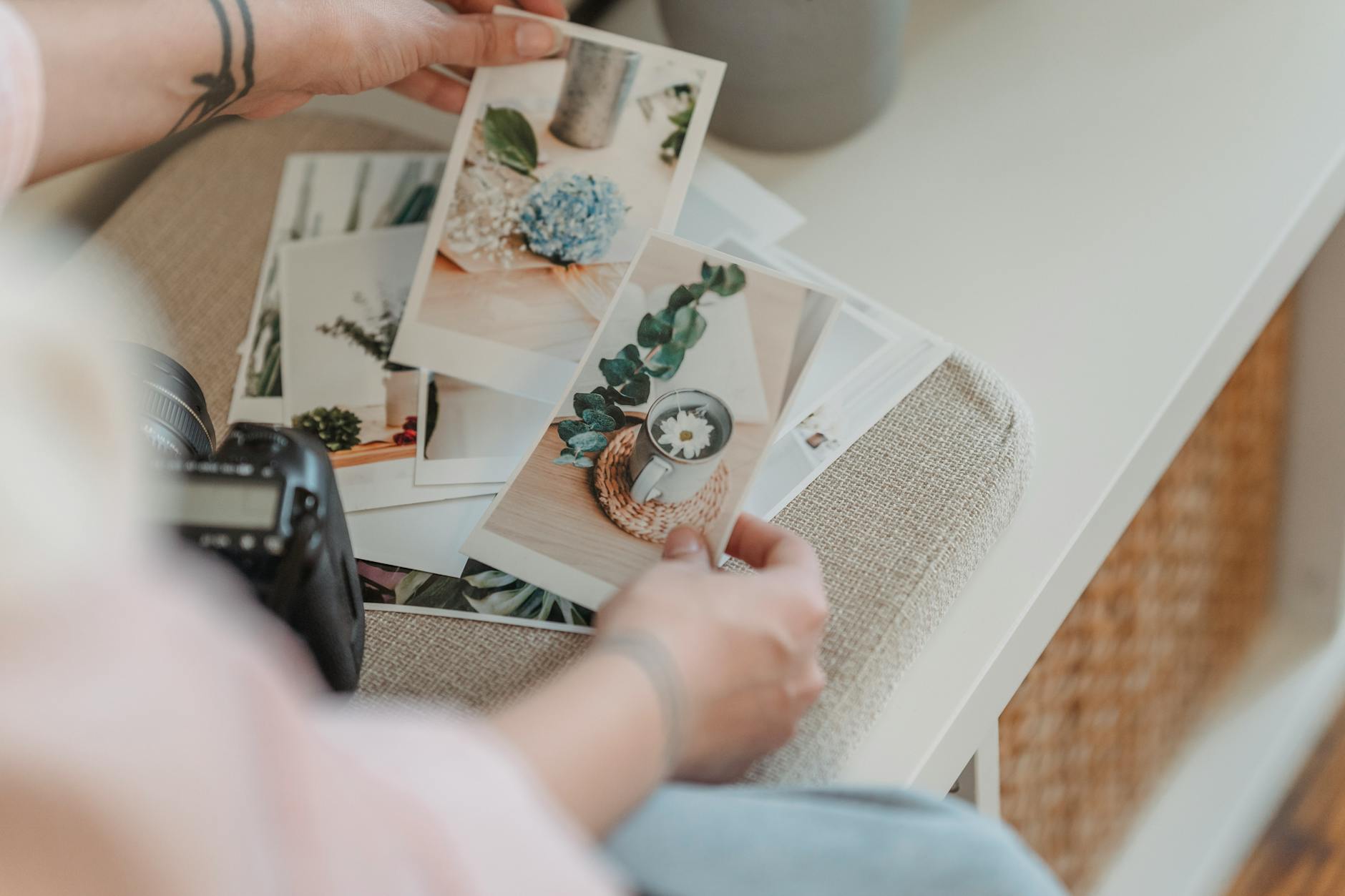
Preparing a photo for printing doesn't end at clicking the 'Print' button. It's a complex process that requires understanding how images displayed on a screen translate to paper. In this article, we'll discuss how to choose the right paper for your photographic needs, understand ICC profiles, and avoid excessive color softening. You'll learn how each of these decisions impacts the final print and what steps to take to achieve the best results without compromising quality.
Different Types of Photography Paper
Choosing the right paper for photo printing is crucial. Each type of paper has different properties, affecting the final appearance of the image. Matte paper, like Hahnemühle Photo Rag cotton paper, is great for artistic portraits due to its durability and subtle color reproduction. Pearl or satin paper (e.g., FujiHunt Crystal Archive) is versatile and suits both albums and gallery presentations. Glossy paper offers the highest contrast and color saturation, although it can create unwanted light reflections. For a three-dimensional effect, you can use metallic paper, which works well in sports or landscape photography. Canvas is the choice for large-format prints, ideal for displays in large spaces.
Understanding ICC Profiles
ICC profiles are an essential tool in the photo printing process. An ICC profile is a set of data that describes how to accurately reproduce colors in a given printer-paper-ink combination. Downloading the correct ICC profile from the paper manufacturer's website, such as Hahnemühle or Epson, is essential to integrate it into your system. In programs like Adobe Lightroom, you can use the Soft Proofing feature to see how the image will look once printed. This insight helps you anticipate any color differences before you waste ink and paper, saving both time and material costs.
The Impact of Paper on Photo Colors
When printing, both the printer and the type of paper determine the final colors of the image. Matte paper typically does not reproduce colors as vibrantly as glossy paper, which can produce overly strong reflections. Satin or pearl paper offers an excellent compromise—saturation balanced with greater control over reflections. Color softening is a challenge that can be minimized by choosing the correct ICC profile and ensuring proper lighting during monitor and printer calibration. Testing different types of paper is also important to understand their impact on your photographic compositions.
Soft Proofing: Color Control Before Printing
Soft Proofing, available in programs like Lightroom, is a technique that shows how the photo will look once printed. By enabling this feature (Develop → View → Soft Proofing), the program displays a color simulation based on the selected ICC profile. There's also an option to check 'Gamut Warning,' indicating colors outside the printer's range. This allows you to adjust the photo in advance by increasing saturation or contrast, ensuring the image looks its best in print.
Color Correction Before Export
Before printing, it is necessary to make final color corrections. The print version often requires subtle adjustments compared to what we see on the screen. Frequently used settings include: +10 saturation, +5 contrast, and +10 blacks to compensate for the ink absorption by the paper. Well-chosen corrections can prevent color dulling that can occur during the printing process. These minor tweaks can have a significant impact on whether the photos appear vibrant and dynamic on paper.
Exporting Photos for Printing
Exporting photos for printing differs from exporting for digital publications. The file must be saved as a TIFF 16-bit with the embedded ICC profile. Setting the correct resolution is critical: 300 DPI is the standard for most prints, while 240 DPI is accepted for larger formats over 50×70 cm. For sharpening photos, select the 'For Print' option in Lightroom, which gives two choices: Matte or Glossy, depending on the type of paper used. This process ensures the highest print quality.

Own Printer vs External Service
The decision to print in-house or use an external service depends on various factors. Owning a printer, like the Canon Pro-200, is cost-effective if you print more than 30 prints per month. Although the initial investment is high, it can be worth it in the long run, especially since ink costs for A3 format are about 50 PLN. External services, like FineArt Galaxy or Pixfilm, offer greater flexibility for smaller quantities and larger formats, making them a better choice for occasional printers.
The Importance of Equipment Calibration
Calibrating monitors and printers is vital to ensure color consistency between what’s displayed on screen and the final print. When the monitor is not calibrated correctly, the colors in the print can drastically differ from what you expect. Regular calibrations help ensure that what you see is exactly what you’ll get on paper. Using calibrators like X-Rite i1 ensures that your entire setup—from camera to monitor to printer—works harmoniously, providing the full color potential.
How Picvelo Can Help
Picvelo offers the perfect solution for photographers managing their online client galleries. The platform enables easy sharing of photos in gallery format, adding watermarks, and selecting images before printing, ensuring color and aesthetic consistency.
Summary
Photo printing is an art that requires skill and precision. By properly selecting paper, ICC profiles, and calibrating your equipment, your photographs will gain a new quality. Use these tips to ensure the little details make a big difference.
FAQ
How much does a photo printer cost?
Home photo printer prices start at around 3000 PLN for models like the Canon Pro-200 or Epson SureColor P700. Costs can increase based on specifications and printer size.
Is it worth investing in an ICC profile?
Yes, investing in an ICC profile is beneficial. It provides better color representation on paper and helps avoid costly printing mistakes. Profiles are often available for free on paper and ink manufacturers' websites.
How often should I calibrate my monitor?
A monitor should be calibrated approximately every one to two months, especially if you notice color differences between the screen and prints. More frequent calibration is particularly recommended when working on projects requiring precise colors.
What is color softening?
Color softening is a challenging effect to avoid, where colors appear less intense in print compared to what we see on the screen. This can be mitigated by proper color correction before printing and choosing the right paper.
What are the best papers for printing photos?
The best paper is one that fits your needs. The Hahnemühle Photo Rag matte cotton paper is perfect for artistic portraits. FujiHunt pearl paper is versatile, and glossy paper works well when strong contrast and saturation are desired.
Why does the printer show different colors than the monitor?
These differences stem from the different methods of color reproduction on screens (light emission) versus printing (light reflection). Calibrating equipment and using the correct ICC profiles helps minimize these differences.