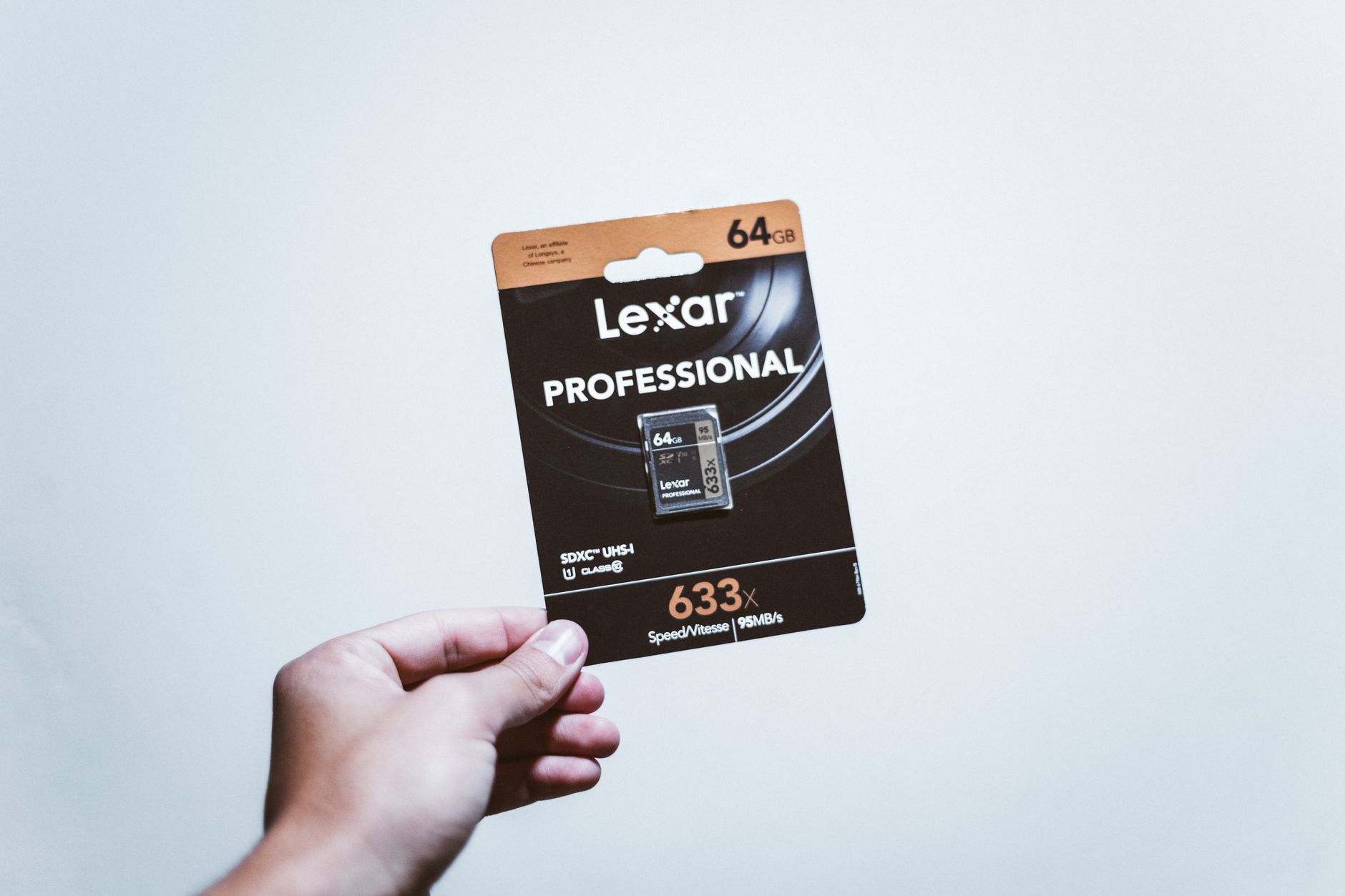
A memory card is an indispensable piece of equipment for every photographer. Unfortunately, its selection is often overlooked, which can lead to serious limitations in work. An improperly chosen card means not only reduced technical capabilities but also the risk of losing the most precious moments. In this article, we will attempt to unravel the mysteries of memory cards by discussing the key standards and speed classes to better harness their potential.
SD Cards: What Are They and Who Uses Them?
SD (Secure Digital) cards are among the most popular memory storage devices, primarily used in both amateur and professional cameras. They are compatible with a wide range of devices, making them a universal choice for many users. Among SD cards, there are two main types: UHS-I and UHS-II.
UHS-I offers a maximum transfer speed of about 100 MB/s, which is sufficient for standard resolution photography and video. On the other hand, UHS-II cards, with speeds up to 300 MB/s, are designed for more demanding tasks, such as recording 4K video or taking high-speed burst shots. /
It is worth investing in an SD card with an appropriate speed class to avoid data write issues, especially during high-quality recordings.
CFexpress: A New Generation of Performance
CFexpress cards represent a modern standard that has gained popularity among high-end photographers and filmmakers. Unlike SD cards, CFexpress utilizes NVMe technology, allowing transfer speeds comparable to modern SSD drives. They are offered in two main versions: Type A and Type B.
Type A is smaller in size and is mainly used in Sony Alpha cameras, offering speeds around 700 MB/s. In contrast, Type B, used in devices such as the Canon R5 or Nikon Z9, can reach speeds of up to 1500 MB/s. This is essential for tasks requiring extreme speed, such as recording 8K RAW video.
The capabilities of CFexpress cards make them an excellent choice for professionals working in demanding conditions where every millisecond of data transfer counts.
Speed Classes: V30, V60, V90 and Their Significance
The speed classes of memory cards, under Video Speed Class (V30, V60, V90), define the minimum guaranteed writing speed for video in MB/s, which is crucial for high-resolution video recording sources.
V30 ensures a minimum write speed of 30 MB/s, adequate for 4K video at 30 fps. V60, offering 60 MB/s, meets the requirements for recording 4K at 60 fps or 6K at 30 fps. V90, with 90 MB/s, is essential for devices recording at 6K 60 fps or 8K 30 fps.
Choosing the right V Speed Class is critical to ensure smooth, error-free video recording without dropped frames, especially important for the work of professional filmmakers and photographers.

Recommendations for Different Types of Photographers
Choosing the right memory card can vary depending on the photographer's specialization. For wedding photographers, it is recommended to use two 64-128 GB V90 SD cards, such as the SanDisk Extreme Pro or Sony Tough.
Sports and wildlife photographers may consider 256 GB CFexpress cards, like ProGrade Cobalt or Delkin Black, which ensure fast recording even in tough conditions. Meanwhile, filmmakers recording in 4K should opt for V90 SD cards or CFexpress Type B to avoid the risk of recording glitches.
Travelers and travel enthusiasts will be satisfied with two 128 GB V30 SD cards from Lexar or PNY, which are economical yet offer sufficient performance for most tasks.
How to Avoid Data Loss Problems?
To minimize the risk of data loss from memory cards, it is helpful to follow a few basic rules. First, prefer smaller cards with a larger cumulative capacity instead of just one large card — this distributes the risk.
Always format the card directly in the camera instead of on a computer to avoid file compatibility issues. Refrain from removing the cards while writing data, especially RAW files, as this can lead to card damage.
In case of card failure, utilize data recovery tools such as the free PhotoRec or professional R-Studio, which can assist in recovering lost photos and videos.
Myths About Memory Cards
In the world of photography, there are many myths regarding memory cards that are worth debunking. Firstly, not all cards are created equal — there are significant differences in speeds that can vary tenfold.
Another myth is the belief that larger capacity is always better. In reality, large cards come with a higher risk of losing all data at once. Additionally, investing in branded cards is worthwhile — cheap knock-offs are often found on popular trading platforms.
Other misconceptions include: saving RAW and JPEG on the same card should be divided across different slots in cameras with dual entrances, and the belief that a memory card will never fail — always plan for data backup.
How to Test Memory Card Speed?
The speed of a memory card is crucial, especially when working with high-resolution material. To properly assess the actual speed of the card, one can use specialized disk testing software, such as CrystalDiskMark for Windows or Blackmagic Disk Speed Test for Mac systems.
During testing, pay attention to the block sizes, as they can affect the results. Compare this data with the manufacturer's declared speeds to check whether the card lives up to its promises.
Testing is essential, especially if we suspect that the card may be counterfeit. This practice helps avoid issues related to data writing and storage in challenging photographic conditions.
Best Maintenance Practices for Memory Cards
Proper maintenance of memory cards is often overlooked, yet it can significantly extend their lifespan. Store cards in a dry and secure place, avoiding extreme temperatures that can cause the card to warp.
Regularly format the cards in the camera to maintain optimal performance and avoid system errors. It is also important not to store cards that are completely full — always leave some free space for better file system operation.
When transferring photos, use card readers instead of directly connecting the camera to the computer, which can lead to transfer errors or interference.
How Picvelo Can Help
Picvelo offers tools for creating client galleries and helps manage photo selection. With the ability to add watermarks, you protect your work from copying, and an intuitive interface facilitates professionals' interaction with clients. Learn more at /cennik.
Summary
Choosing the right memory card is crucial for a photographer's success. Understanding the differences and matching them to your needs is the foundation of effective work and data safety. Take care of your cards, and they will take care of your memories!
FAQ
What is the best memory card for wedding photography?
It is best to use two 64-128 GB V90 SD cards, such as the SanDisk Extreme Pro or Sony Tough, to ensure reliability and writing speed.
Do all SD cards have the same speeds?
No, they differ in technology (UHS-I vs UHS-II) and write speed class, which affects the maximum data transfer speeds.
Why is it worth formatting the memory card in the camera?
Formatting the card in the camera ensures better compatibility with the camera's file system, minimizing the risk of data loss or writing errors.
What to do in case of memory card failure?
Use data recovery tools like PhotoRec or R-Studio, which can help restore lost photos.
Is it worth buying branded memory cards?
Yes, because counterfeits are a real problem on the market, and branded cards offer better quality and technical support.
How often should I replace a memory card?
Replace cards when they start showing signs of wear, speed drop, or writing errors, to minimize the risk of data loss.