
Fotografia eventów firmowych to nie tylko sztuka uwieczniania istotnych momentów, ale również wyścig z czasem, aby dostarczyć gotowe zdjęcia. W takim środowisku nie tylko talent, ale i efektywny workflow decydują o sukcesie. Dlatego warto poznać narzędzia i techniki, które ułatwią pracę i zapewnią szybkie wyniki. W tym artykule podpowiemy, jak przygotować się do fotografii eventowej, jakie sprzęty mogą być nieocenione, oraz jak w terenie efektywnie selekcjonować zdjęcia, aby spełnić oczekiwania nawet najbardziej wymagających klientów.
Sprzęt dla fotografa eventowego
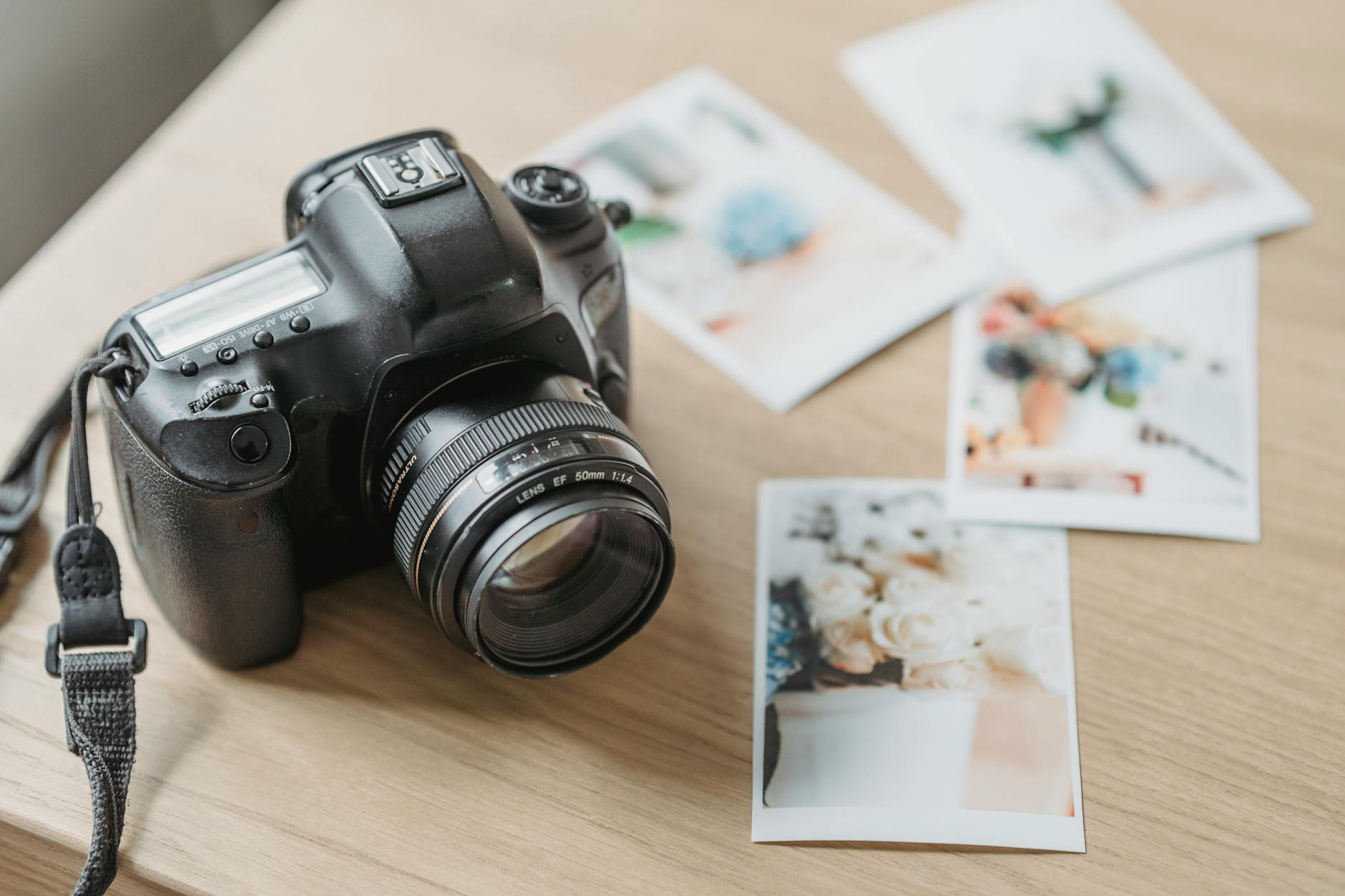
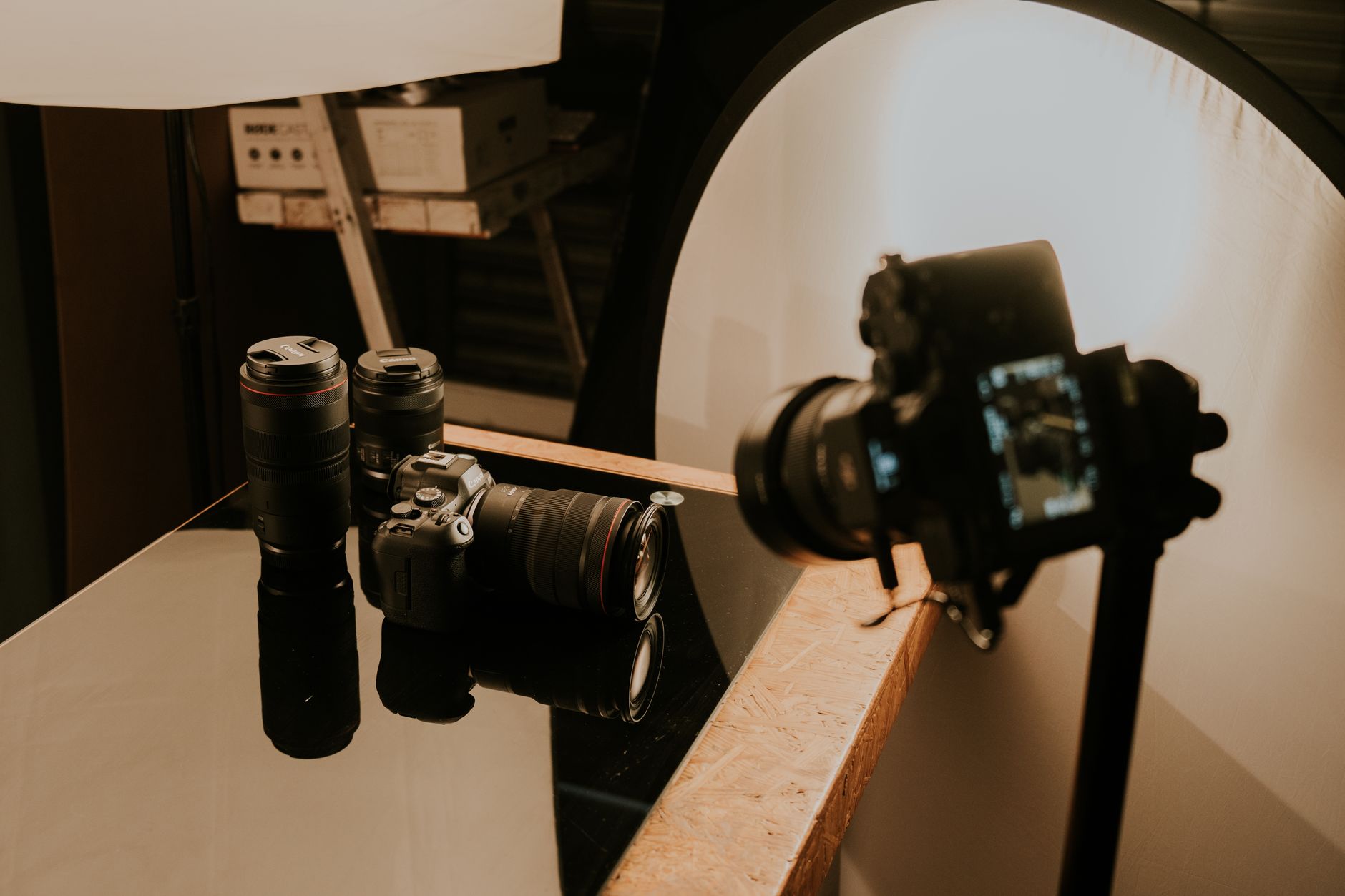
Fotografując eventy firmowe, warto mieć dwa korpusy z różnymi obiektywami. Idealna kombinacja to np. 24-70 mm f/2.8 plus 70-200 mm f/2.8, co pozwala na szybkie przełączanie między szerokimi ujęciami a zbliżeniami. Alternatywnie można postawić na stałoogniskowe 35 mm i 85 mm, które zapewniają nieco większą jakość zdjęć. Niezbędny jest również kompaktowy lampa systemowa z dyfuzorem, która rozprasza światło i jest kluczowa w słabo oświetlonych salach. Pamiętaj także o monopodzie, który ustabilizuje aparat podczas dłuższych sesji.
Planowanie kluczowych ujęć
Przed rozpoczęciem zdjęć warto mieć listę must-have ujęć. Zawierać powinna powitanie gości, rejestrację przy stoliku, panele dyskusyjne z trzema ujęciami każdy: szerokim, średnim i detalu z mikrofonem. Interakcje między uczestnikami to kolejny must-have, podobnie jak zdjęcia prelegentów na scenie i detali brandingowych jak loga, bannery czy identyfikatory. Grupy zdjęciowe zespołu czy klientów również zwykle znajdują się na takiej liście. Dzięki planowaniu nie przeoczysz żadnych ważnych momentów.
Optymalizacja pracy w terenie
Podczas pracy na evencie niezwykle istotna jest efektywność. Korzystanie z laptopa do backupu zdjęć w trakcie trwania wydarzenia to dobry pomysł, który zapewni bezpieczeństwo danych. Dobrej jakości karty SD lub CFexpress zapewniają szybkie zapisywanie zdjęć, co przy intensywnej pracy jest nieocenione. Zapasowe baterie to absolutna konieczność, ponieważ nic nie może przerwać Twojej pracy. Wszystkie te kroki optymalizują pracę i minimalizują potencjalne straty.

Szybka selekcja zdjęć
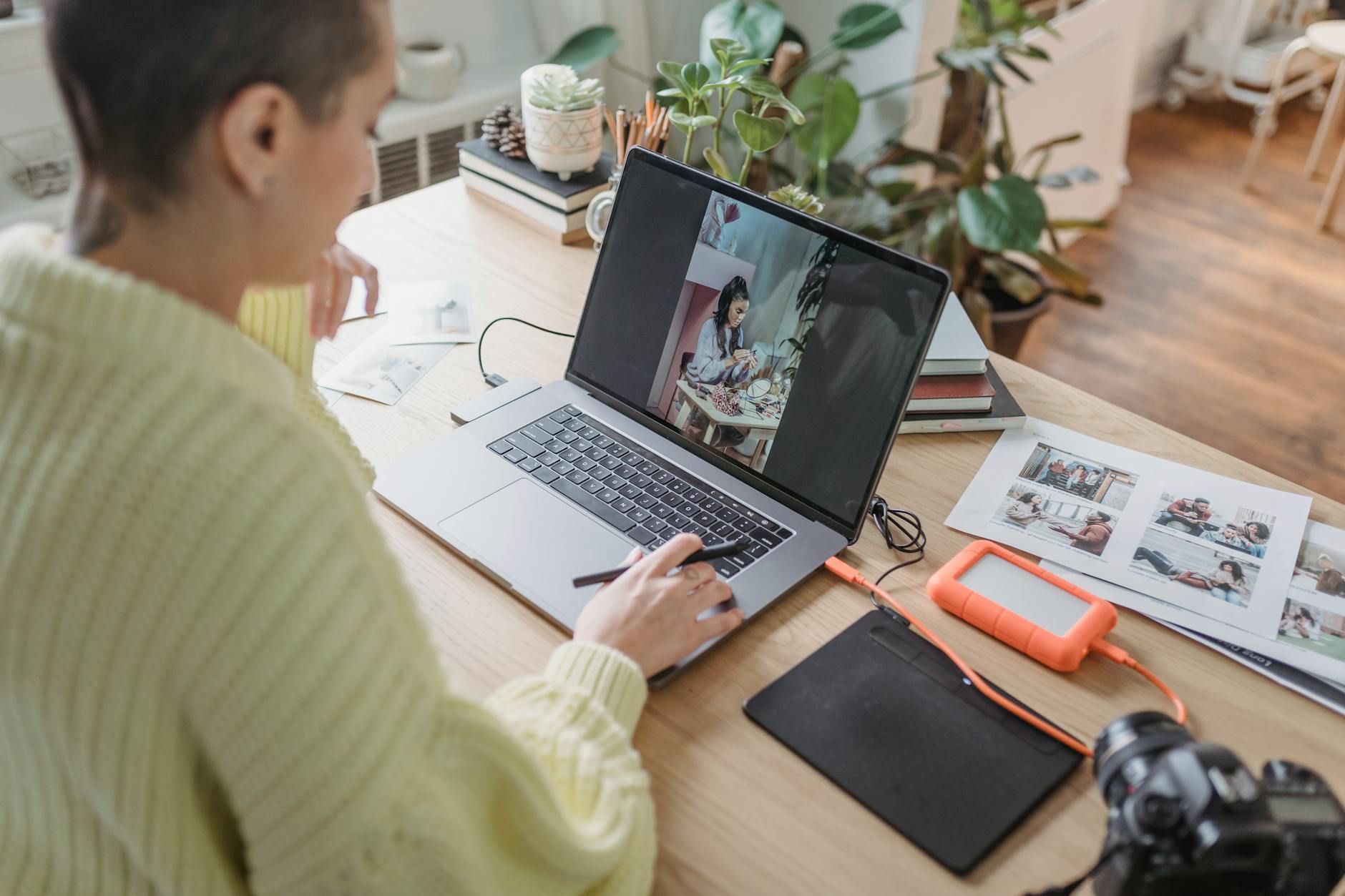
Elementem szybkiego workflow jest selekcja zdjęć bezpośrednio po zakończeniu sesji. W terenie warto zaimportować zdjęcia do programu Lightroom z presetem korekcji ekspozycji, co przyspiesza proces selekcji. Pierwszy obieg selekcji z użyciem flag P powinien obejmować około 30% wykonanych kadrów. Następnie, drugi obieg z oceną gwiazdkową pomaga wybrać te najlepsze, które później znajdą się w finalnym albumie klienta. Takie podejście pozwala zredukować liczbę zdjęć do kwoty wymaganej w umowie.
Edycja i eksport zdjęć
Edycja zdjęć to nie tylko retusz, ale i przygotowanie do eksportu. Po wybraniu najlepszych zdjęć często używa się presetów, które są zgodne z wymaganiami agencji marketingowej klienta. Eksport w jakości JPEG o rozdzielczości 2400 px to standard dostosowany do większości potrzeb klientów, od druku po publikacje online. Przygotowane zdjęcia są następnie dostarczane w formie galerii online lub jako bezpośredni link do pobrania, co ułatwia klientom dostęp do materiałów.
Galeria online jako forma dostawy
W erze cyfrowej dostarczenie zdjęć za pomocą galerii online to standard. Platformy takie jak Pixieset, ShootProof czy nawet własne galerie mogą być użyte, aby opatrzyć zdjęcia brandingiem klienta i umożliwić im wygodny dostęp do plików. Warto zadbać o estetykę i intuicyjność takiej galerii, aby doświadczenie klienta było jak najlepsze. Oprócz pełnego albumu, można wysłać także 5-10 zdjęć wyselekcjonowanych do użycia na social media jeszcze przed zakończeniem eventu.
Budowanie relacji z klientem
Szybka i profesjonalna dostawa zdjęć to jeden z elementów budujących zaufanie klienta. Ważnym aspektem jest również wysłanie zdjęć razem z wiadomością e-mail zawierającą informacje o płatności czy link do faktury. Przez dostosowanie się do potrzeb klienta, jak zapewnienie dodatkowego wsparcia czy oferowanie uwag na następne eventy, można zwiększyć szanse na długotrwałą współpracę. Relacyjność w biznesie fotograficznym jest kluczowa do osiągnięcia sukcesu.
Wartość szybkiego workflow
Efektywny workflow to nie tylko szybkość, ale i jakość usług wydarzeń fotograficznych. Pozwala na koncentrację na istocie fotografii — uchwyceniu momentów w najlepszy możliwy sposób. Dzięki odpowiedniemu zarządzaniu czasem i zadaniami, fotograf może skupić się na kreatywnych aspektach swojej pracy, zamiast tracić czas na administracyjne czynności. Efektem jest spójna i profesjonalna prezentacja, która spełnia oczekiwania nawet najbardziej wymagających klientów.
Jak Picvelo może pomóc
Picvelo ułatwia fotografom eventowym zarządzanie zdjęciami dzięki automatycznej selekcji i łatwej personalizacji galerii klienckich. To idealne rozwiązanie do szybkiego oznaczania i eksportu gotowych zdjęć z brandingiem wydarzenia. Sprawdź, jak Picvelo może usprawnić Twoje workflow na /.
Podsumowanie
Fotografia eventów firmowych wymaga zarówno przygotowania technicznego, jak i doskonałego zarządzania czasem. Dzięki nowoczesnym narzędziom i strategiom można skutecznie spełniać oczekiwania klientów, jednocześnie tworząc piękne i profesjonalne wspomnienia. Sprawdź, jak Picvelo może usprawnić Twoje działania i zaskoczyć klientów świetnym wykonaniem. /faq
FAQ
Jaki sprzęt jest potrzebny do fotografii eventów?
Dwa korpusy z różnymi obiektywami (np. 24-70 mm f/2.8 i 70-200 mm f/2.8), lampa systemowa z dyfuzorem, monopod oraz laptop do bieżącego backupu danych. To podstawowy zestaw ułatwiający pracę podczas eventów.
Jakie zdjęcia są kluczowe podczas eventu firmowego?
Kluczowe ujęcia to powitanie gości, rejestracja, panele dyskusyjne, interakcje uczestników, zdjęcia prelegentów, detale brandingowe oraz grupowe zdjęcia zespołów. Te elementy tworzą pełen obraz wydarzenia.
Dlaczego ważna jest galeria online do dostarczania zdjęć?
Galeria online zapewnia wygodny dostęp klienta do zdjęć oraz możliwość ich pobrania. Umożliwia także branding, co jest istotne dla identyfikacji wizualnej firmy podczas eventów.
Jak szybko powinno się dostarczać zdjęcia po evencie?
Z reguły, fotografie powinny być dostarczane w ciągu 4-6 godzin po zakończeniu wydarzenia. Ekspresowe przesłanie kilku zdjęć do mediów społecznościowych jeszcze podczas trwania eventu także jest cenione.
Czy warto używać presetów podczas edycji zdjęć?
Tak, użycie presetów upraszcza proces edycji, zapewniając spójność wizualną i oszczędzając czas. Preset zgodny z wymaganiami klienta może znacząco przyspieszyć ekspor zdjęć.
Co zrobić, by poprawić jakość relacji z klientem po evencie?
Dostarczanie zdjęć na czas, transparentna komunikacja i dopasowanie do potrzeb klienta, a także oferowanie dodatkowych uwag i wsparcia, poprawiają jakość partnerskich relacji.
Galeria do selekcji zdjęć dla fotografów. Wyślij klientom link, a oni wybiorą ulubione kadry.
Zacznij za darmo

Komentarze (0)
Brak komentarzy. Bądź pierwszy!