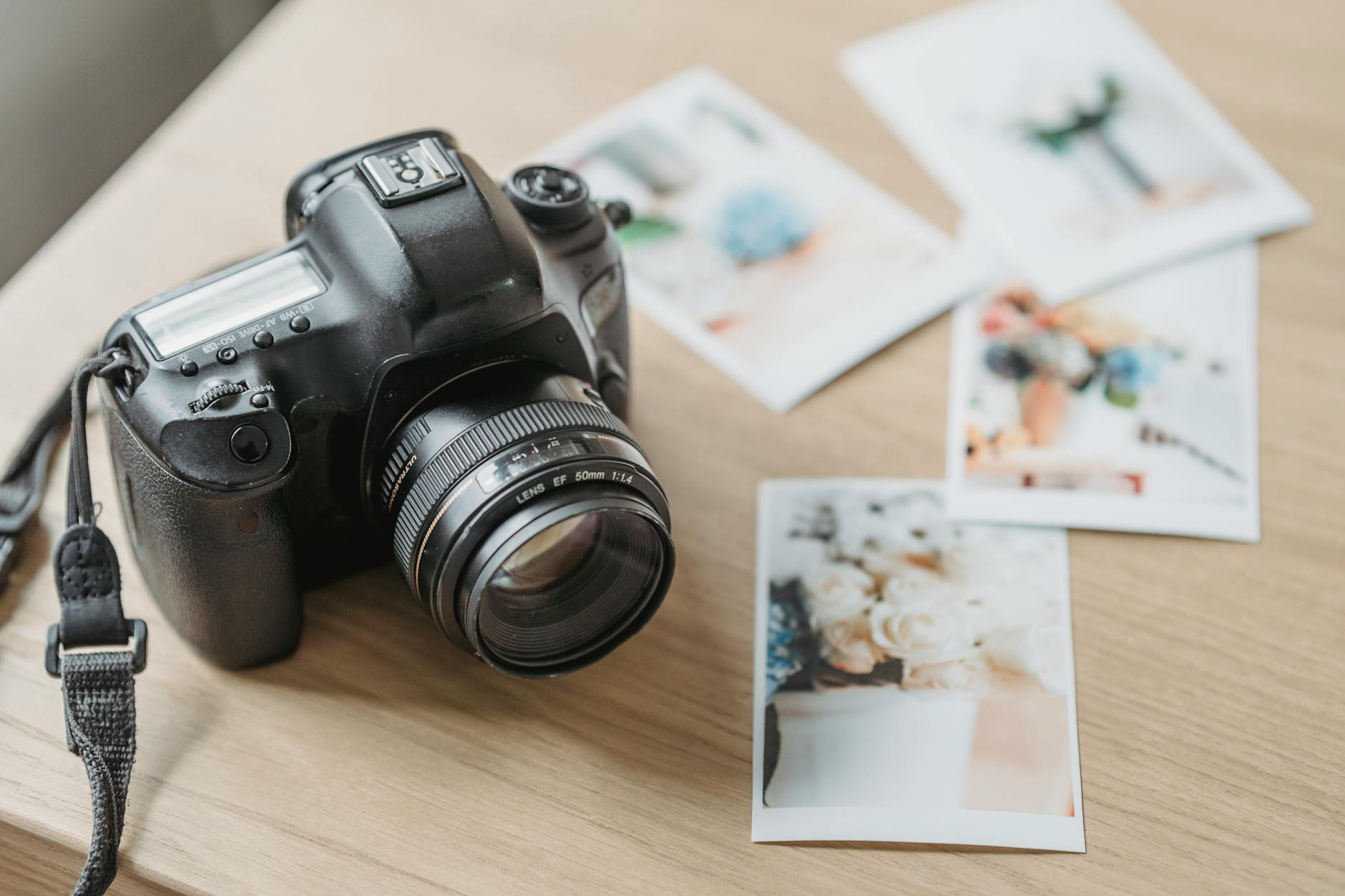
Transforming an image from screen to actual print is quite a challenge. When displaying an image on a monitor, we deal with light emission. Conversely, printing relies on the mechanism of light reflection off the paper's surface. This aspect is what makes it difficult to always expect the same quality and depth of colors in every work.
The key to success in photographic printing lies in skillfully selecting the right paper and applying appropriate ICC profiles. Understanding color softening and other nuances of the printing process allows photographers to achieve exceptional results. By preparing material for print, we will discover the benefits of each paper type and what techniques can be applied to ensure our artwork impresses on paper.
Choosing the Right Paper
Each type of photographic paper has its unique properties and applications. Matte cotton papers, such as Hahnemühle Photo Rag or Canson Baryta, are excellent for artistic portraits due to their durability and subtle detail reproduction. Pearl and satin papers, like FujiHunt Crystal Archive, offer versatility suitable for both wedding albums and gallery exhibits.
Glossy paper provides the highest contrast and color saturation but can create reflective glare under specific lighting conditions. Metallic paper adds a three-dimensional effect, ideal for sports or landscape photography. Canvas, due to its texture, is suitable for large-format prints that can become a focal point in galleries or interiors. Each choice has its advantages but requires an understanding of the substrate's specifics.
The Importance of the ICC Profile
The ICC profile (International Color Consortium) is a key element in the photographic printing process. Every combination of printer, paper, and ink requires a unique ICC profile, which can be downloaded from the manufacturer's website. These profiles allow for accurate color reproduction, matching what we see on the screen to paper.
To understand the importance of a correct ICC profile, one must pay attention to its role in the soft proofing process. It allows us to simulate the final result before printing, enabling us to correct any deviations. Using the correct ICC profile is absolutely essential to avoid disappointment with the final results and achieve prints that meet expectations.
Soft Proofing in Lightroom
Soft proofing in Adobe Lightroom allows us to understand how photos will print on the chosen paper before we start printing. To enable it, simply go to the Develop tab and select the View option, then Soft Proofing, which can also be done using the keyboard shortcut S.
During soft proofing, we select the ICC profile that matches our paper. The 'Gamut Warning' alerts us to colors that exceed the printer's capabilities, while the 'Monitor Warning' indicates those outside the monitor's range. This enables us to better prepare images for printing by applying necessary corrections before exporting, significantly improving the final print result.
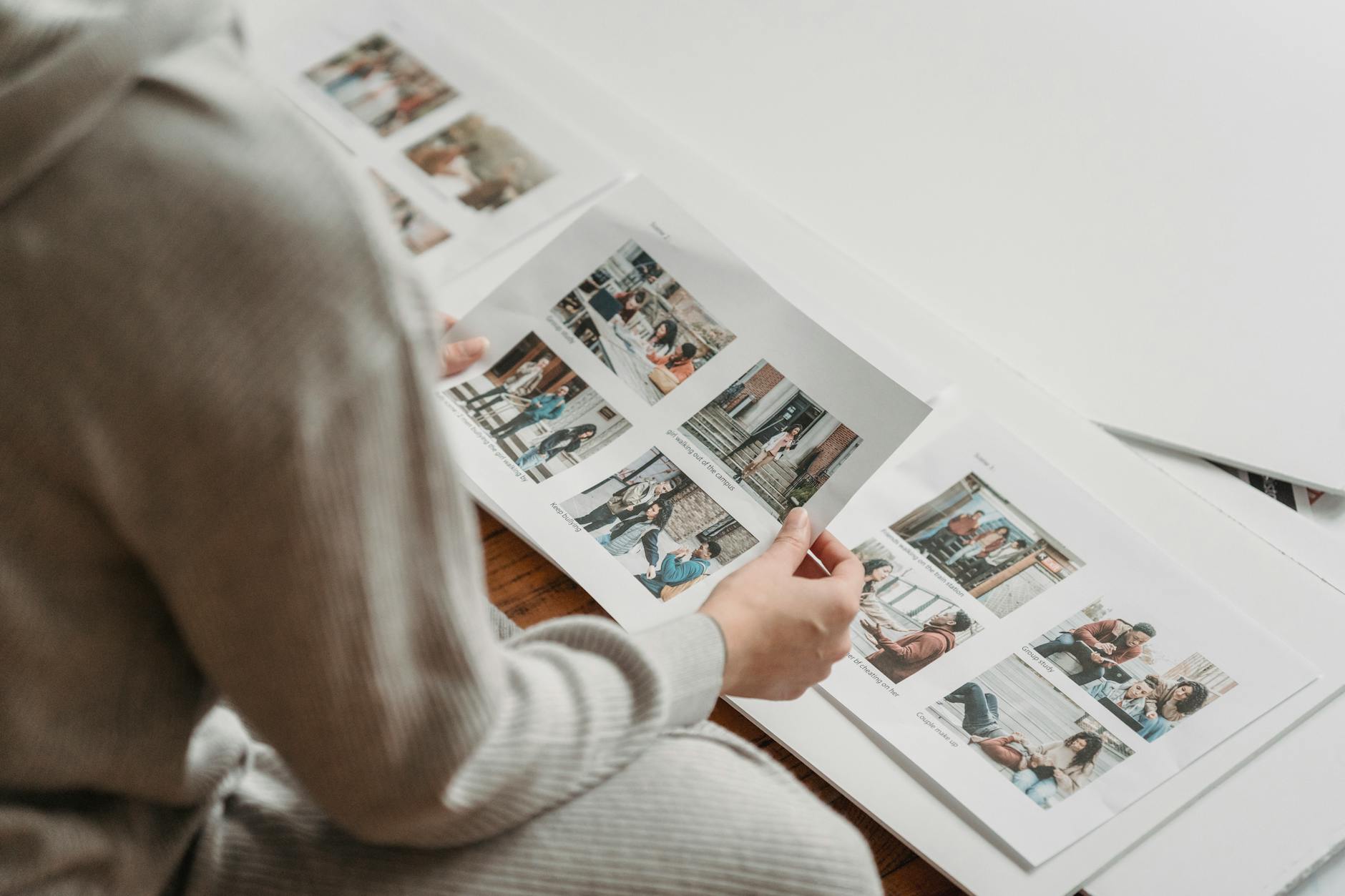
Color Corrections Before Exporting
Although our monitor may show nice-looking colors, photographic paper might not be able to replicate the same color palette. Therefore, it is important to make color corrections before exporting an image for print. Standard adjustments may include increasing saturation by about +10, contrast by +5, and adding black by +10.
This not only compensates for ink absorption by the paper but also improves the overall image quality, which might otherwise appear too dull. By preparing the photo in this manner, we minimize the disappointment that could arise from the difference between the displayed and printed image.
File Formats and Resolution for Printing
Preparing files for printing requires knowledge about formats and resolution. It is best to export photos as 16-bit TIFFs with the ICC profile embedded in the file, ensuring the highest quality and proper color reproduction.
A resolution of 300 DPI is standard for typical printing, but for larger formats (e.g., 50x70 cm), 240 DPI is also acceptable. It is important to apply the appropriate sharpening "For Print," choosing either Matte or Glossy based on the paper used. All these steps help achieve clear and vibrant prints that impress with their quality.
Own Printer vs. External Service
The decision to choose between an own printer and an external service depends on many factors. Owning a printer, such as Canon Pro-200 or Epson SureColor P700, makes sense when producing over 30 prints a month. Additionally, control over the entire process from paper selection to final print can be invaluable.
External services, such as FineArt Galaxy or local mini-labs, are ideal for photographers who need exceptional quality with fewer prints or in larger formats. Each option has its pros and cons, and the decision should be based on individual needs.

Color Softening in Printing
Color softening is a phenomenon where colors in prints appear less intense than on the screen. It is caused by differences in how printers and monitors render colors and by ink absorption into the paper.
To counteract this effect, it's advisable to make color corrections before printing, such as increasing saturation or contrast. Additionally, choosing the right paper and applying the appropriate ICC profile help maintain vibrant colors. Color softening can be controlled by practicing conscious printing and utilizing all available tools.
Practical Tips for the Future
Once you master the process of preparing photos for printing, the results may pleasantly surprise you. Practice makes perfect, so don’t hesitate to experiment with different ICC profiles and paper types to discover what best suits your photographic style.
Familiarizing yourself with the lighting settings in the location where the photo will be displayed, and making test prints on various papers will help achieve optimal results. Also, remember to update your tools and software — this is key to maintaining quality and compliance at the highest level. Share your discoveries and experiences with others to collaboratively enhance skills.
How Picvelo Can Help
Picvelo supports the photographic printing process by allowing quick sharing of photos in online galleries. This way, you can easily move between editing photos and selecting them with clients. Adding watermarks and gallery analytics gallery analytics allows for better protection and management of your work. Check our pricing to learn more!
Summary
Preparing photos for print is an art that requires understanding materials and techniques. With the right knowledge, you can easily navigate the process with excellent results. Try out your newly acquired skills and enjoy your works in physical form! Discover how Picvelo can assist you in this.
FAQ
What is the best paper for printing photographs?
The choice of paper depends on the desired effect and the character of the photo. Matte cotton is ideal for portraits, glossy provides high contrast, while canvas is good for large prints. Each type has its unique applications.
What is an ICC profile?
An ICC profile is a set of data that helps in accurately reproducing colors in prints. Each combination of printer, paper, and ink requires a unique profile that can be downloaded from the paper manufacturer. ICC allows realistic color reproduction on paper.
What format should be used for printing?
For the best quality, a 16-bit TIFF format is recommended. TIFF provides complete color and detail replication. A resolution of 300 DPI is standard, but for larger formats, 240 DPI can be used.
Is it worth buying your own printer?
Buying your own printer is cost-effective if you print regularly (over 30 prints a month). It gives more control over the entire process and allows more frequent experimentation with prints and media.
How to avoid color softening?
Avoiding color softening requires using the appropriate ICC profiles, making corrections before export (e.g., increasing saturation), and selecting the right paper. Softening is common, but it can be minimized with a conscious approach to printing.
How to use soft proofing in Lightroom?
To use soft proofing in Lightroom, go to Develop and enable Soft Proofing. Then select the ICC profile and use the 'Gamut Warning' and 'Monitor Warning' to identify problematic colors, allowing for corrections before printing.
Comments (0)
No comments yet. Be the first!