
More and more photographers are choosing to share their work through digital galleries. While this is a practical solution, it requires proper security measures. No one wants their photos circulating online without their knowledge. Using various security methods, such as password protection, expiring links, and watermarks, allows for effective control over who has access to your galleries and to what extent.
In this article, we will explore the most important methods you can apply to ensure the safety of your work in client galleries. We will also show how to adapt these tools to different types of galleries — from private wedding photos to corporate events, to sales galleries.
Password Protection as the First Pillar of Security
Password protecting photo galleries is the most popular way to secure against unauthorized access. With this solution, only those with the correct password can view your photos. It's essential that the password is hard to guess — it should contain a combination of letters, numbers, and special characters. Avoid simple passwords like "123456" or "password".
For private galleries, such as wedding photos, password protection is crucial. The couple and selected individuals may have individual access, which enhances the sense of privacy. For corporate event galleries, easy yet secure access for employees is key. Remember to regularly change your password and provide clear access instructions for your clients.
Expiring Links: Time-Limited Safe Access
Expiring links are another effective method of securing galleries. They allow for the creation of temporary access to your photos. After a set time (e.g., 90 days), the link ceases to function, automatically limiting further sharing. This setting is ideal for time-sensitive projects, where it's essential to restrict access after collaboration ends.
In practice, an expiring link works great for corporate event galleries, where access must be restricted after the event concludes. It’s also an excellent solution for family photography that becomes outdated after a certain period. Clients will appreciate your care for their privacy and sense of security.
Watermarks as a Visual Security Measure
Watermarks have been a fundamental method of protecting against unauthorized use of photos for years. Adding a semi-transparent logo or text to gallery photos secures them from copying and publishing without the author’s consent. This is especially useful for public promotional galleries, where we want to showcase our work but without the risk of uncontrolled duplication.
Watermarks are particularly important in sales galleries. They allow clients to view preview versions of photos while guaranteeing protection from unauthorized use. When working on a watermark, make sure it's aesthetically pleasing and doesn't obscure the main subject of the photo. The option to view photos without watermarks should be available only after logging in.
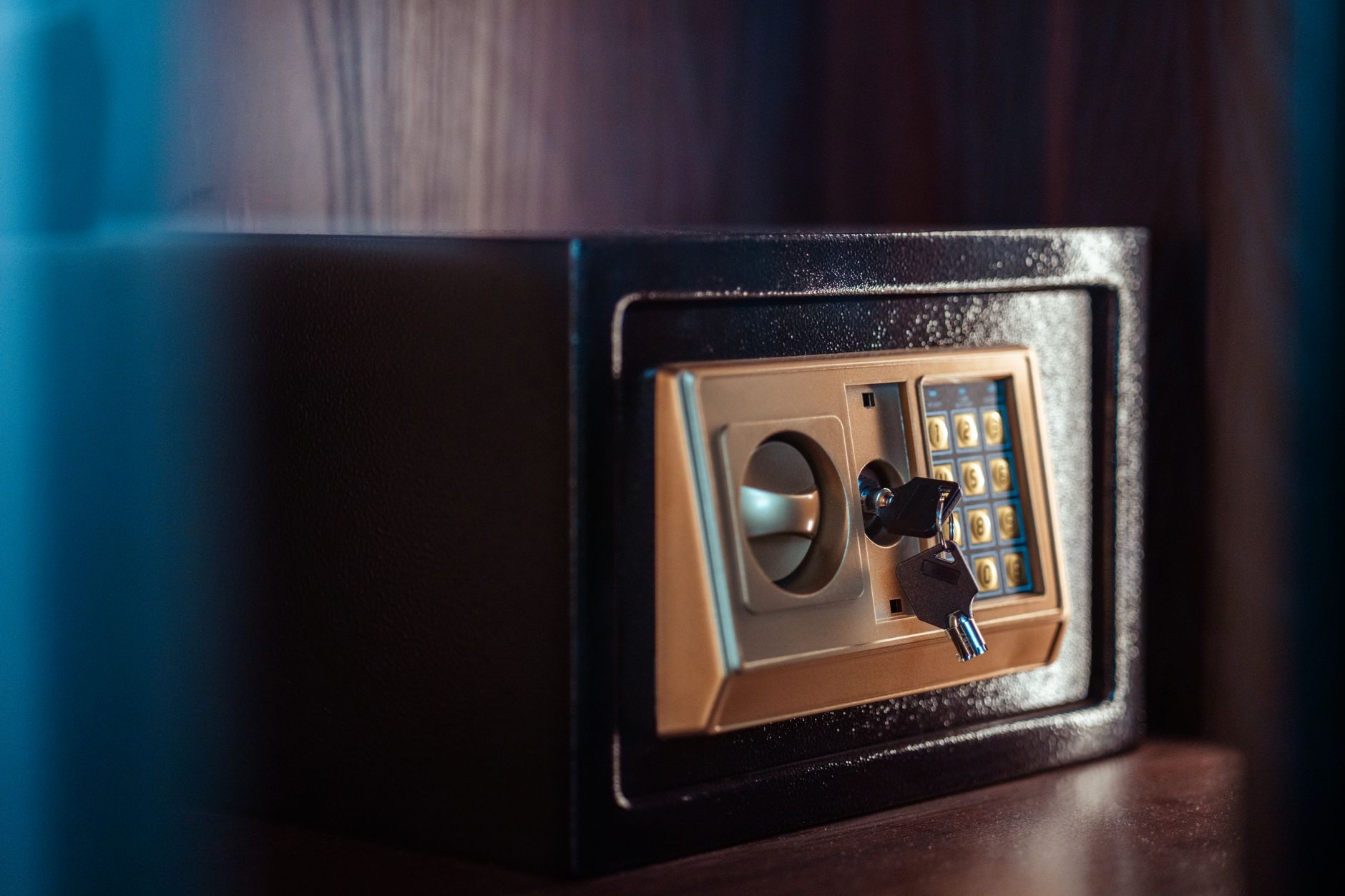
Download Block: Ensuring Full Control
A download block is a feature that should be included in every gallery, especially for photos that are offered for sale. With this feature, only the customer who made the purchase can download the high-resolution photo. For other users, only preview versions secured with watermarks are available.
This type of lock is effective in securing galleries against accidental or intentional copying by unauthorized individuals. It is a solution that is particularly applicable in product photography, fashion, or professional photo sessions. Ensure that your platform or hosting service offers this option.
GDPR and Image Rights: Emphasize Consent
In the context of securing photo galleries, adherence to GDPR regulations and image rights is also crucial. Obtaining consent for the publication of photos from individuals who are visible in them is key, not only for legal but also ethical reasons. Make sure you have a clear consent statement that the client can accept before publication.
Also, provide the option to censor or remove specific photos at the client's request. This not only improves client relationships but also protects you from potential legal issues. Consider a gallery deletion policy after the collaboration ends, which further underscores your commitment to safeguarding your clients' data.
Private Galleries: Tailored to Individual Needs
Private galleries, such as wedding or baptism photos, require a special approach. Guests often want to view the photos, but the couple or family decides who should have access. Consider implementing additional security measures, such as individual passwords for each user, giving full control over who views the photos and when.
This type of solution gives clients a greater sense of control and intimacy. You can also offer special packages that include various levels of security, tailored to the needs of each couple or family, ensuring even better service.

Public Galleries for Companies: Access Planning
Public galleries, especially those from corporate events, should be accessible but also well-protected. It is worth considering limiting access to photos only for employees or those with appropriate links. For larger events, it will be convenient to set up a login method using corporate email addresses.
In public event galleries, skillful management of access to photos is critical. Regularly checking who is accessing them and monitoring any attempts at unauthorized access will help maintain security. For companies, maintaining a controlled selection of available photos is essential to protect their image and trade secrets.
Sales Galleries: Control Until Purchase
Sales galleries require an approach that allows control over access to full-value materials until a purchase is made. Offer only watermarked previews and make full versions available after the transaction. It’s important that the sales and customer service system is efficient and intuitive, as this will affect customer satisfaction and their purchasing decisions.
Don’t forget about proper financial security — the payment process must be safe and compliant with the latest regulatory standards. Using such tools allows for an increase in revenue while also protecting the authorship of your work.
How Picvelo Can Help
Picvelo offers effective tools for securing photo galleries. With features such as passwords, expiring links, and watermarks, you can control who has access to your work. The platform also enables secure photo sales by blocking downloads until purchase. Check out the full offer in our pricing.
Summary
Ensuring the security of photo galleries is not just about protecting your creations but also about building customer trust. By using tools such as passwords, expiring links, and watermarks, you maintain full control over your work. Discover how Picvelo can assist in protecting your photos.
FAQ
How do I set a password for my photo gallery?
Setting a password for a gallery requires using the options available on gallery management platforms. Choose a secure password with letters, numbers, and special characters that is hard to guess.
Do watermarks reduce the quality of the photo?
Watermarks are often added in the form of a semi-transparent logo, which minimizes their impact on the visual quality of the photo while protecting against unauthorized use.
What is an expiring link?
An expiring link is a link to a photo gallery that automatically becomes invalid after a set period, e.g., 90 days. This time-limited security measure restricts further sharing of the gallery.
What galleries are best for password protection?
Password protection is best suited for private galleries, such as weddings or family photos, where maintaining access control is important.
Is the download block effective?
The download block is an effective way to secure photos against unauthorized copying. It ensures that only authorized users can download full-resolution photos.
What are the best practices for sales galleries?
For sales galleries, use watermarked previews and block access to full photos until purchase. Offer secure and intuitive payment processes.