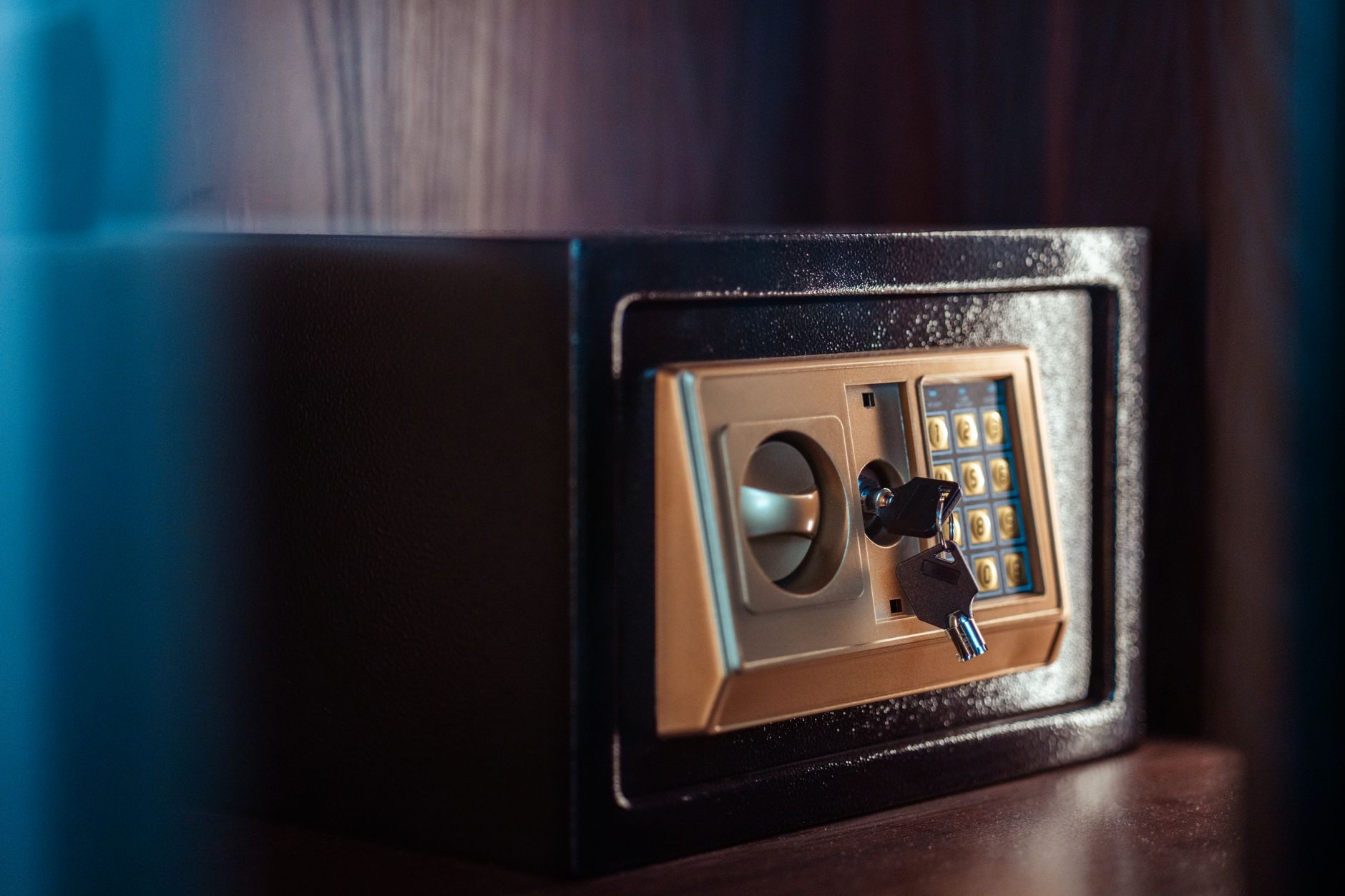
Photo galleries have become an essential part of a photographer's work, but how can we ensure their security? In the age of digital chaos, data protection is a priority, especially when creating galleries for clients who expect the highest level of privacy. Implementing security measures, such as passwords, appears to be the ideal solution. In this article, you will learn how to create and manage password-protected photo galleries, safeguarding your work and client data. Discover which tools to choose and what to pay attention to when implementing them.
Why is it worth protecting photo galleries with a password?
Protecting photographic work is not just a technical issue but primarily a professional one. By securing photo galleries with passwords, we provide a higher level of privacy and security. Clients appreciate when their photographs, especially those from significant events like weddings or the birth of a child, are accessible only to selected individuals.
Password protecting galleries is also a way to guard against unauthorized access and potential photo theft. This minimizes the risk of their images circulating online without our permission, which could negatively impact the photographer's reputation.
How to create a password-protected gallery?
Creating a password-protected photo gallery is a simple but effective step in safeguarding your resources. By choosing the right platform, such as Picvelo, this functionality can be easily configured in a few steps.
First, select a platform that supports photo galleries with security options. Then, when creating a new gallery, choose the 'password protection' option. The next step is to generate and assign a password, which we will share only with selected individuals. It's important to ensure that the password is strong and difficult to guess, which will enhance data security. online photo gallery for photographers
What features should a good photo gallery platform have?
When choosing a platform for creating photo galleries, we should pay attention to several key features. In addition to the option for password protection, ease of use for both the photographer and the client is also crucial.
A good tool should also offer integration with various payment systems (for example, for selling prints), the ability to add watermarks to protect against theft, and analytical options to track who viewed the galleries and when. These features not only enhance functionality but also protect the photographer's interests. online watermarking, gallery analytics
Common mistakes when securing photo galleries
When securing photo galleries, photographers often make several common mistakes. One of them is choosing overly simple passwords that are easy to guess. It is important that passwords are complex and unique.
Another frequent issue is not updating passwords. For security purposes, passwords for galleries should be changed periodically. Some photographers also fail to inform clients how crucial it is to keep passwords confidential, which can lead to misunderstandings and accidental sharing of photos with inappropriate individuals.
Examples of applications for password-protected galleries
Password protected galleries find wide applications in various fields of photography. For example, in wedding photography, couples want to decide who can see their photos and when. The same goes for children's photography, where parents want to protect their children's privacy.
Such galleries are also important in product photography before the release of new products, where secrecy is key. Investing in such solutions ensures that our photos meet aesthetic and security standards.
How to effectively manage passwords?
Managing passwords for photo galleries requires caution. First and foremost, it is wise to invest in password managers that facilitate tracking and storing multiple secure combinations.
If you choose to manage manually, always create strong passwords that include a mix of letters, numbers, and special characters, avoiding personal information that can be easily guessed. Additional security measures, such as two-factor authentication, also increase the level of protection for galleries. Such tools and techniques protect against breaches by third parties and make management less stressful.
How to communicate gallery access to clients?
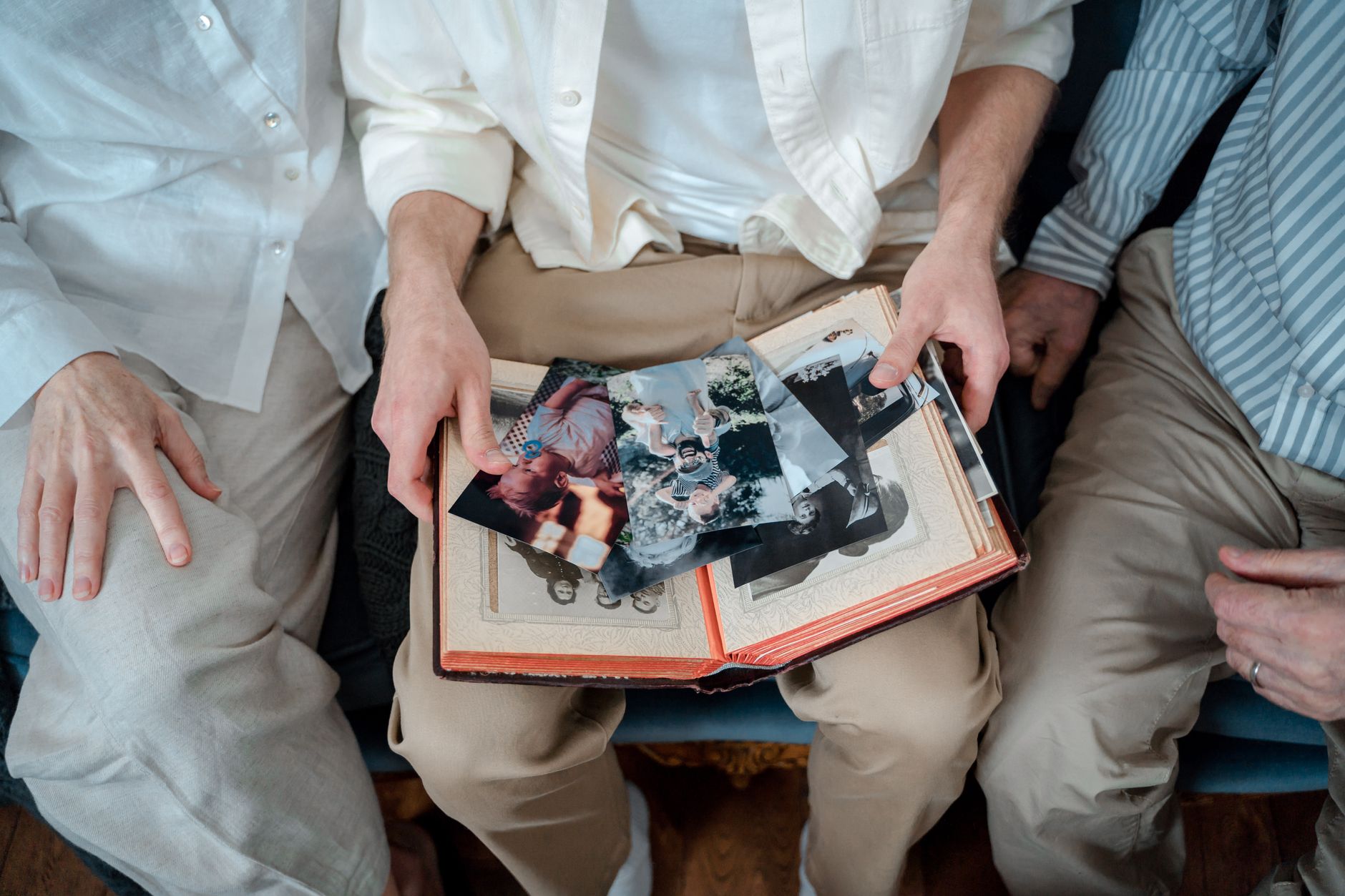
Good communication with clients is the foundation of successful cooperation, so it's essential that the process of sharing password-protected galleries is transparent. When communicating access, it's worth choosing a secure channel, such as encrypted email.
In the email, clearly inform the client how to log into the gallery and how to keep the password safe. Ensure that the instructions are simple and that passwords are well-secured. This minimizes the risk of misunderstandings and increases trust in the photographer. client zone
The future of securing photo galleries
The rapid technological development makes the future of photo gallery security look promising. Currently, work is underway on solutions that will be more automated and intuitive to better protect privacy.
As innovations progress, we can expect the development of biometric technologies and further enhancements in security methods that will additionally protect our work. Preparing for such changes now by choosing flexible tools will allow for a smooth transition to new security methods.
How Picvelo Can Help
Picvelo offers practical tools for managing photo galleries, including the option for password protection. This allows you to securely share photos with your clients, knowing that they are well-protected. The platform also enables the addition of watermarks and sales management for prints, making it a versatile tool for photographers. Check our pricing and find a plan perfectly suited to your needs.
Summary
Securing photo galleries with a password is not just about safety but also about building client trust. By choosing the right tools, you can provide your clients with the highest level of protection. We encourage you to try our solutions and discover how easy it is to control access to your work. pricing
FAQ
How do I create a password-protected gallery?
Choose a platform that supports password security, activate this option when creating the gallery, generate a strong password, and share it with selected people.
Should the password for the gallery be changed regularly?
Yes, regularly changing passwords increases the security of the gallery and minimizes the risk of it being guessed by unauthorized individuals.
What are the costs of maintaining a password-protected gallery?
Costs can vary depending on the platform, but typically include a monthly subscription with the option to expand security features.
What are the risks of using simple passwords?
Simple passwords are easier to guess, increasing the risk of unauthorized access to the gallery and theft of photos.
Is it worth using a password manager?
Yes, a password manager simplifies the storage and management of secure passwords, enhancing the overall security of resources.
How long should the password for the gallery be?
The password should be at least 8-12 characters long, including a mix of letters, numbers, and special characters to increase its security.
Comments (0)
No comments yet. Be the first!